
webhook Trigger
Order received
timer12 ms check_circle

Your tools. Your plugins. Ryta AI. One place to bring them into rhythm.
Bring scattered work into one clear flow. Connect your systems, shape each step visually and let Ryta AI help. Your team stays in control, with every run in view.
Follow an order from first request to final approval. Design the flow, run it, ask Ryta AI for a draft and see how every step connects.
New orders land here. Verify the trigger before go-live.
Sync failures retry twice, then alert the on-call team.
Waits for manager sign-off before the email goes out.
01 / 05 · ONE RHYTHM, END TO END
touch_appThe screen is live: press Run and Approve, pick an AI prompt, install a plugin.
Drawing a workflow takes an afternoon. Keeping it alive takes everything else: the retries, the waits, the approvals, the audit and the 3 a.m. incident. RYTA is built for everything else.
Know what is running, what is waiting and what needs you. Follow each step as it happens, with retries and approvals always in sight.
From your first idea to daily operations: design, run, approve and work with Ryta AI. See the rhythm come together in the console.
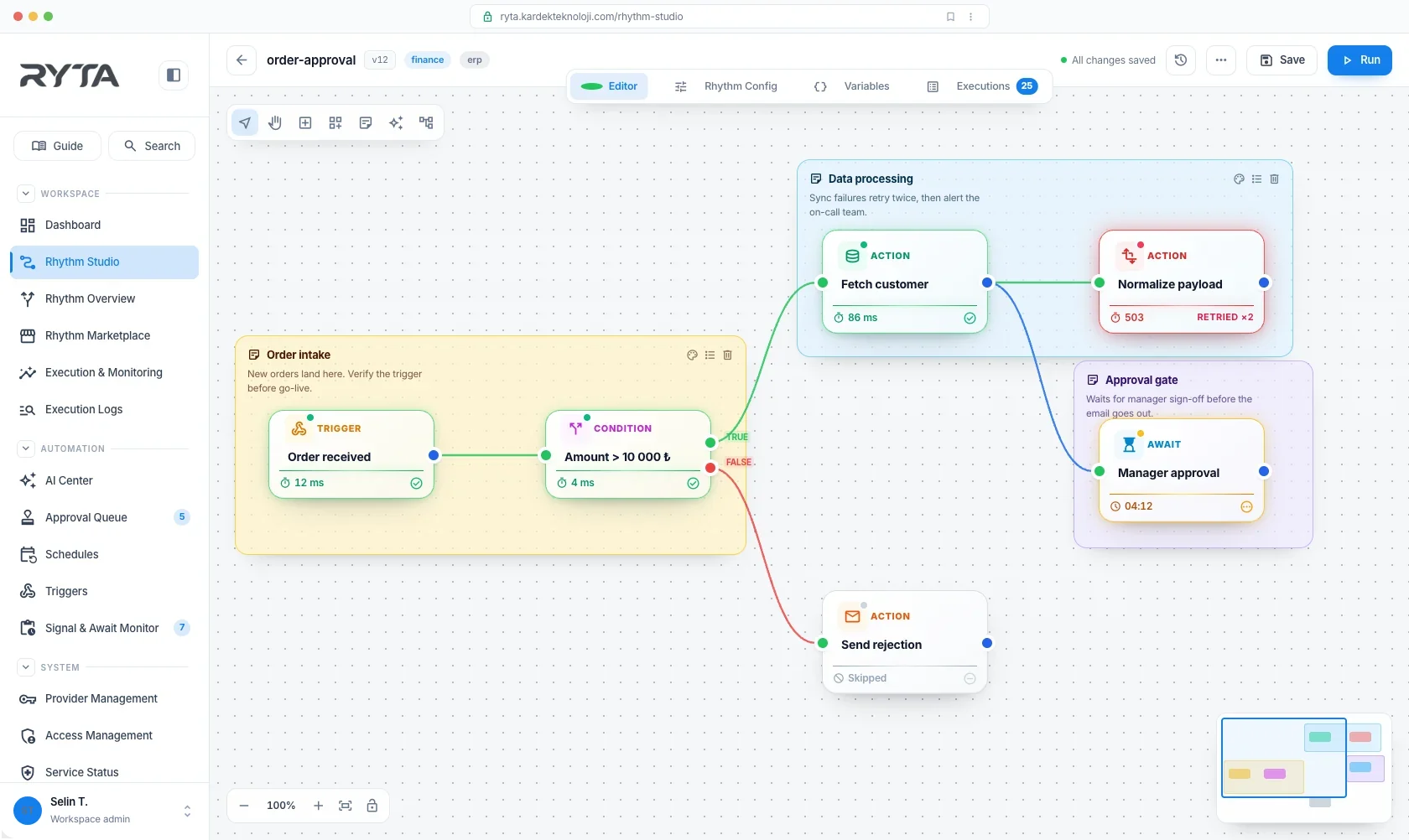
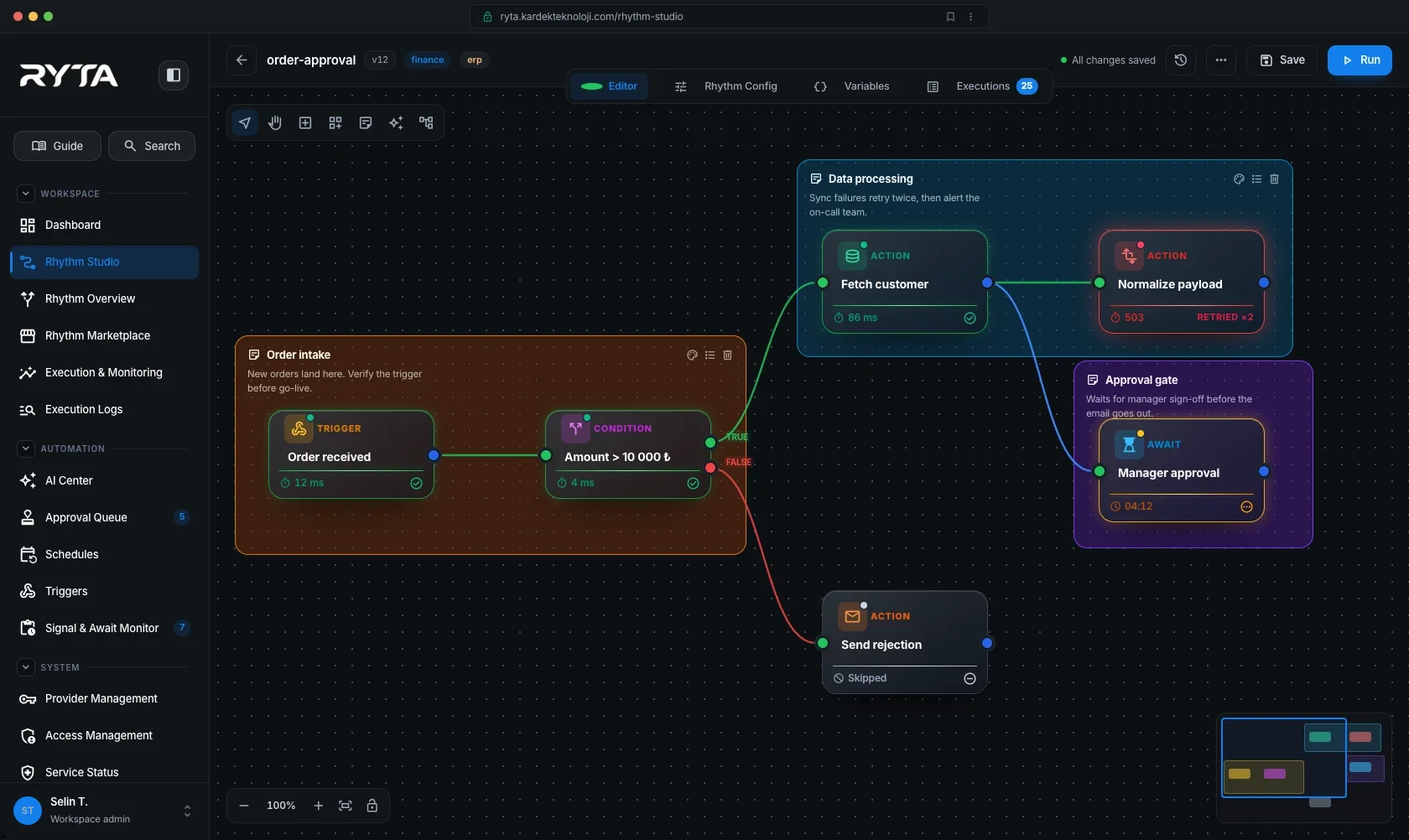
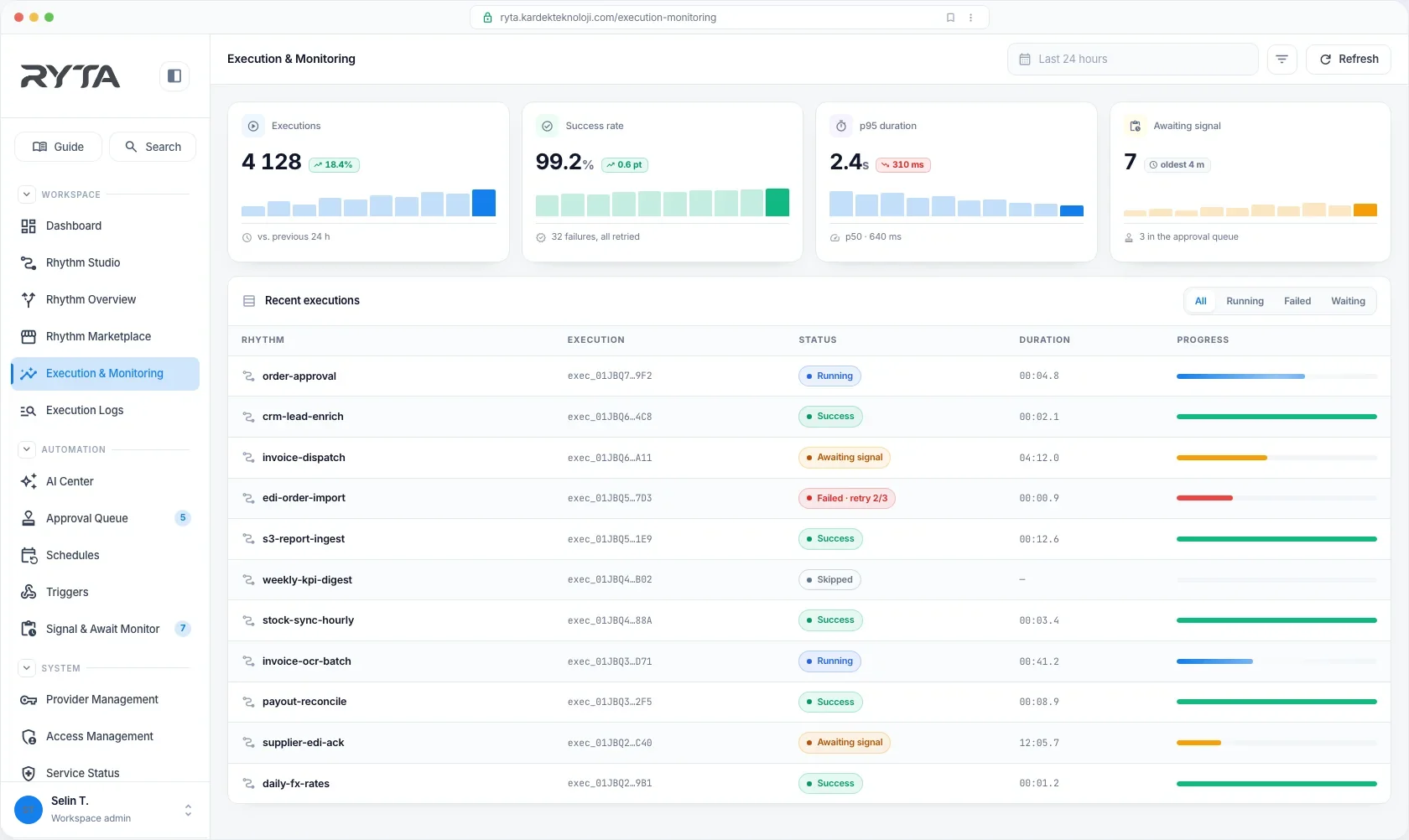
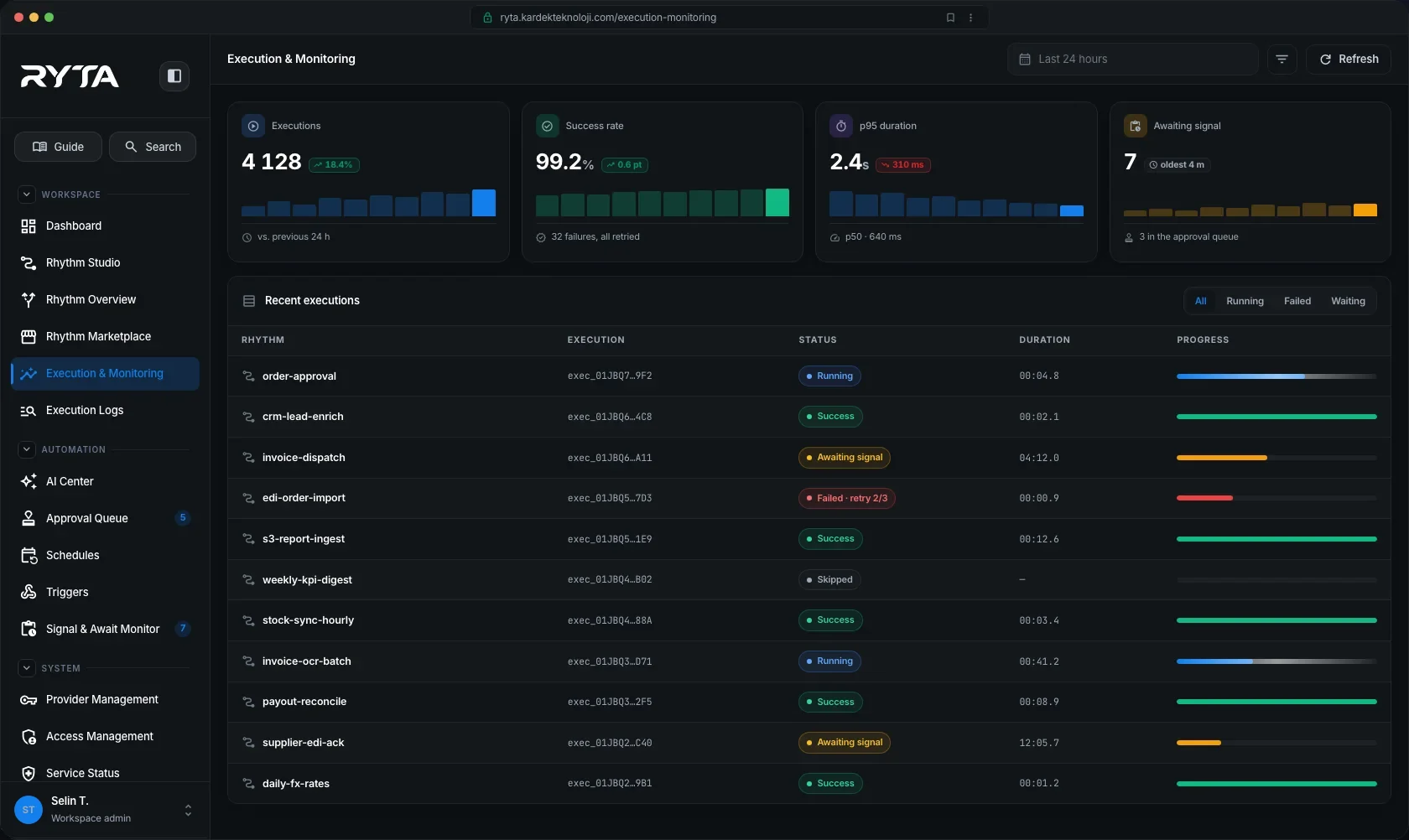
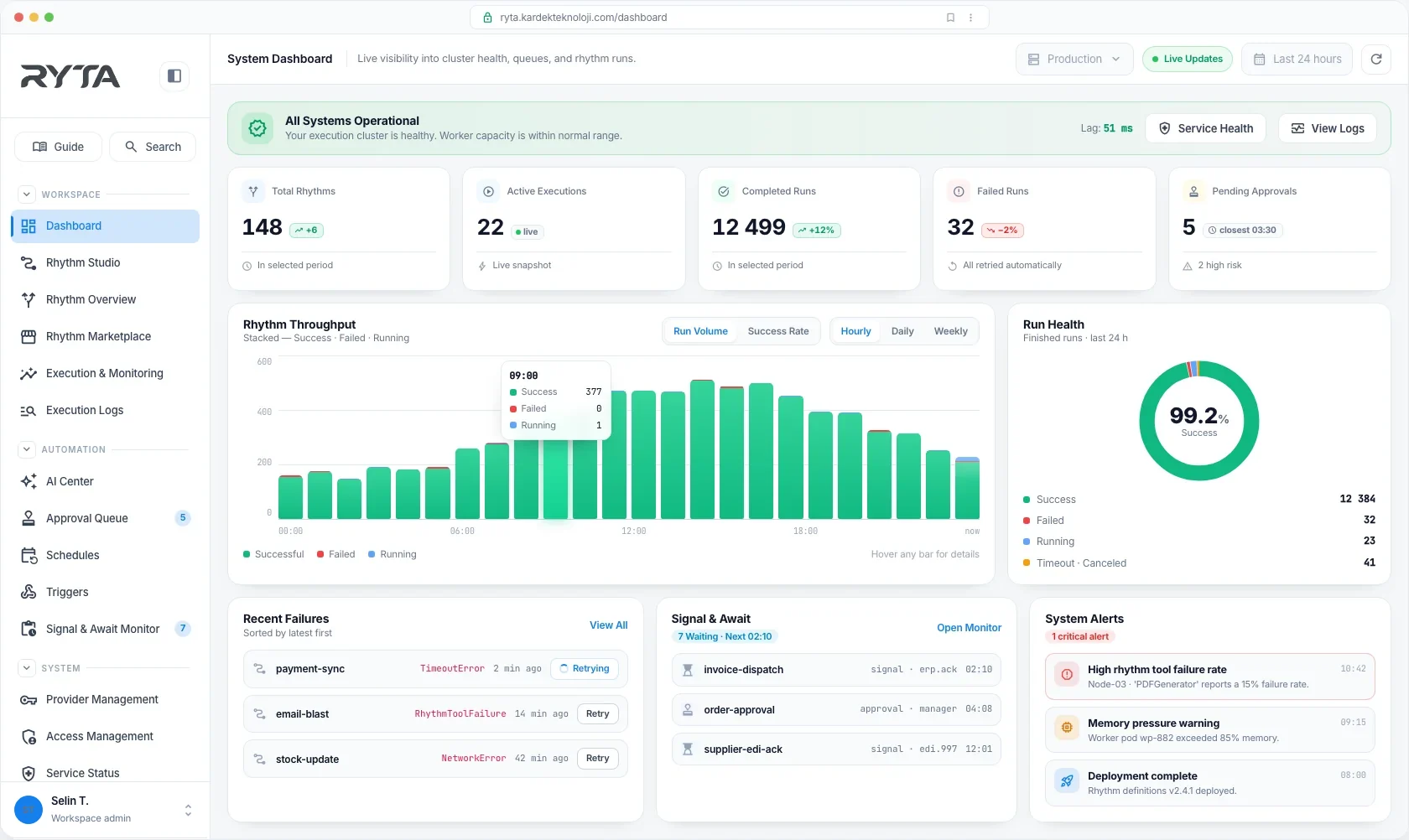
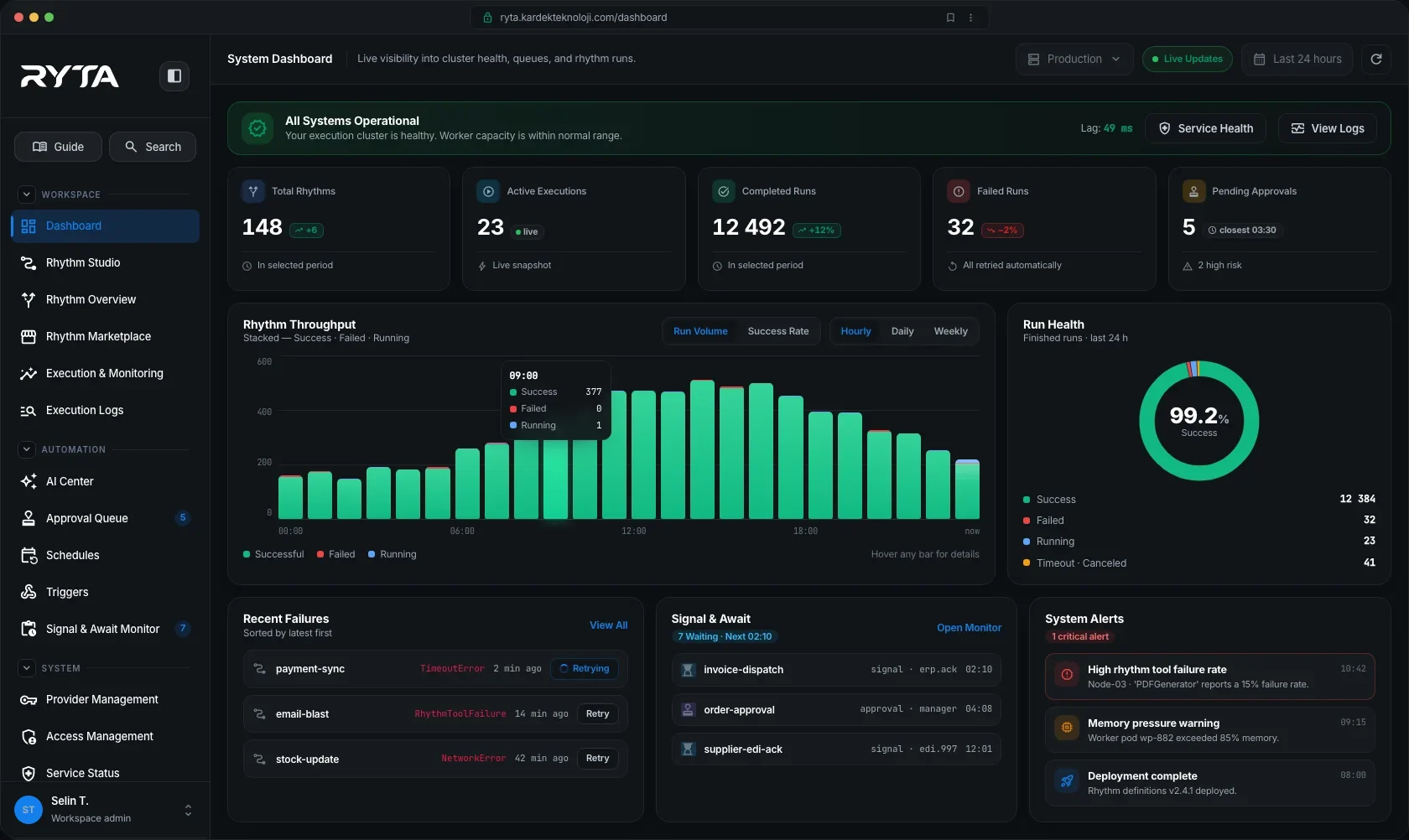
Everyday work, brought into rhythm. Explore flows built with ready-made tools, follow the steps and watch them work together.
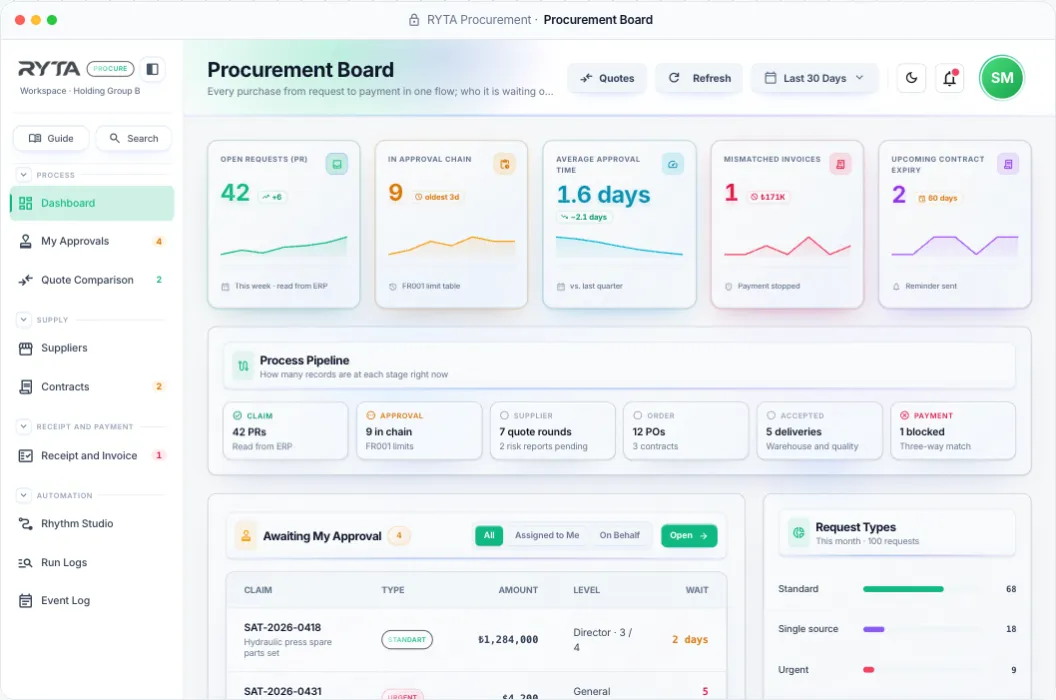
A clear view. A timely decision. Explore the dashboard, approvals, schedules and access controls your team uses to keep work moving.
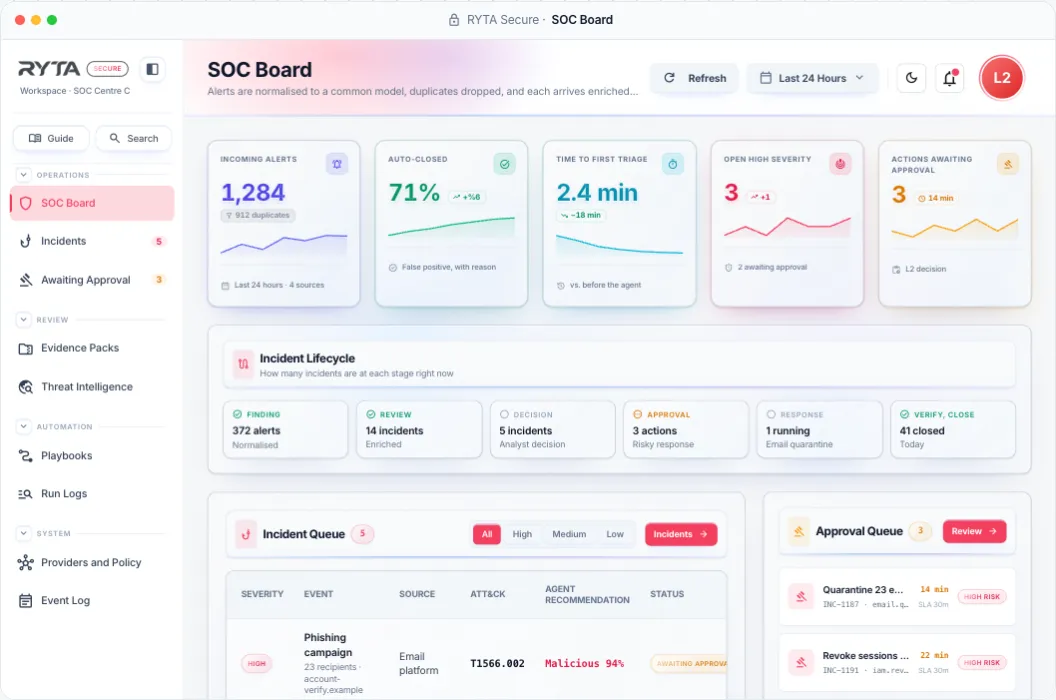
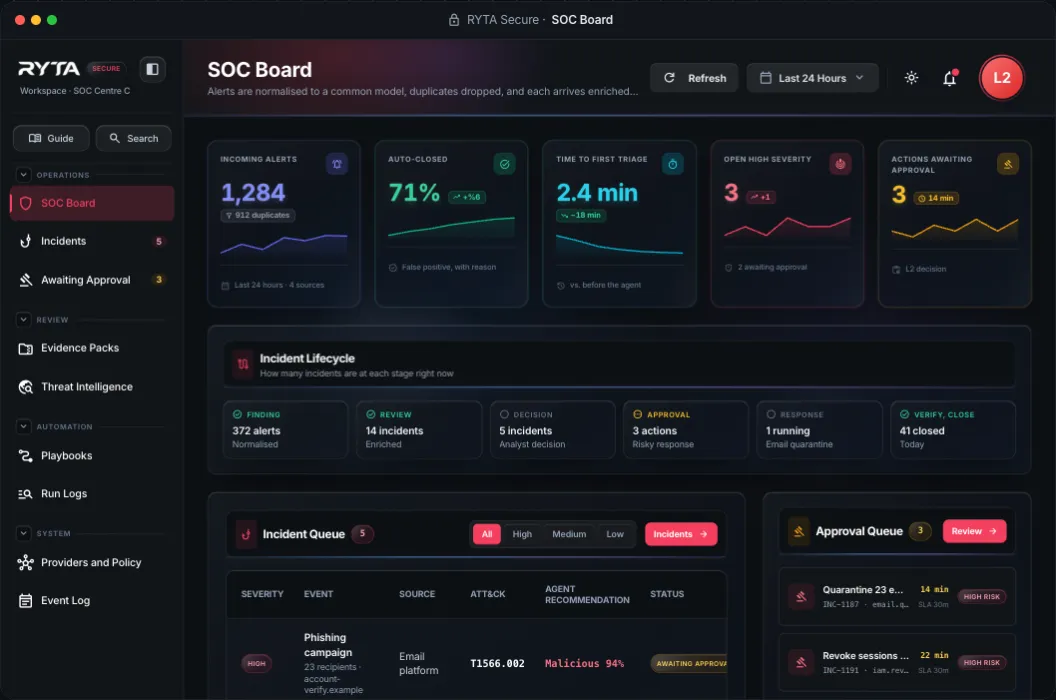
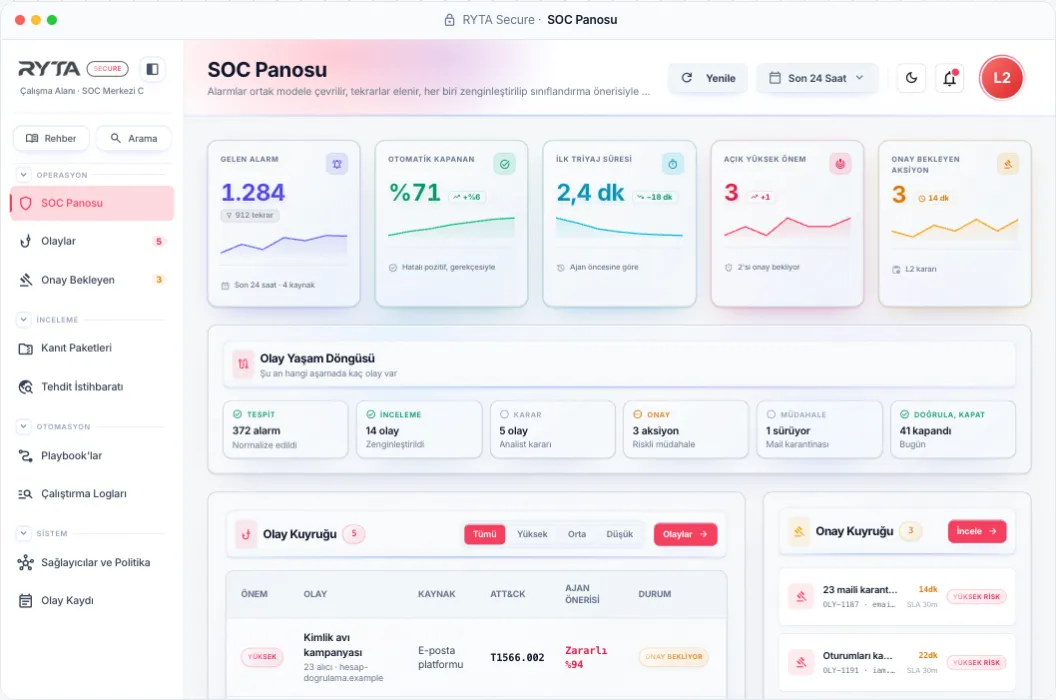
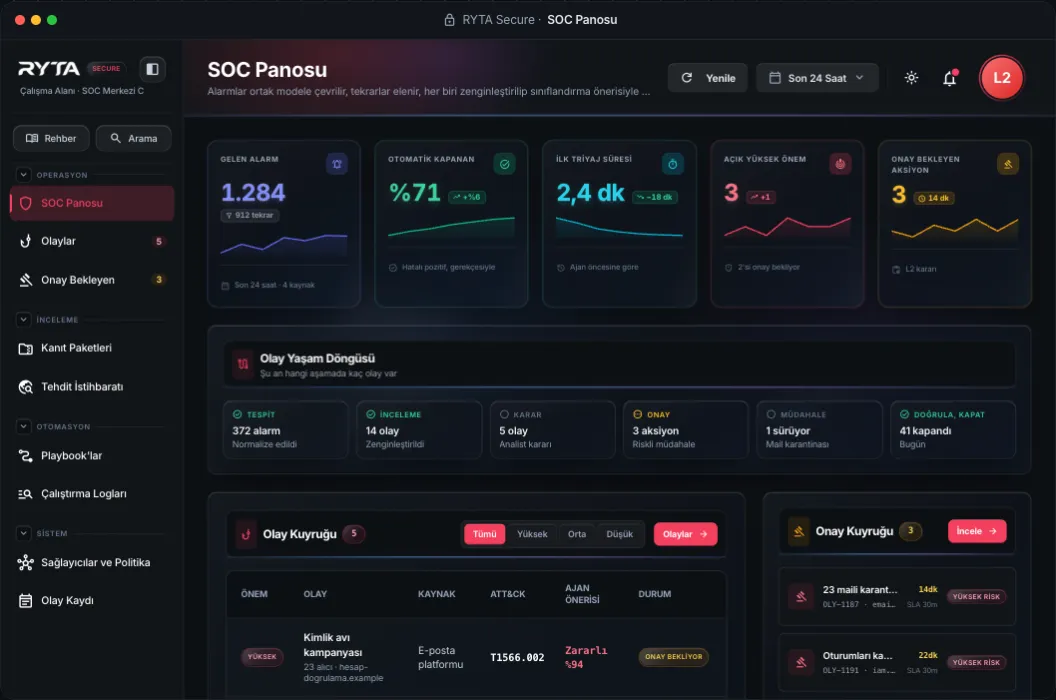
monitor_heartOne screen for everything. Volume, success rate, errors, waits and alerts, updated live. replayAct where you look. Retry a failed run or open its details straight from the dashboard.
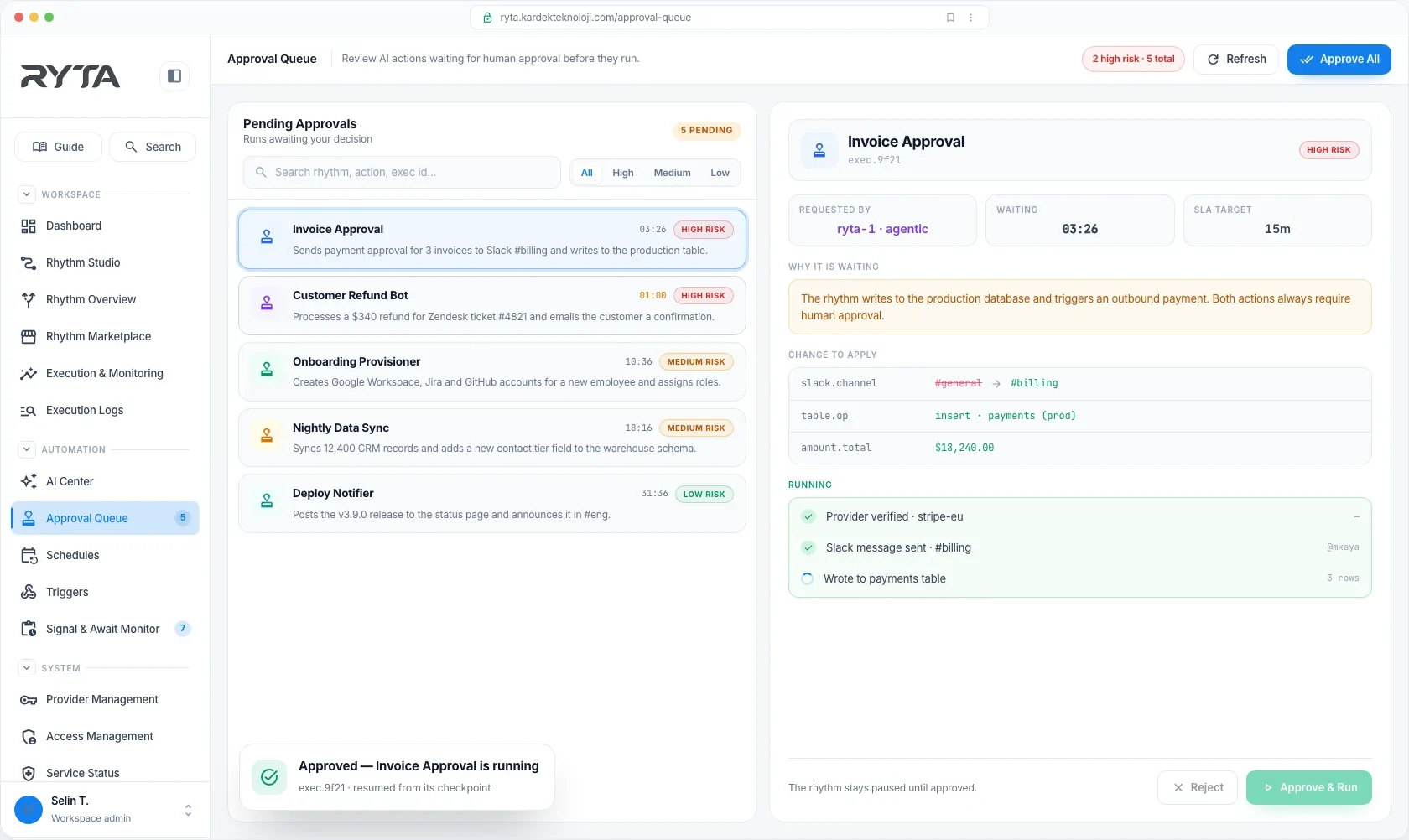
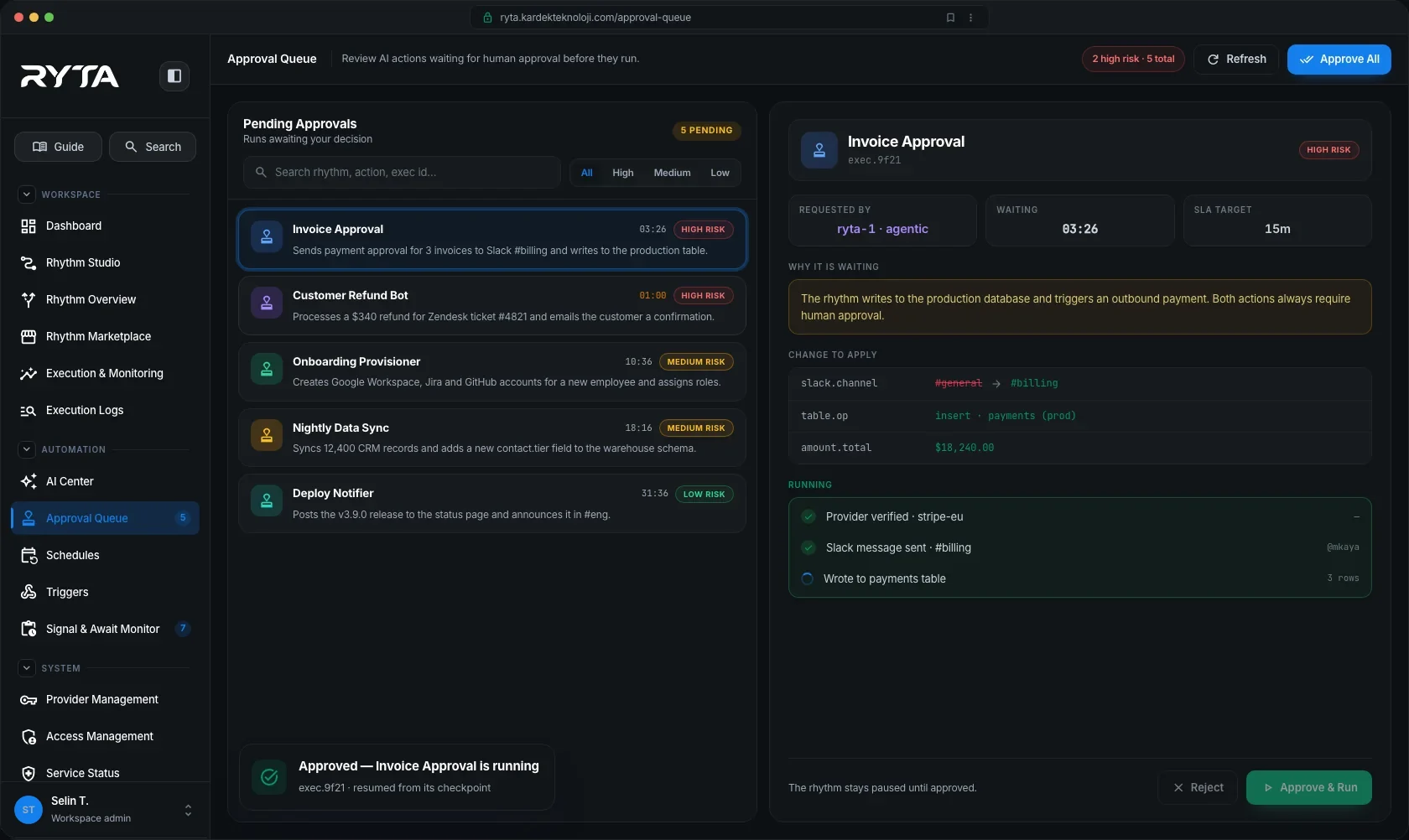
policyPeople stay in control. Sensitive AI actions pause with their reason, the exact change and what will happen next. timerNothing waits silently. Every request counts down against its target time, so delays never go unnoticed.
translateSchedules in plain words. “Every weekday at 06:00” is checked as you type, with the next runs shown. webhookEvents start processes too. A new order, an incoming email or a message from another system can start a process instantly.
 Jira CloudOAuth 2.0Connected
lockPasswords stay protected. Processes use saved connections, so passwords and keys are never written into a step. policyClear responsibilities. Editing, running and approving are separate permissions.
Find your way from overview to action. Choose a console screen and discover the work it brings within reach.
Start with the right trigger. Connect data, decisions, Ryta AI and human approvals. Build with RYTA’s tools and grow the library with your own plugins.
Stay with your work. Shortcuts, clear alerts and personal settings keep the console in step with you.
Your next destination is a shortcut away. Open the command palette with Ctrl + K, choose with ↑ ↓ and go with ↵.
Spot the error. Open its story. Jump from a log line straight to the run and trace what happened.
Make room for your way of working. Set the theme, accent colour, density and motion in Appearance.
Give each action a familiar cue. Choose sounds for execution and success, adjust the volume or enjoy the quiet.
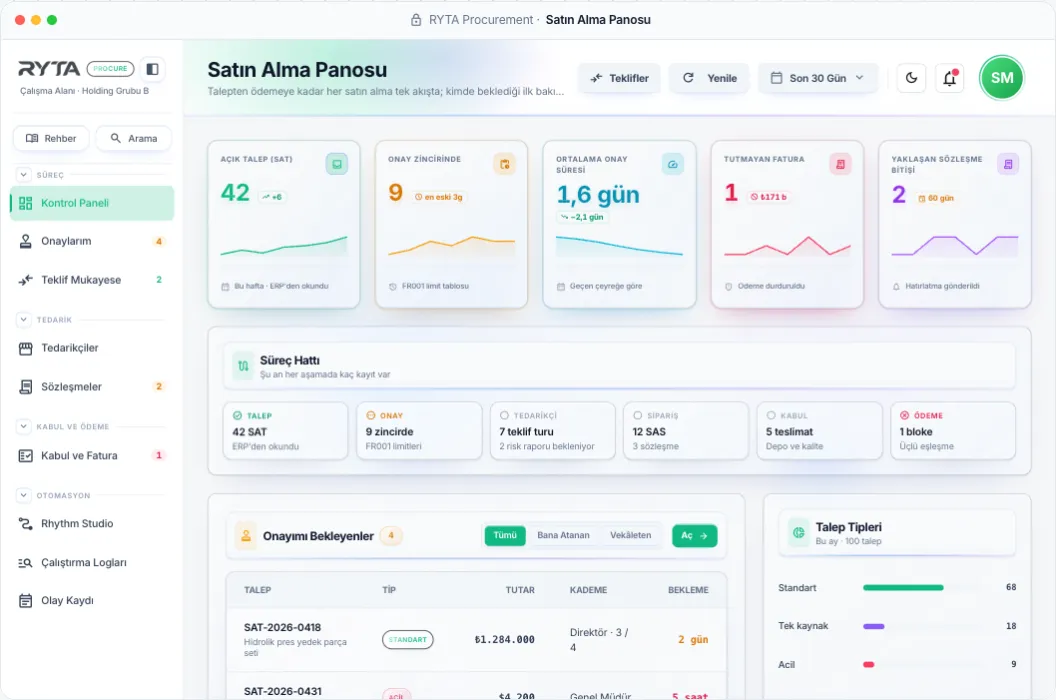
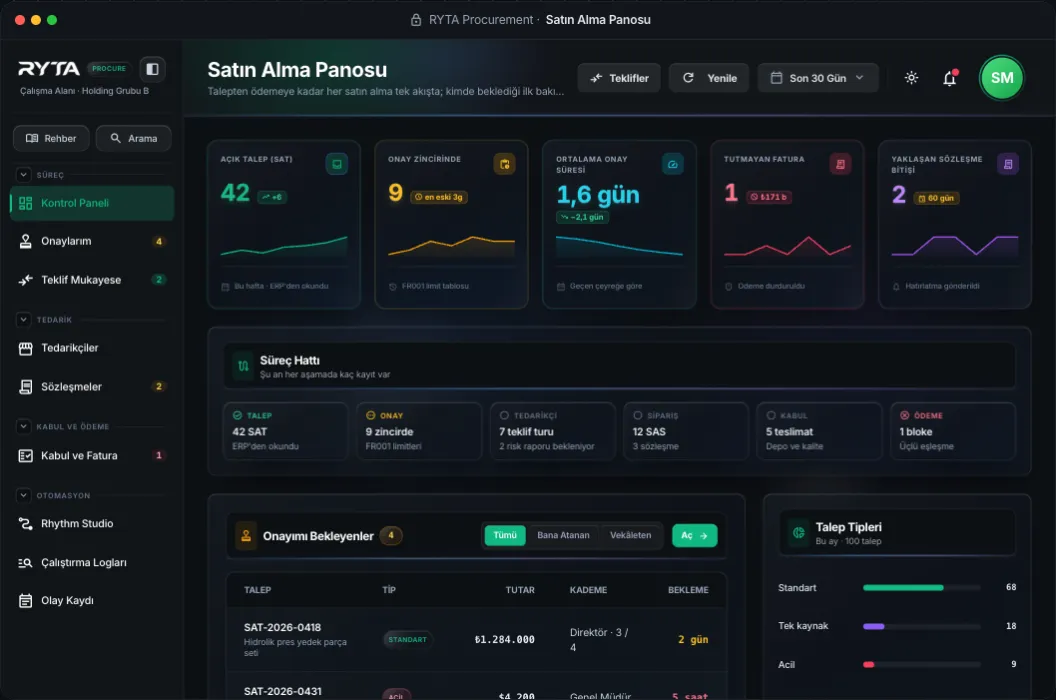
Work in the language that feels natural. Move between Turkish and English across the console, guide and tool catalog.
Stay informed on your terms. Choose the events, channels and quiet hours; get updates as they happen or in a daily digest.
A good flow keeps working beyond its first run. RYTA brings retries, approvals, access and monitoring together, so your team can move forward with confidence.
See the process take shape. Place each step on the canvas, connect decisions and branches, and keep the whole flow easy to follow.
Keep the progress you have made. Completed steps are saved, so an interrupted process can continue from where it stopped.
Make your systems part of the rhythm. Add your own tools as plugins and bring them into the shared library.
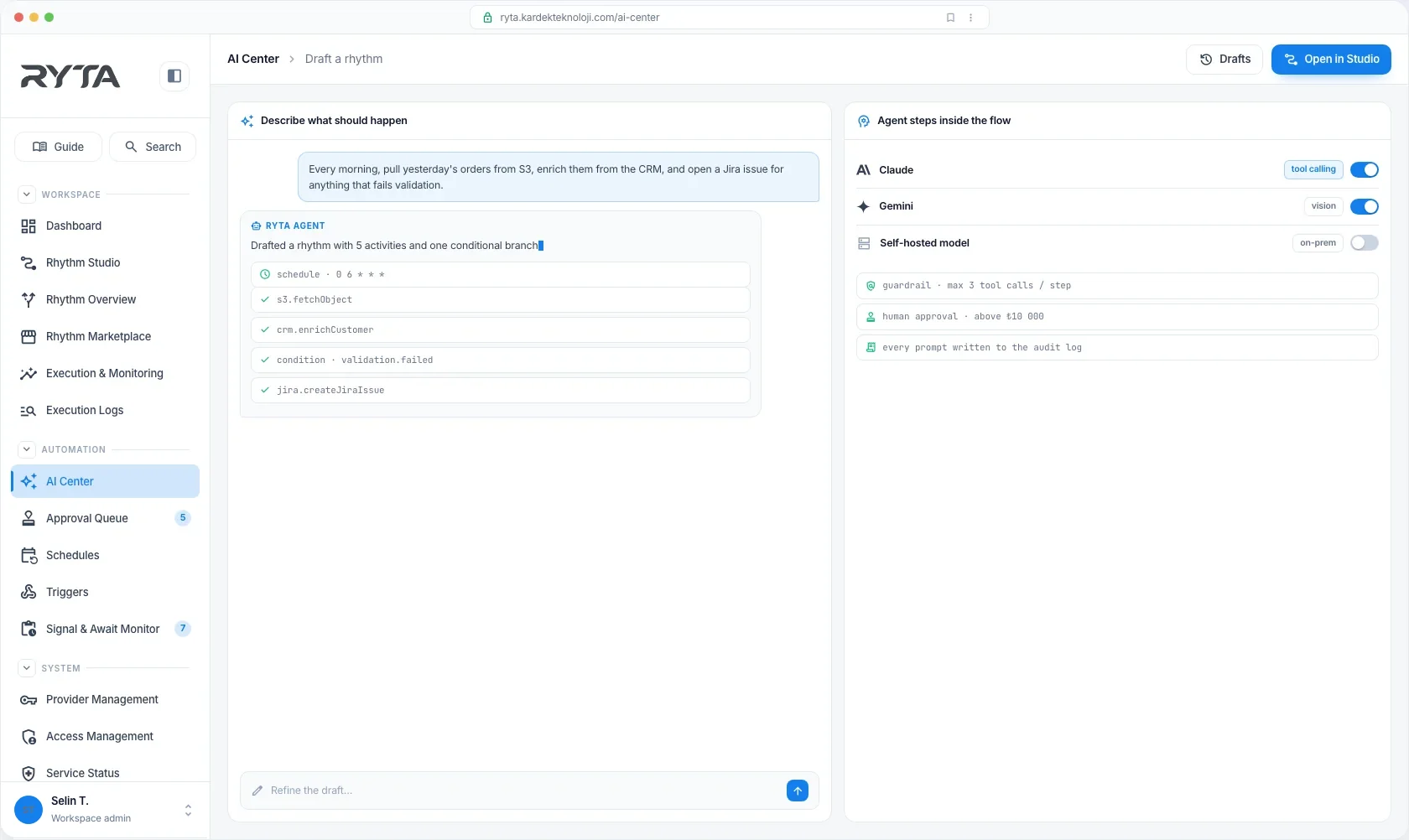
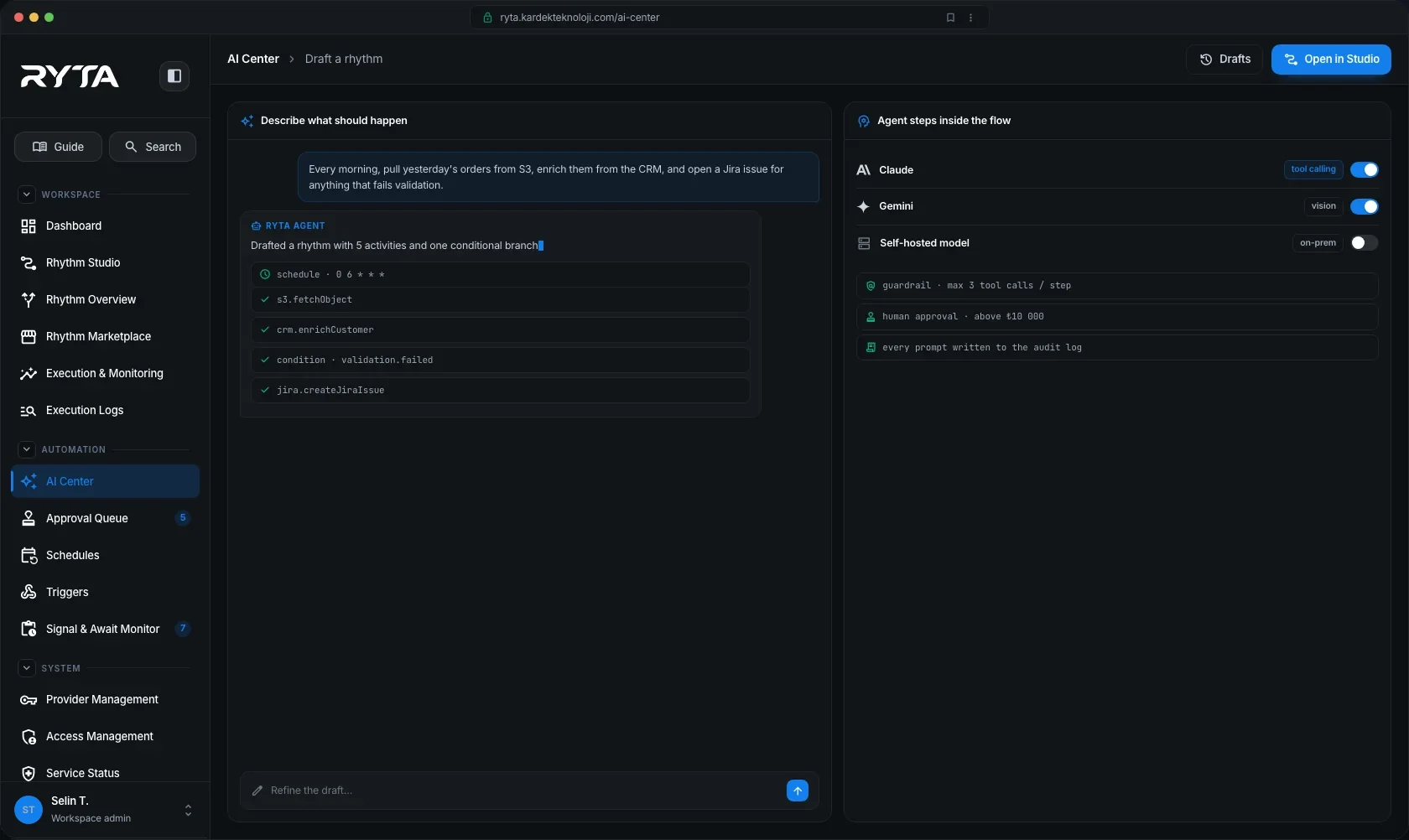
Start with an idea. Shape it with Ryta AI. Review the draft, set its boundaries and keep important decisions with your team.
Let the right moment start the work. A schedule, form, email or system event can set your rhythm in motion.
Give decisions the time they need. Pause for an approval or reply, see what is waiting and continue when the answer arrives.
See the work behind the outcome. Follow runs, steps and service health, with a clear record of what happened and when.
Clear access. Clear accountability. Define roles, use single sign-on and follow who changed each process and when.
Your environment. Your choice. Run RYTA in your cloud or data centre, or let KardEk operate it for you.
Orders move. Invoices find approval. Leads reach the right people. Explore how teams turn daily work into connected steps.
edi-order-import boltKafka · partner EDI check_circlestatus=SUCCESS · 00:04.9 invoice-ocr-batch boltMinIO · new object check_circleawaiting signal · 1 crm-lead-enrich boltWebhook · signed check_circlestatus=SUCCESS · 00:02.1 order-approval boltManual · ERP event check_circlestatus=SUCCESS · 00:04.8 Different teams. Different needs. One shared engine. Discover products with screens and rhythms shaped for their work, all connected by RYTA’s approvals, audit trail and console.
RYTA EngineThe core every product runs on Durable runsHuman approvalsAudit trailAI stepsYour own pluginsTenants and access How the engine worksarrow_forward Your next connection starts with a plugin. Choose the package, discover its tools and bring them into Rhythm Studio. Your systems become part of the flow.
Start with the system you know. Pick the plugin that connects its work to yours.
Know what you are adding. Check the version and tools, then install the package in your workspace.
From package to process. Find the tools in Rhythm Studio, connect them and shape your next step.
Bring the tools you trust into the same flow. Connect cloud platforms, databases, office apps, messaging and AI. Need another connection? Let’s build it together.
Jira  Excel Google Sheets Google Drive OneDrive Outlook GitLab GitHub Actions Claude Gemini Telegram Databricks
Our rhythm started at home. At KardEk, RYTA connects payment, invoicing, welcome emails and account access. The same engine that keeps our work moving is ready for yours.
rhythm customer-onboarding · trigger payment.captured
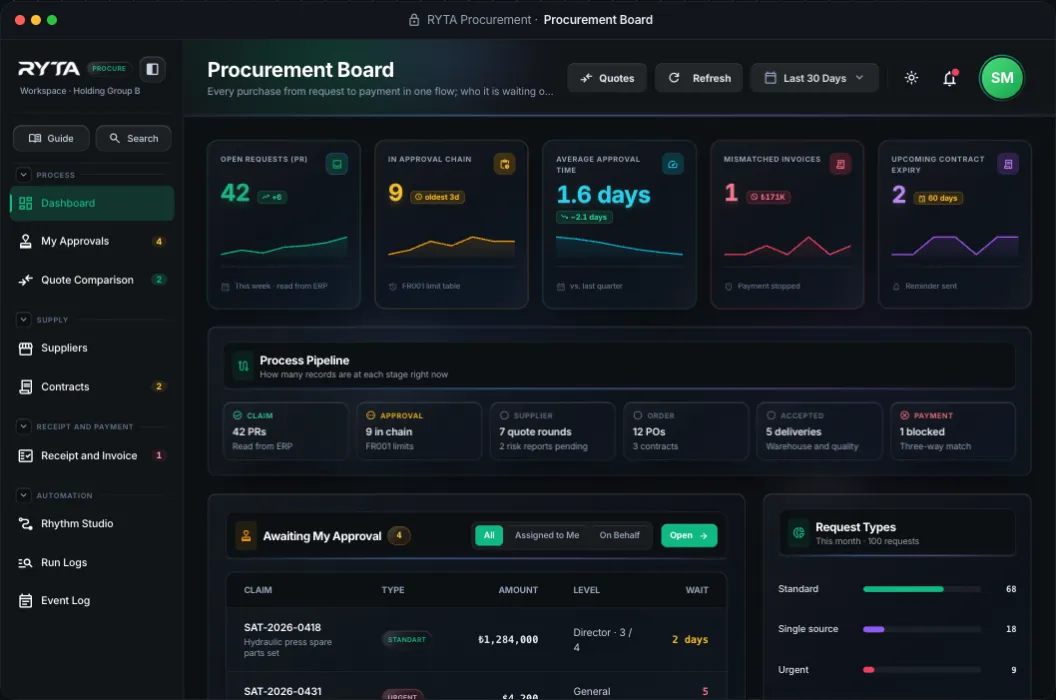
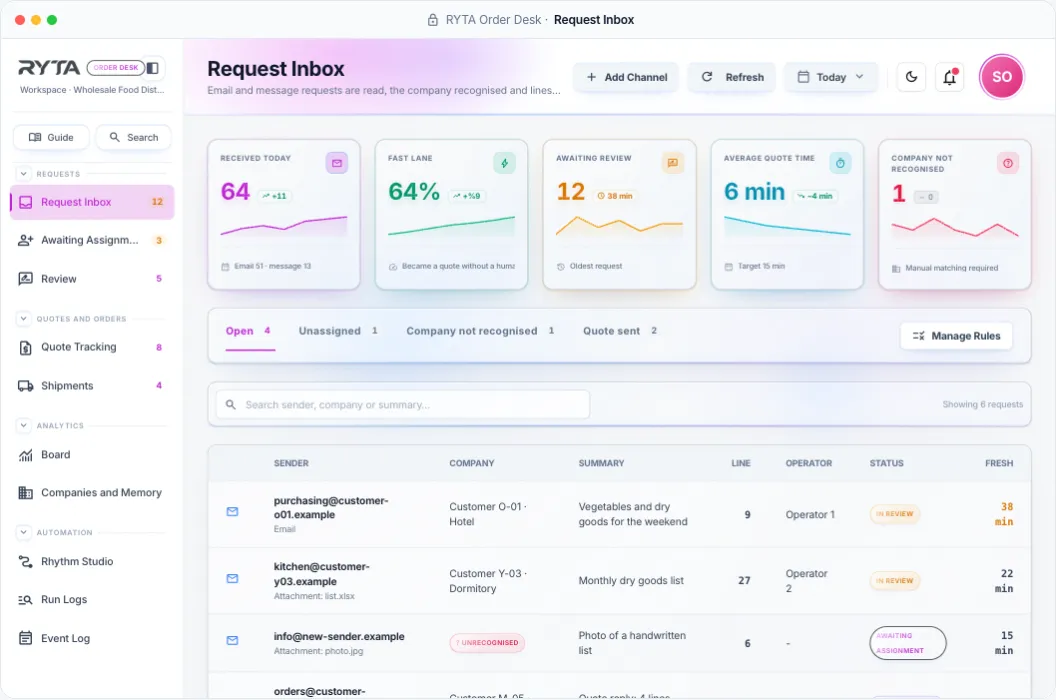
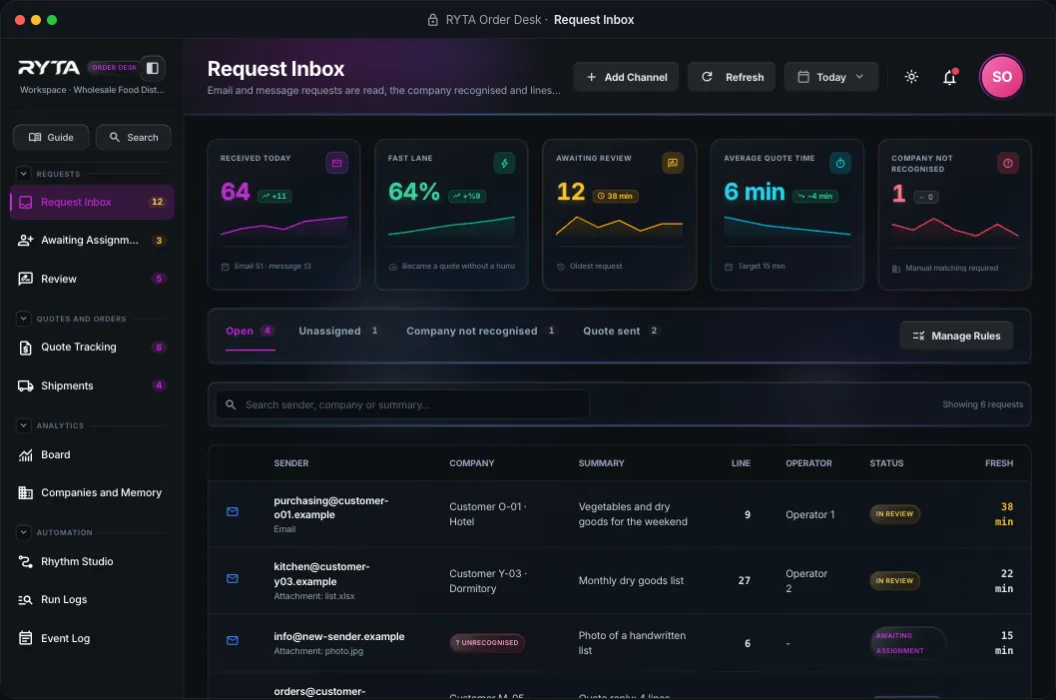
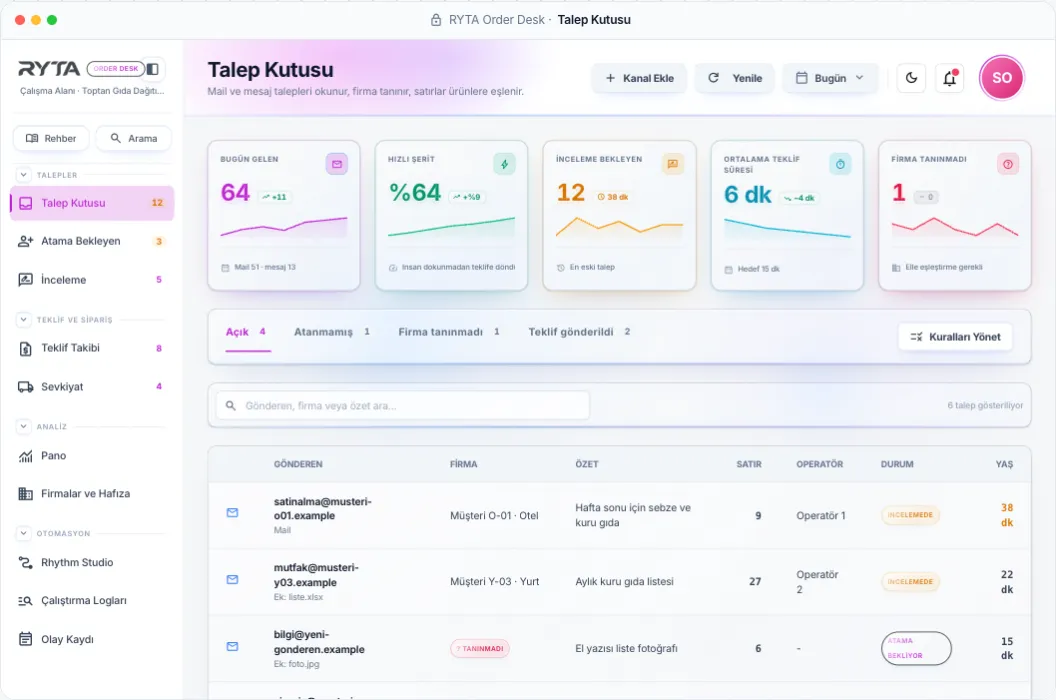
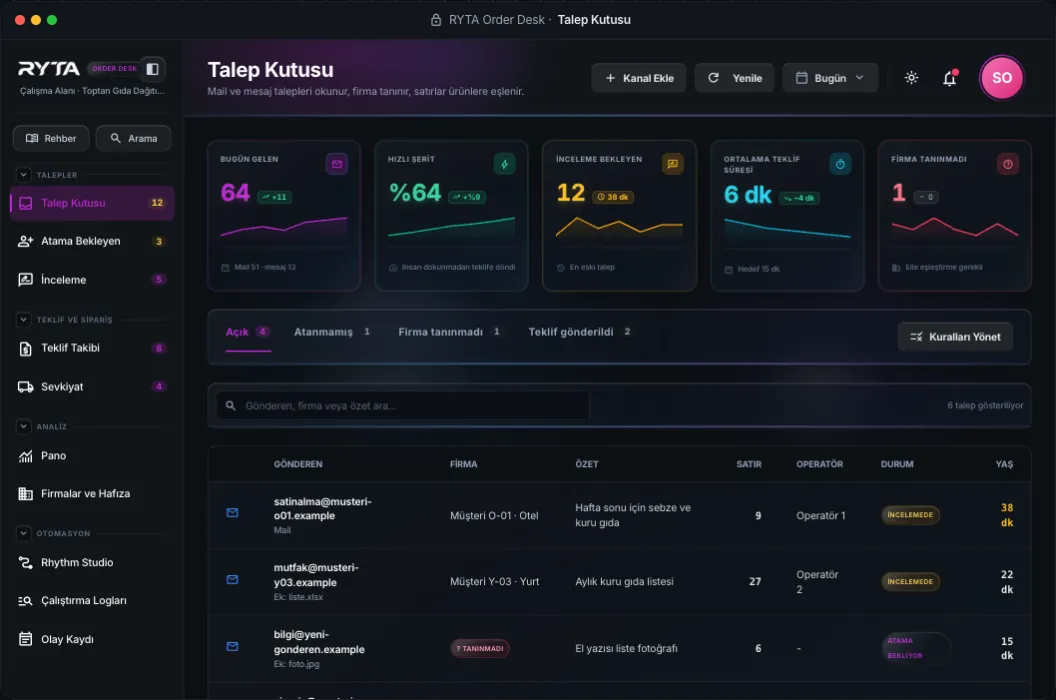
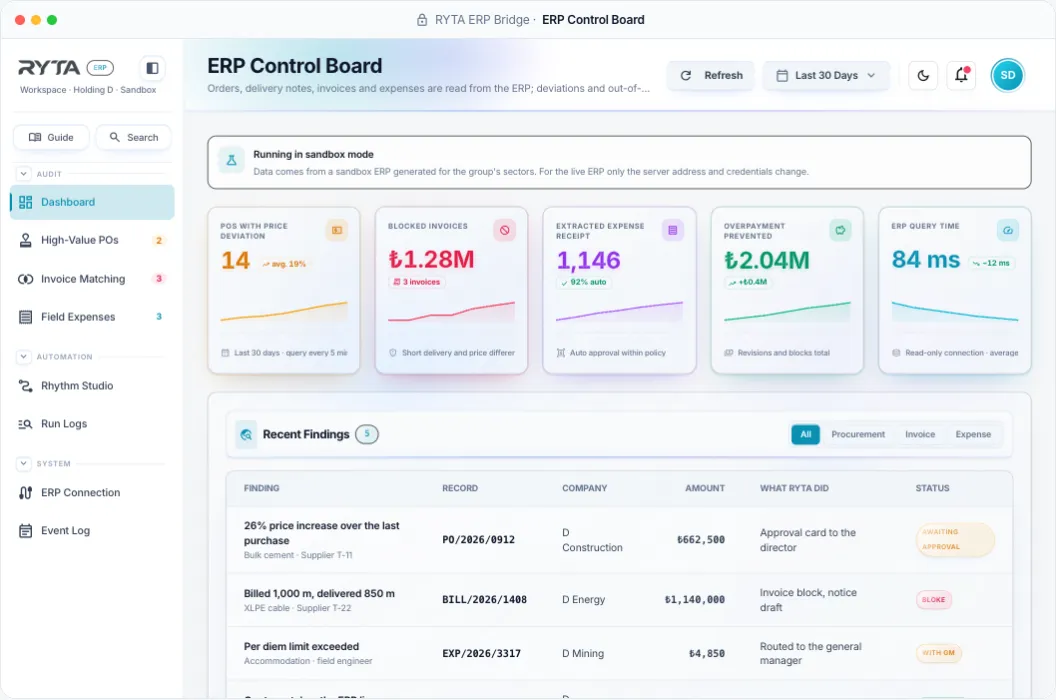
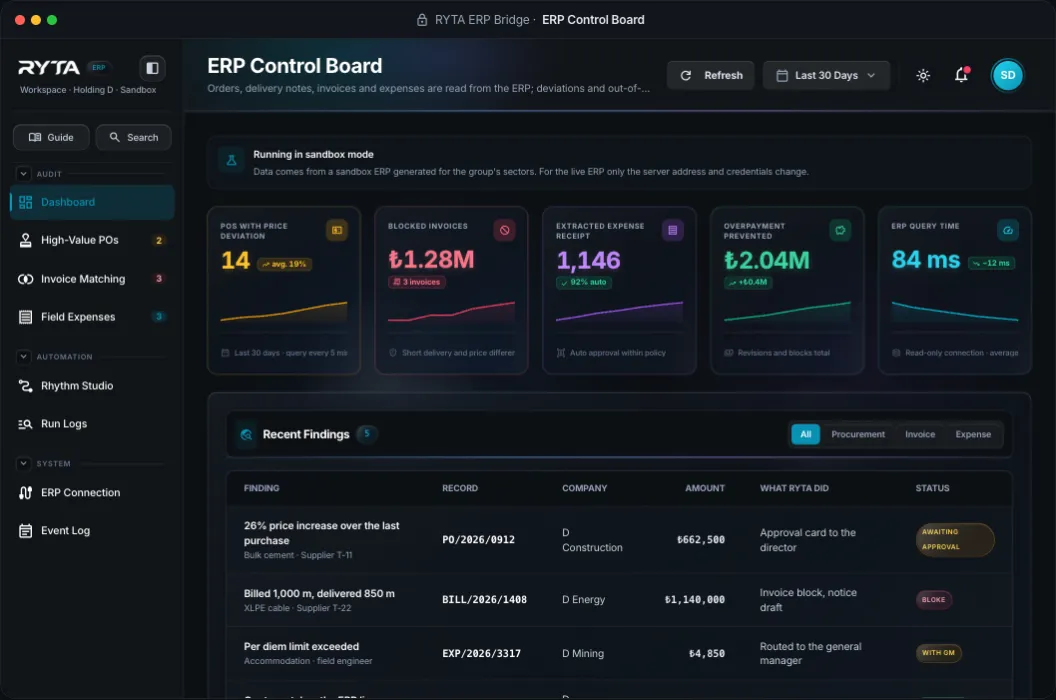
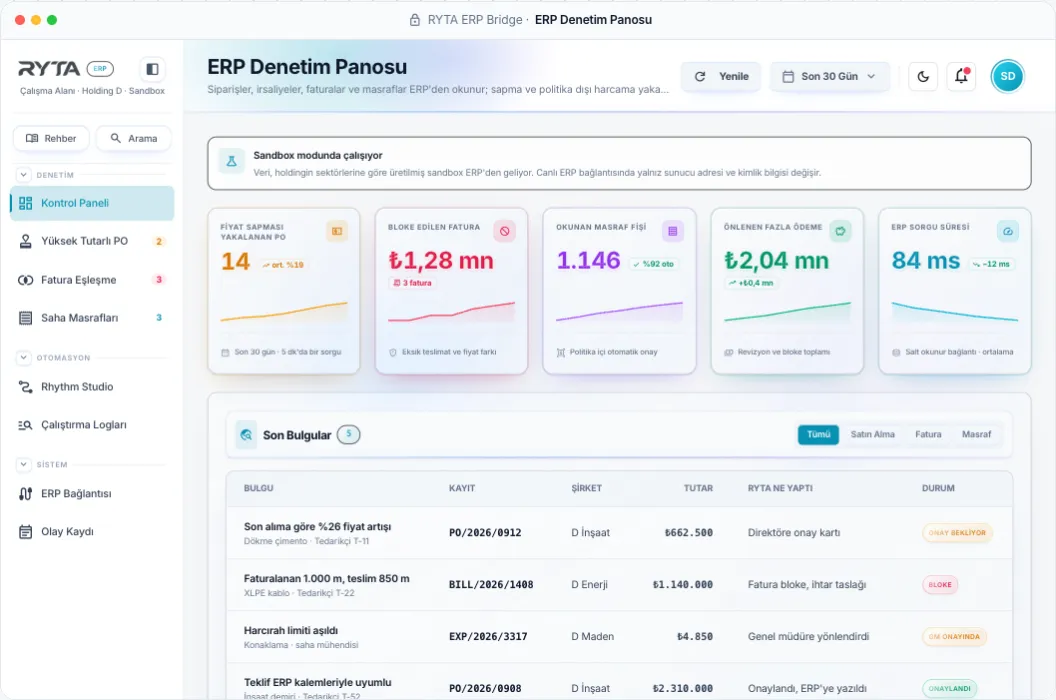
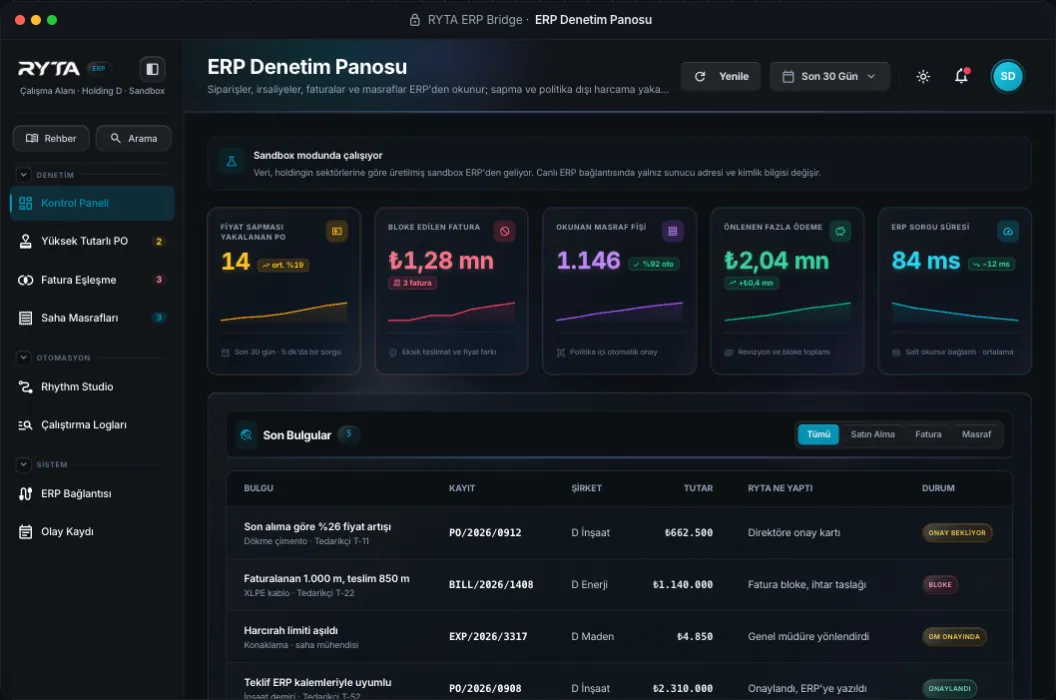
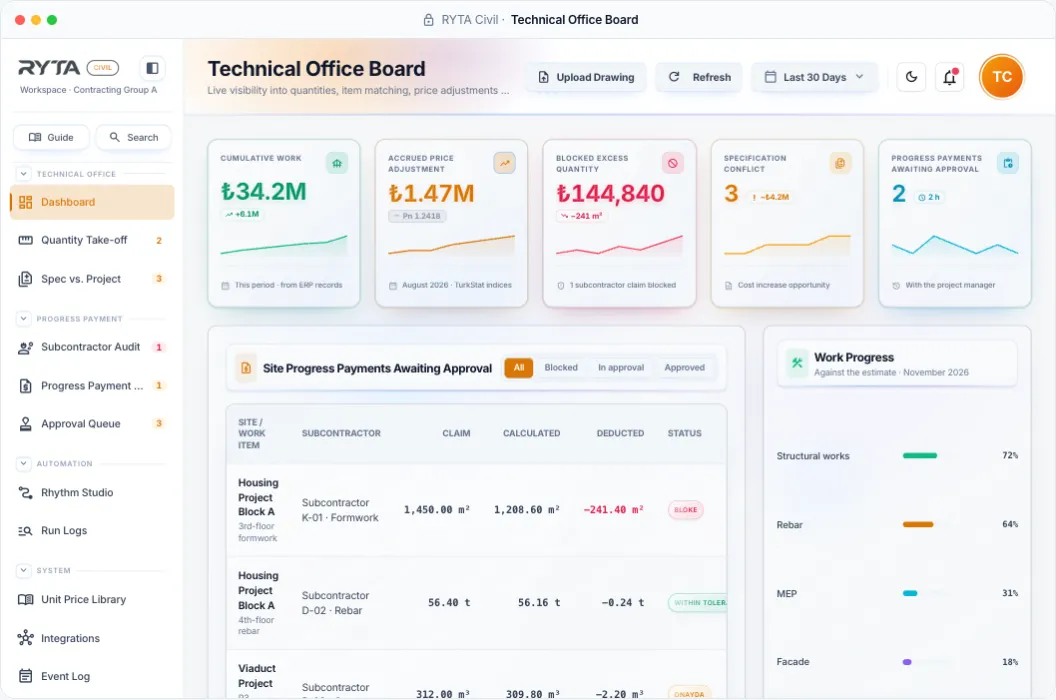
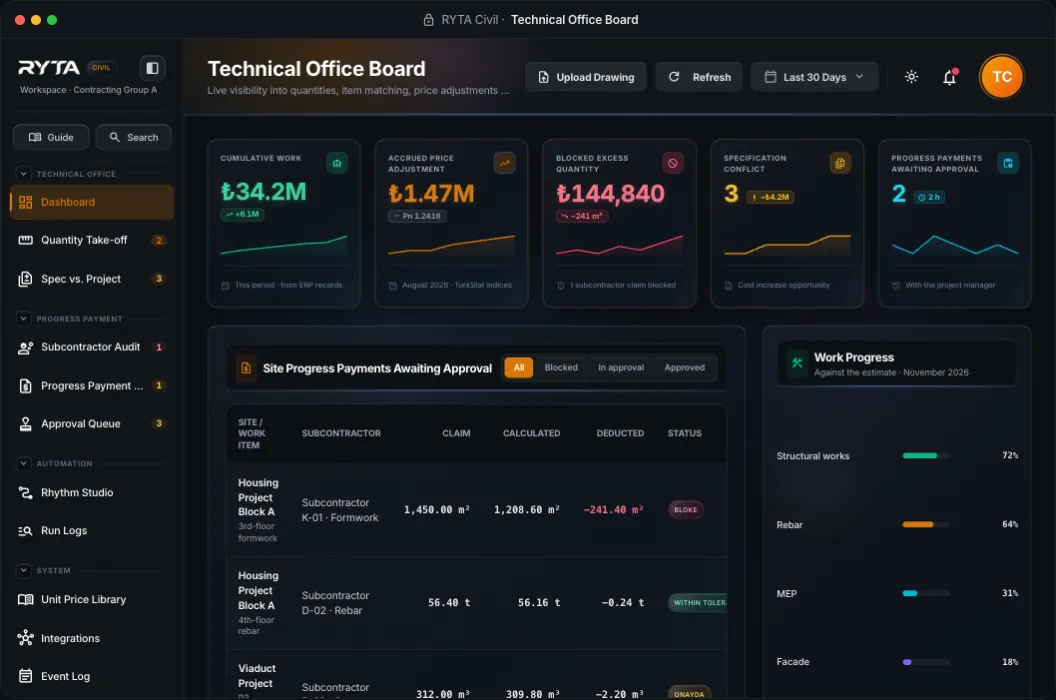
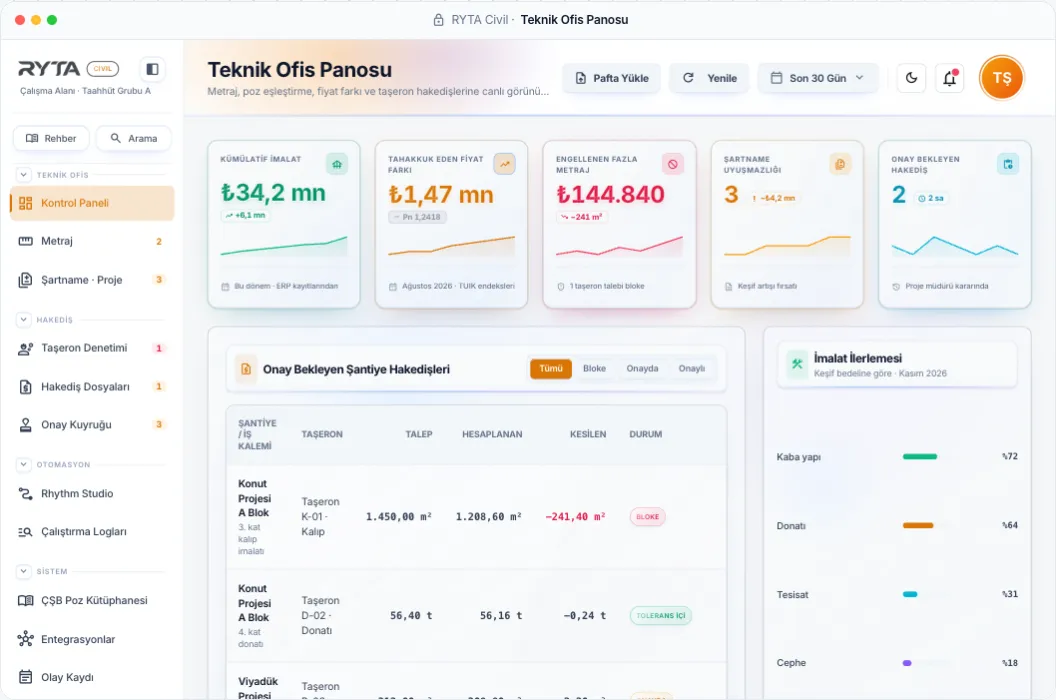
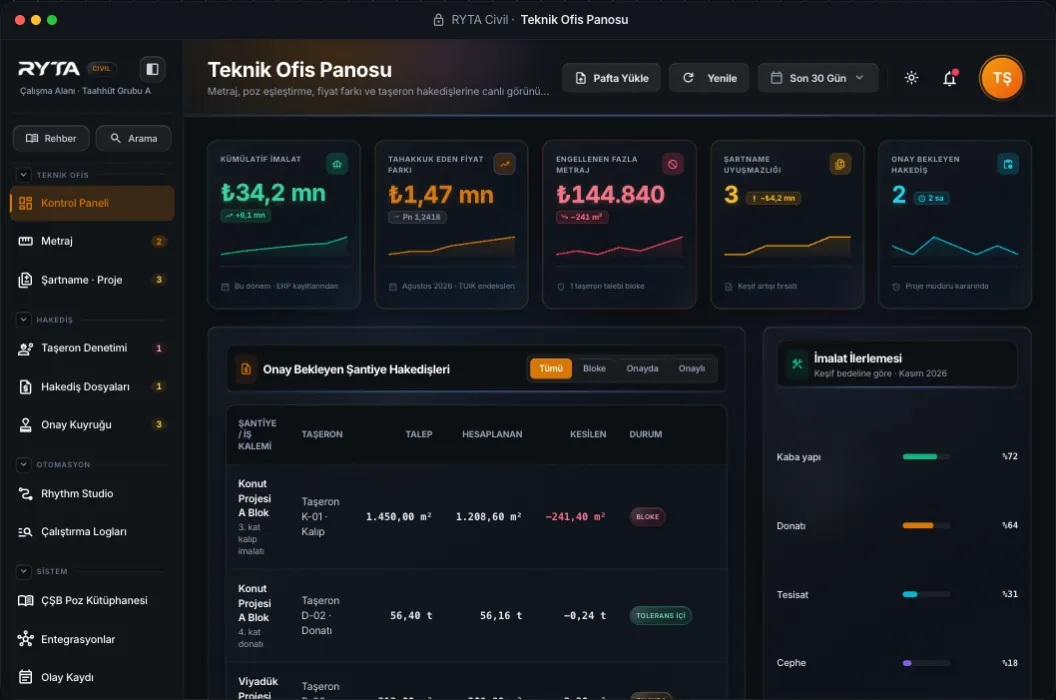
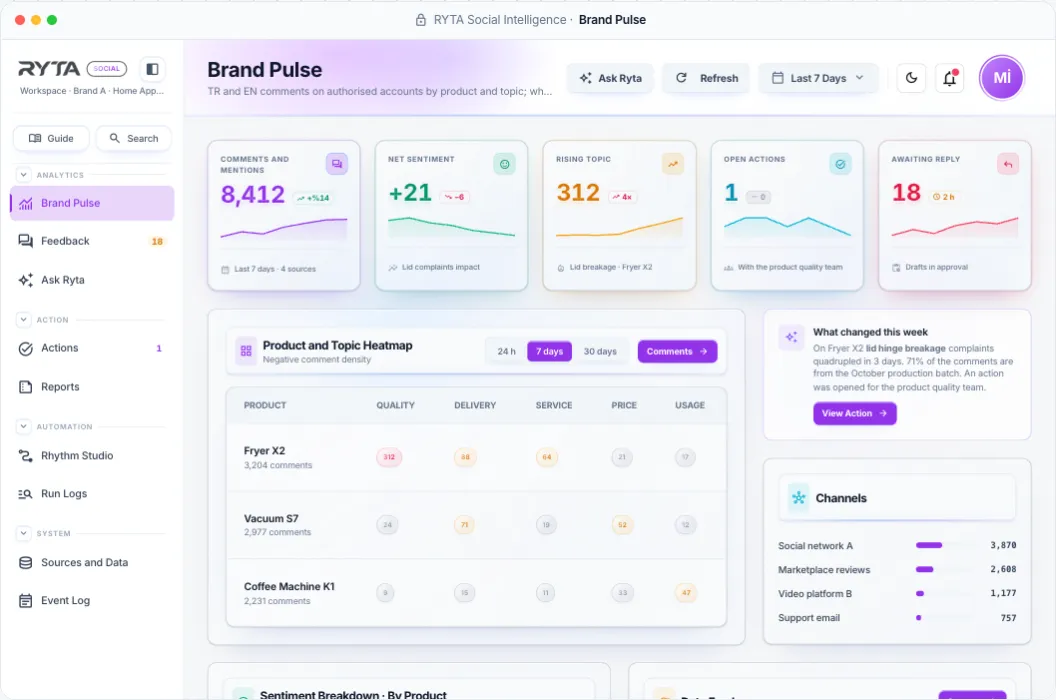
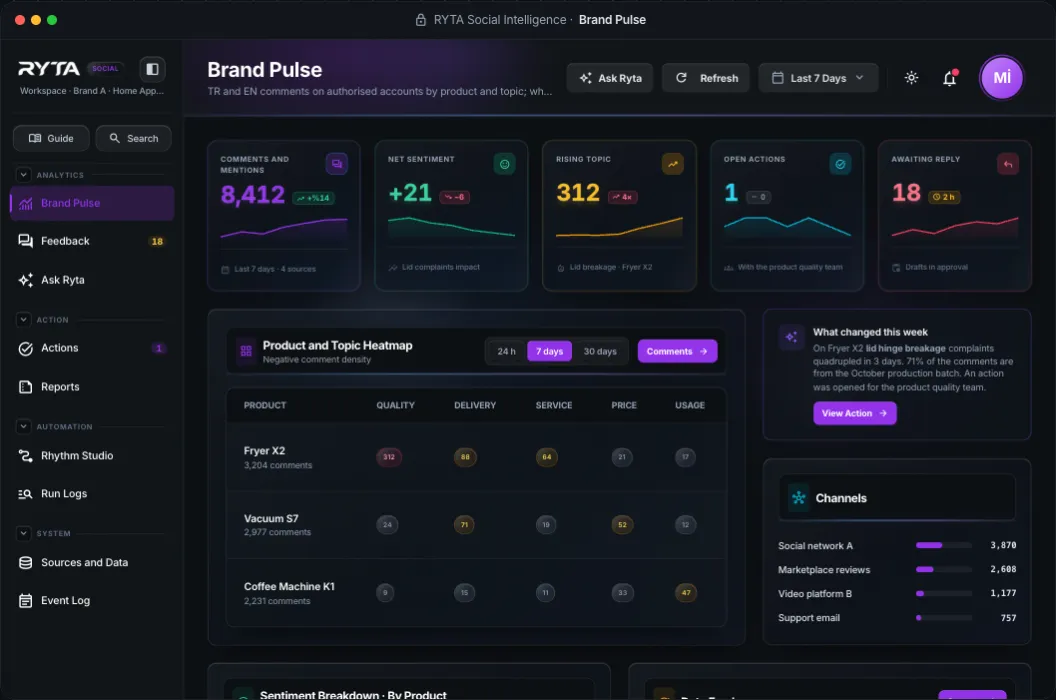
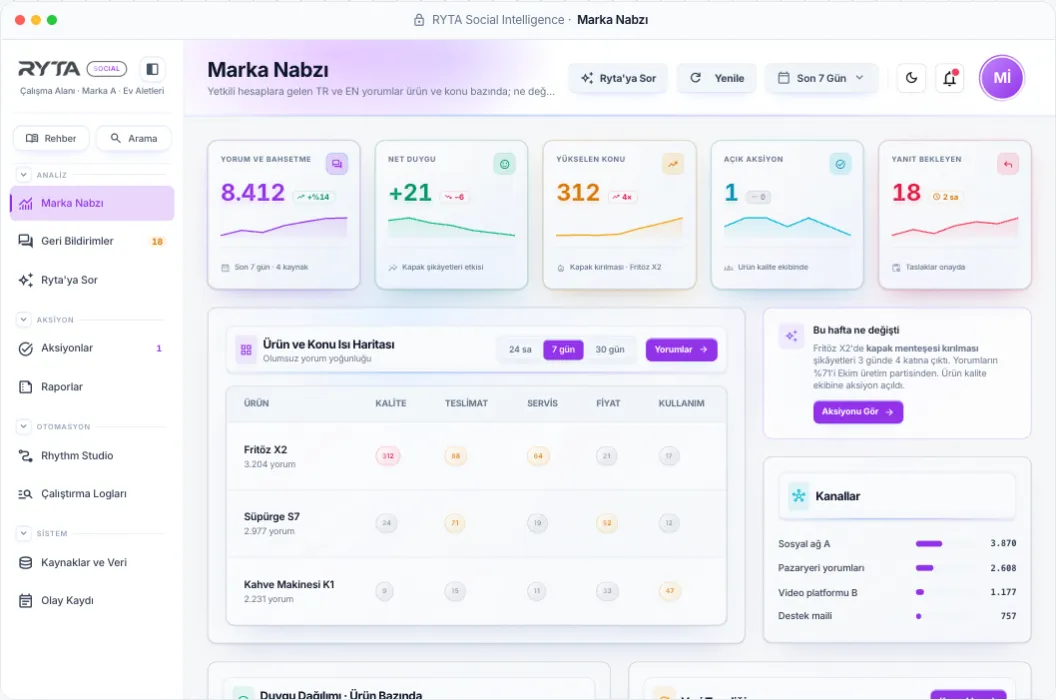
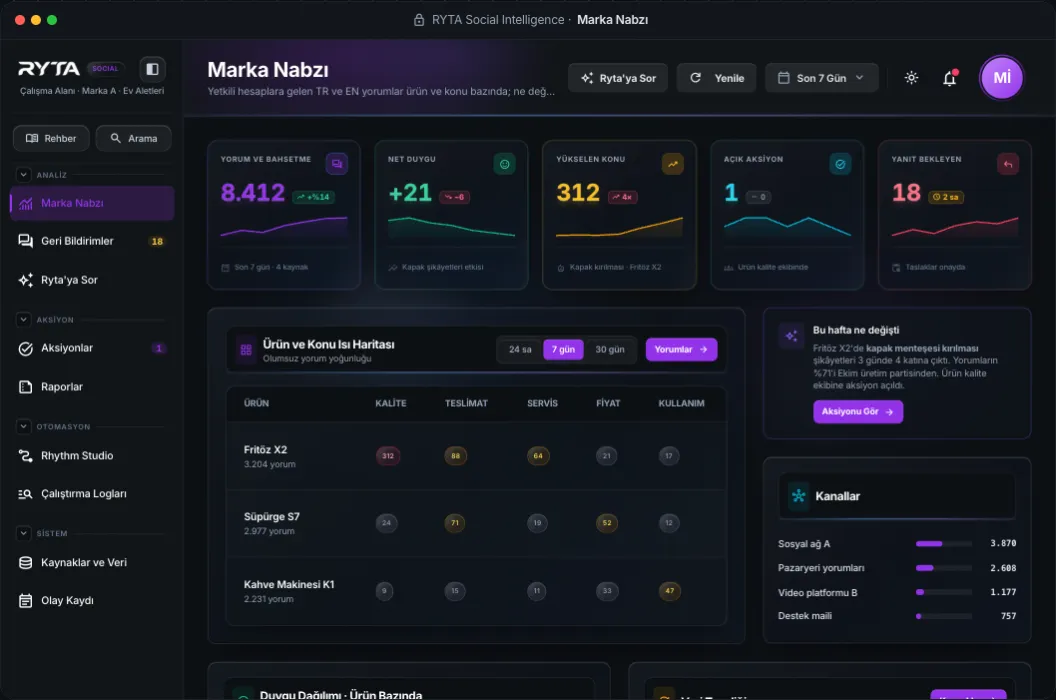
Find your perspective on the work. Explore the console in light and dark, from the studio to connection settings. Swipe, drag or use the arrows.
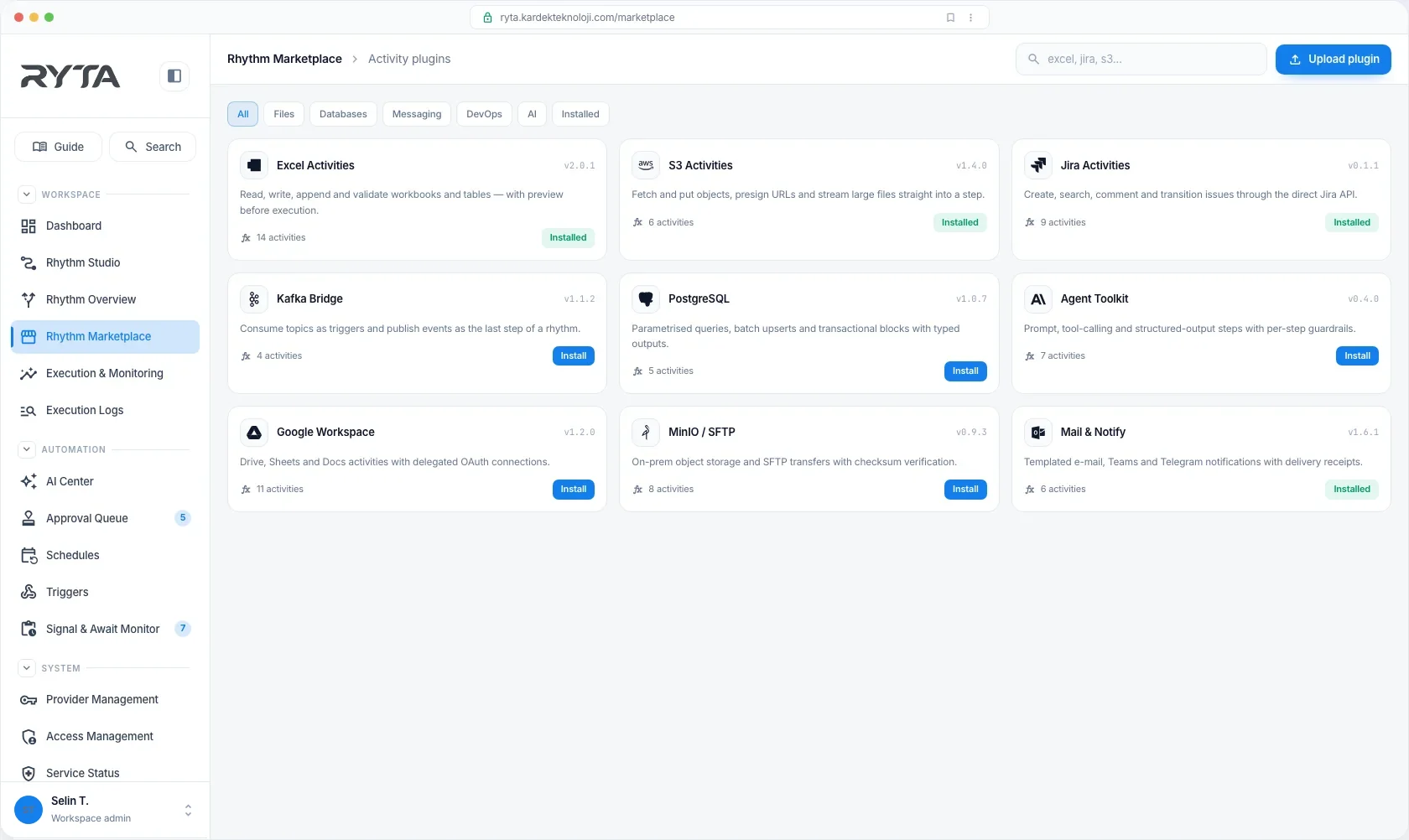
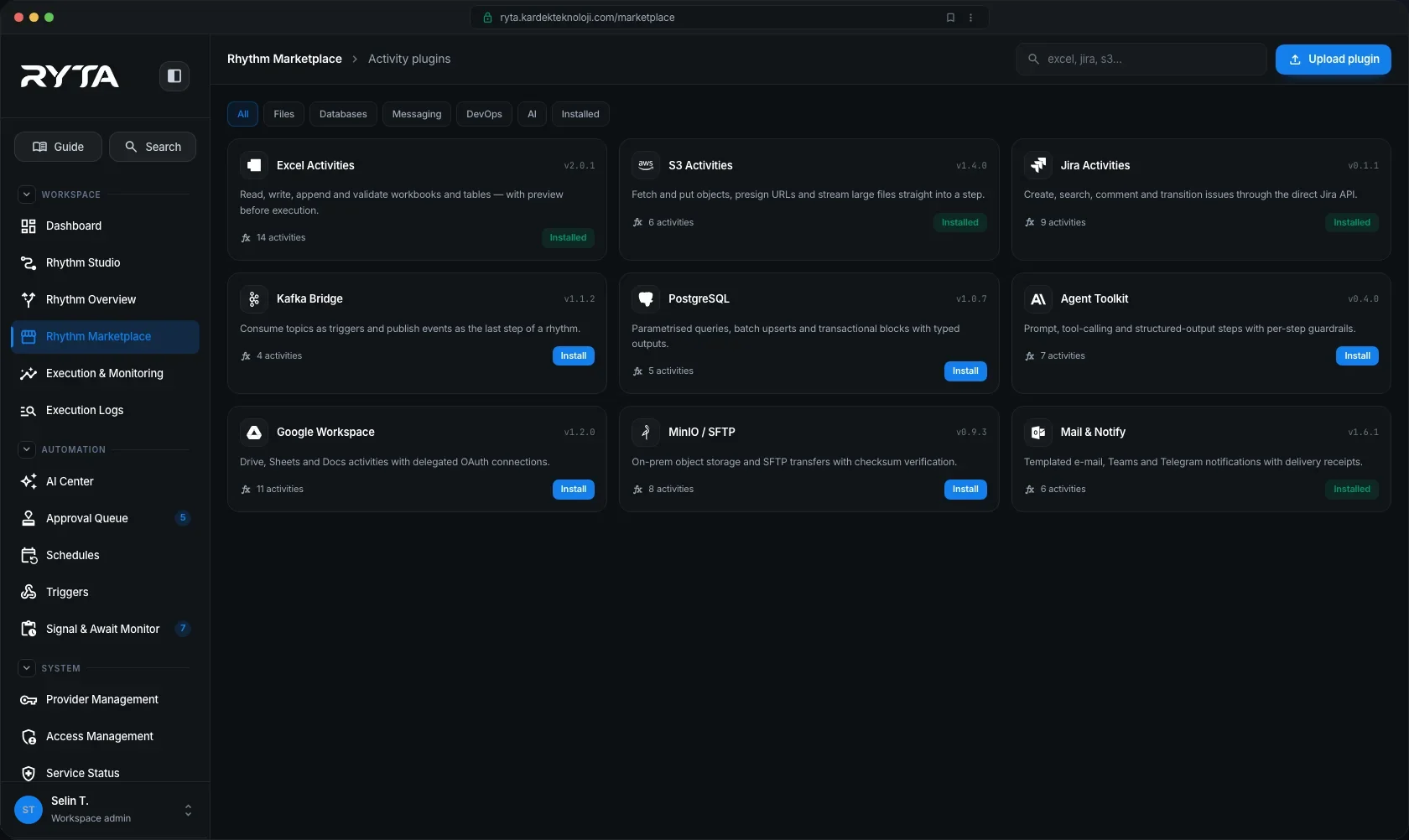
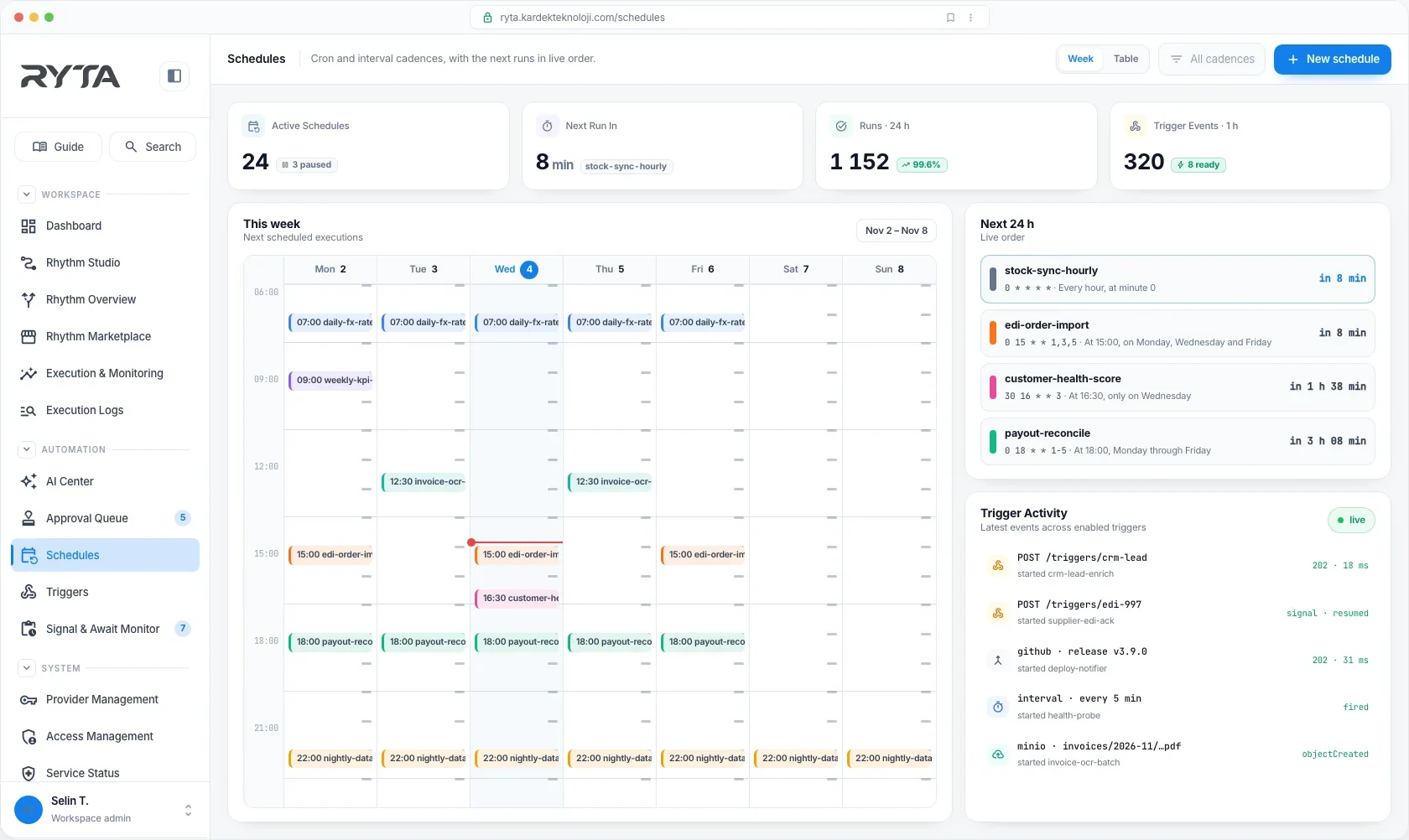
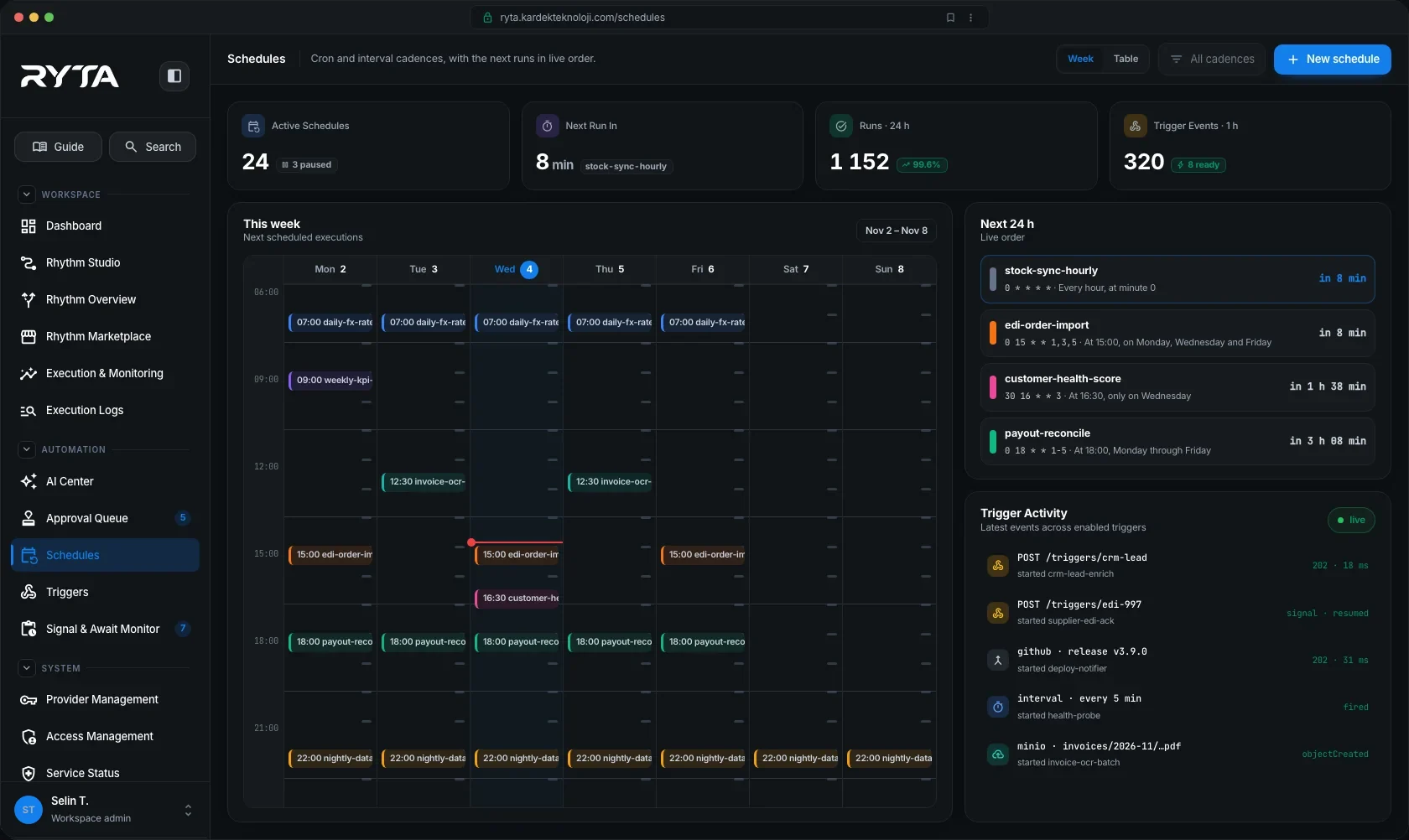
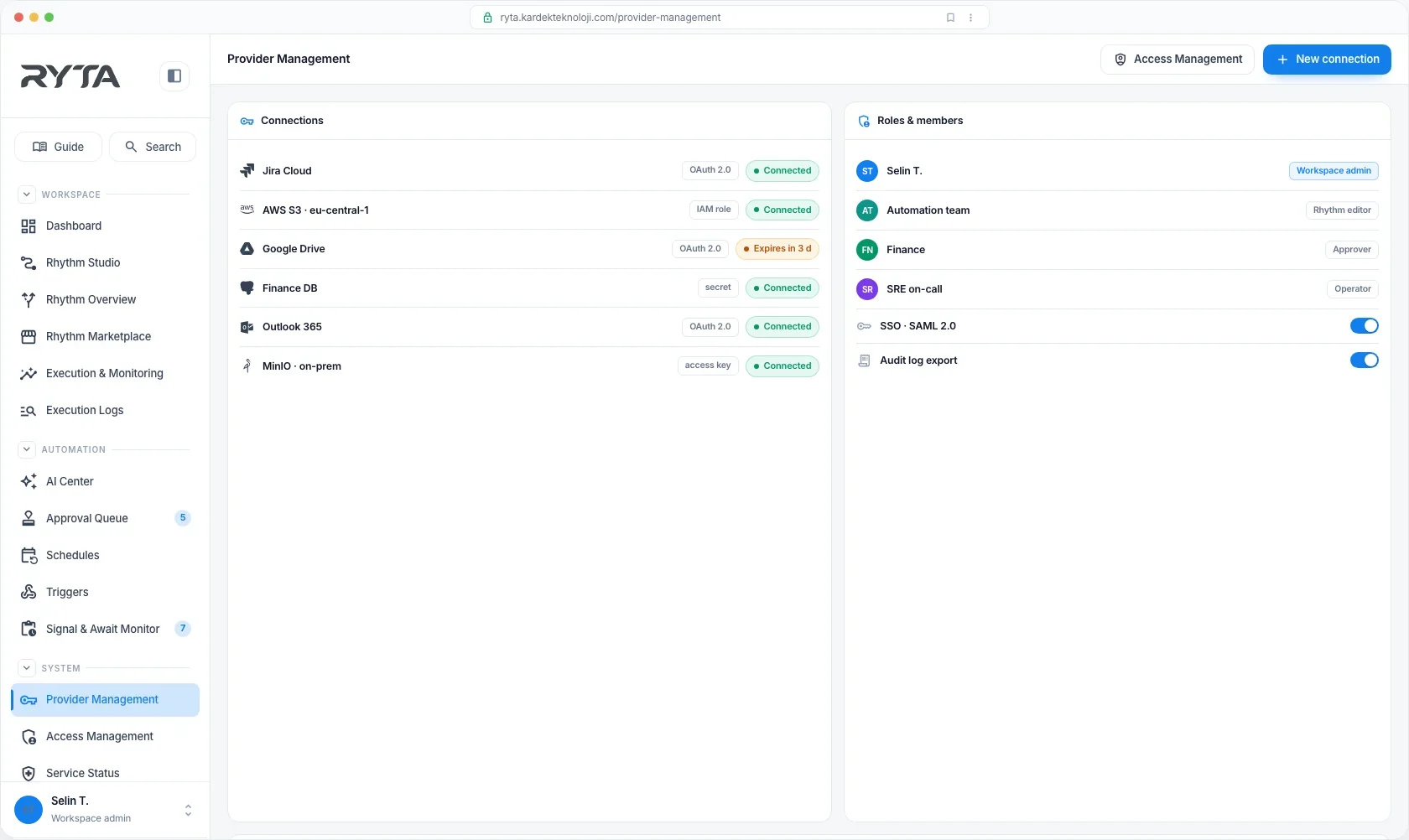
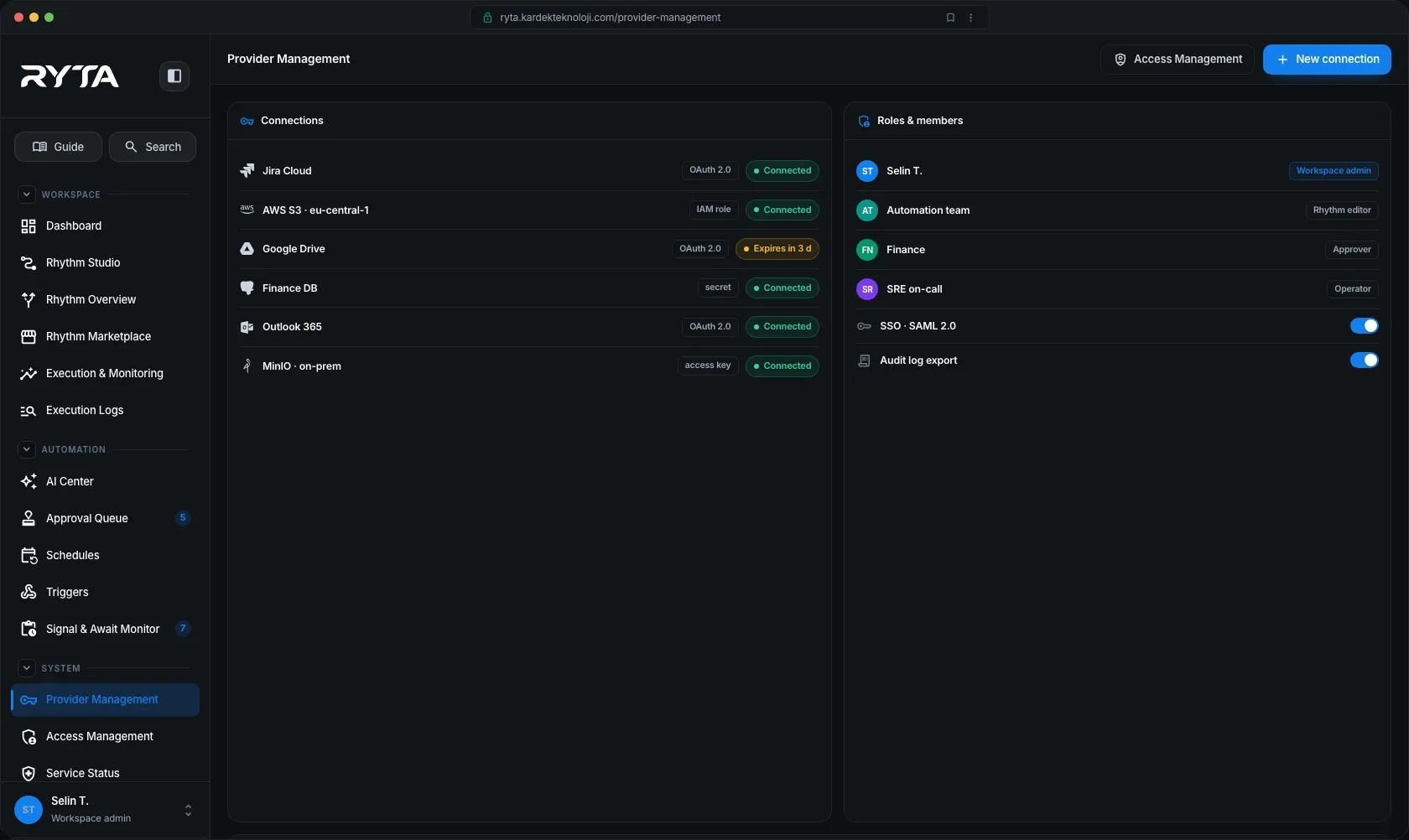
Confidence comes from knowing what to do next. See the alert, trace the cause and bring the process back into rhythm, with its history beside you.
10:19:44.002  START    edi-order-import  v9  trigger=kafka
10:19:44.061  OK       kafka.consume            partition=3 offset=88214
10:19:44.190  OK       edi.parseEnvelope        segments=41
10:19:44.402  RETRY    erp.pushOrder            attempt=1 · 503 upstream
10:19:46.418  RETRY    erp.pushOrder            attempt=2 · backoff 2s
10:19:50.451  FAIL     erp.pushOrder            attempt=3 · 503 upstream
10:19:50.455  SIGNAL   approval.requested       queue=sre-oncall
10:24:12.881  OK       approval.granted         by=emre.k
10:24:12.902  RESUME   erp.pushOrder            from checkpoint #4
10:24:13.640  OK       erp.pushOrder            201 Created
10:24:13.641 END status=SUCCESS duration=00:04.9 (+4m21s held)Start with what matters to your team. Find the essentials here, then explore your own process with us.
forumAsk the TeamYour progress stays with the process. Completed steps are saved; when the system returns, the flow continues from where it stopped.
Yes. Package your own tools as plugins and bring them into Rhythm Studio. Your IT team can use familiar languages, and KardEk can help build the connections you need.
In your own cloud or data centre, or operated for you by KardEk. Your data stays where you decide.
You set the boundaries. Ryta AI uses the tools you allow; important actions wait for human approval.
Bring a real process. Together, we map its steps, connect the first system and show how RYTA keeps the work moving and visible.
Bring your process. Meet the team behind RYTA. From your first walkthrough to a pilot and beyond, KardEk Technology is your point of contact.