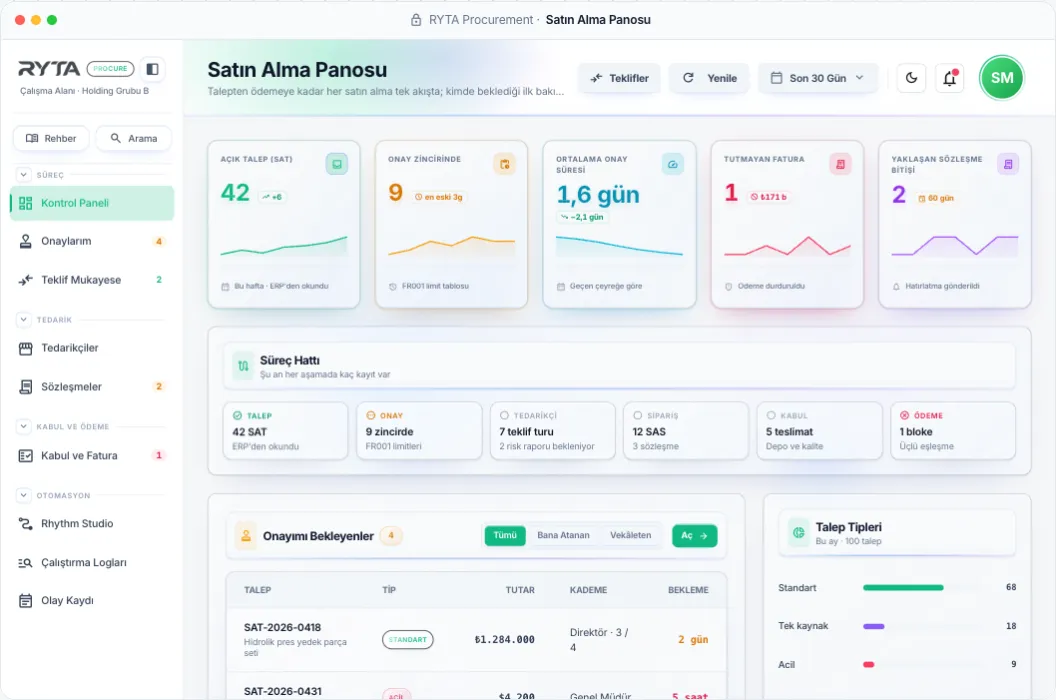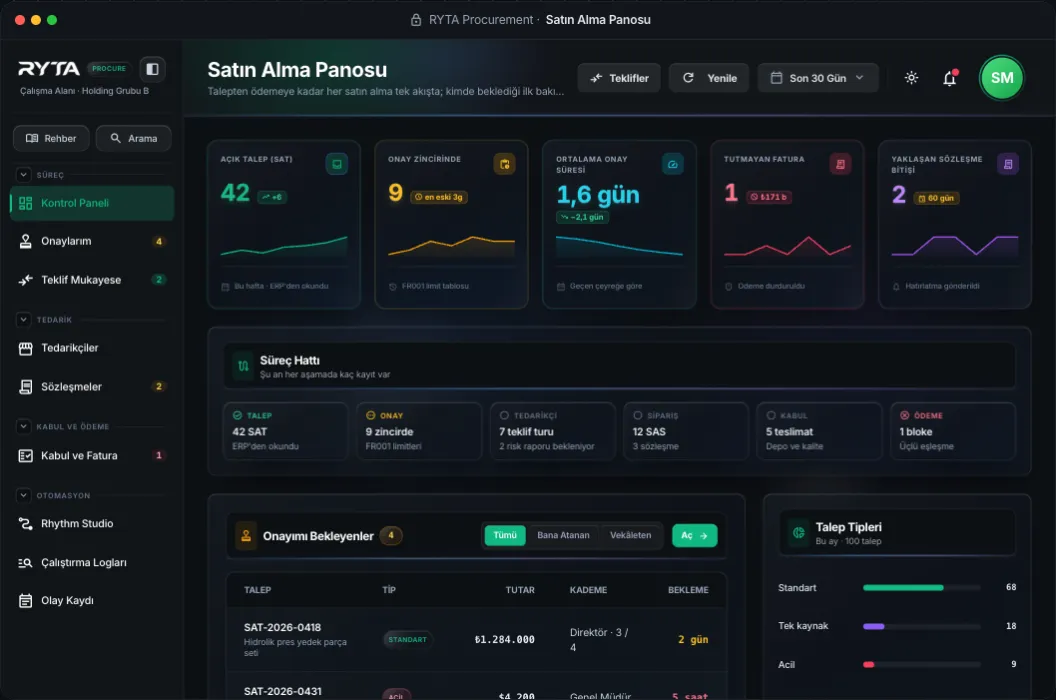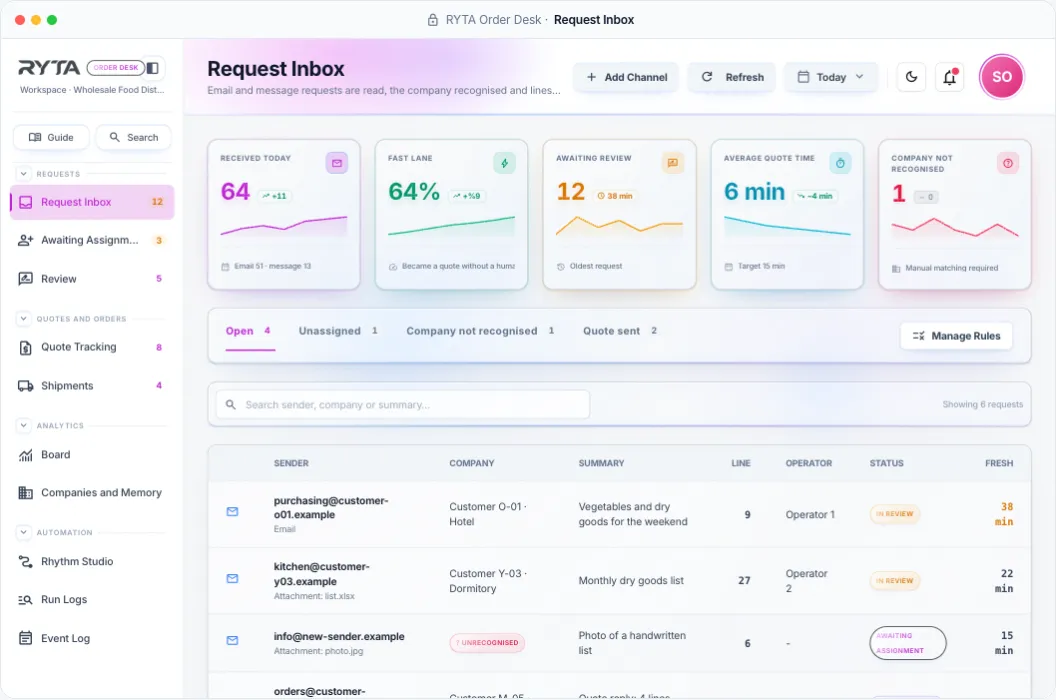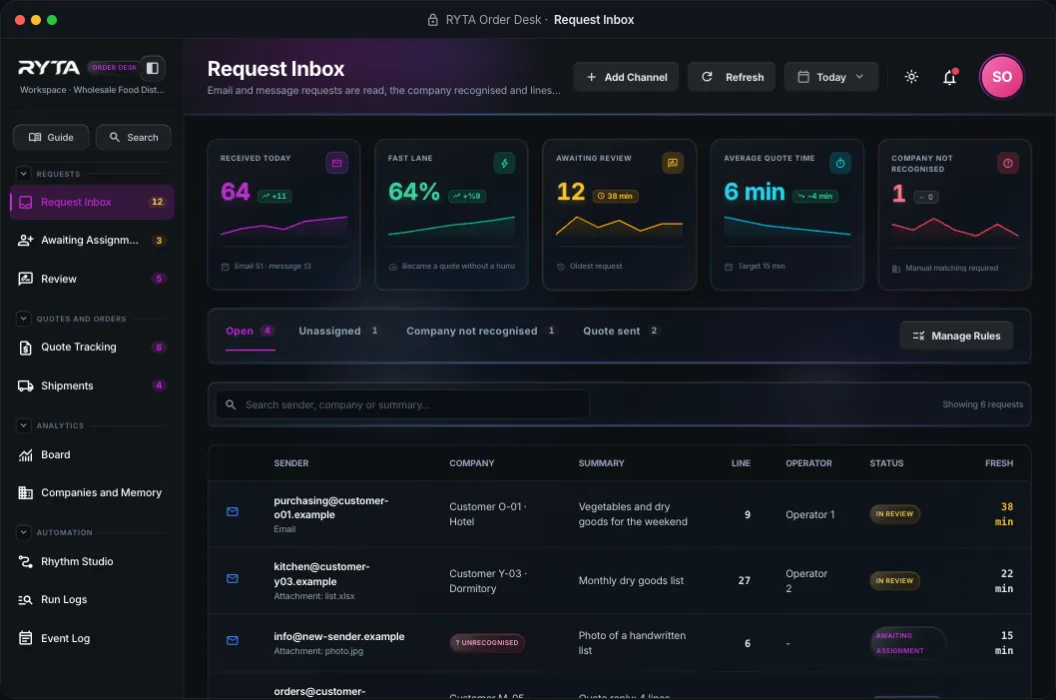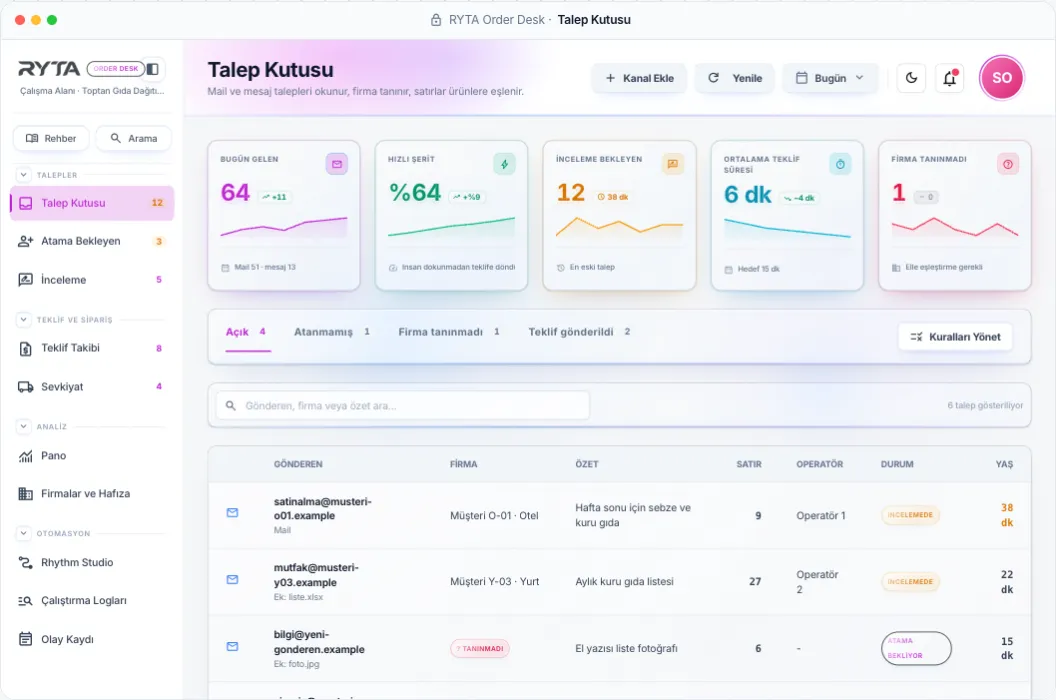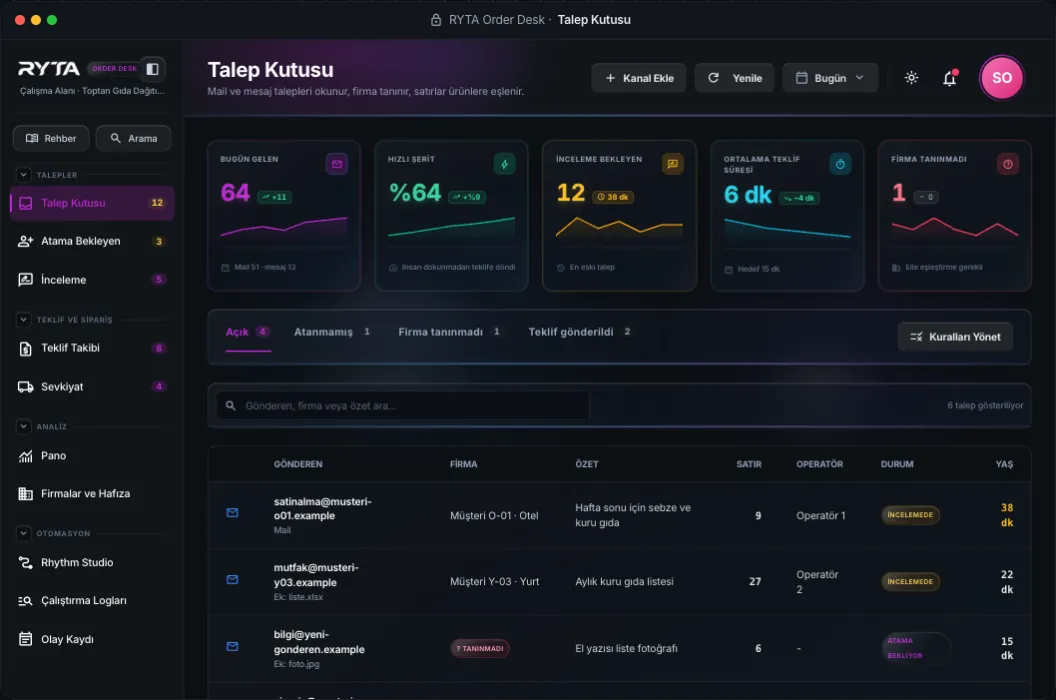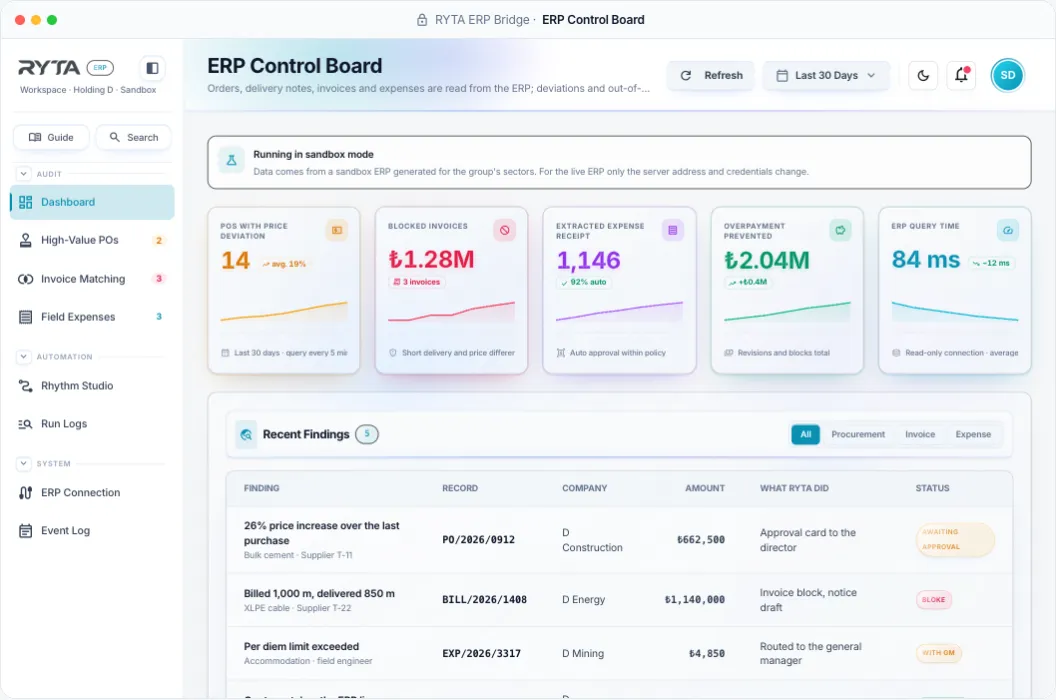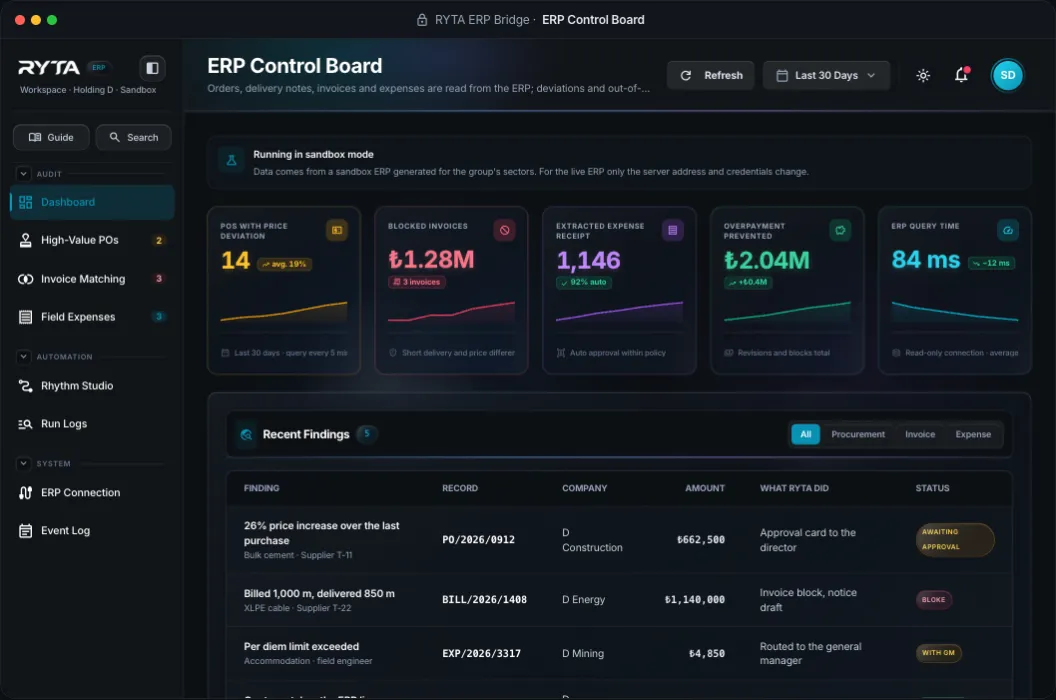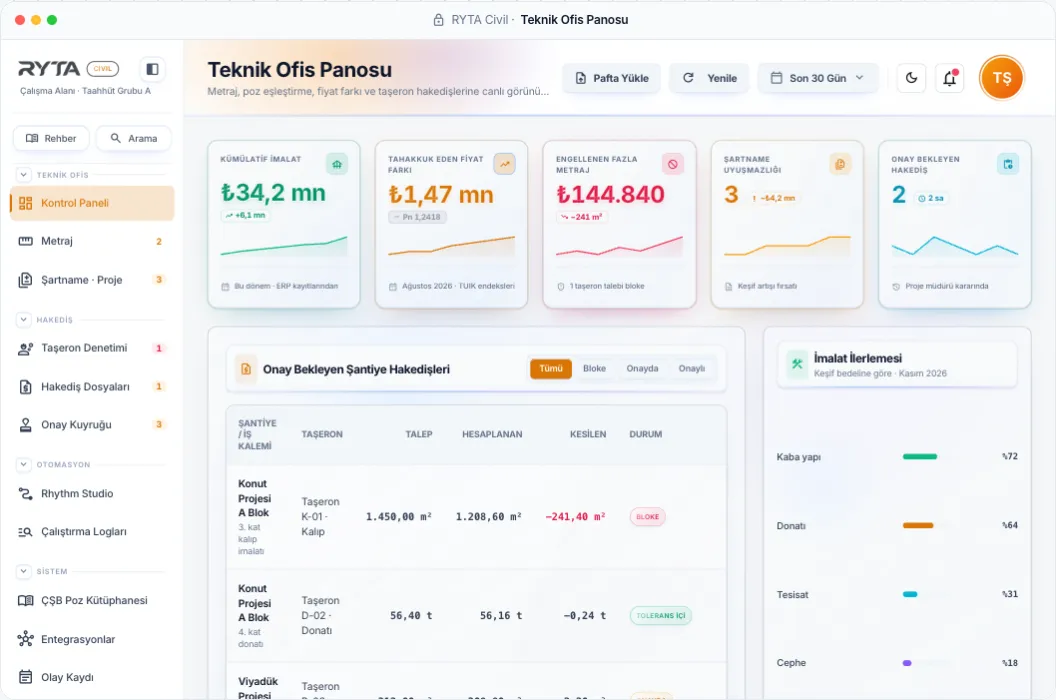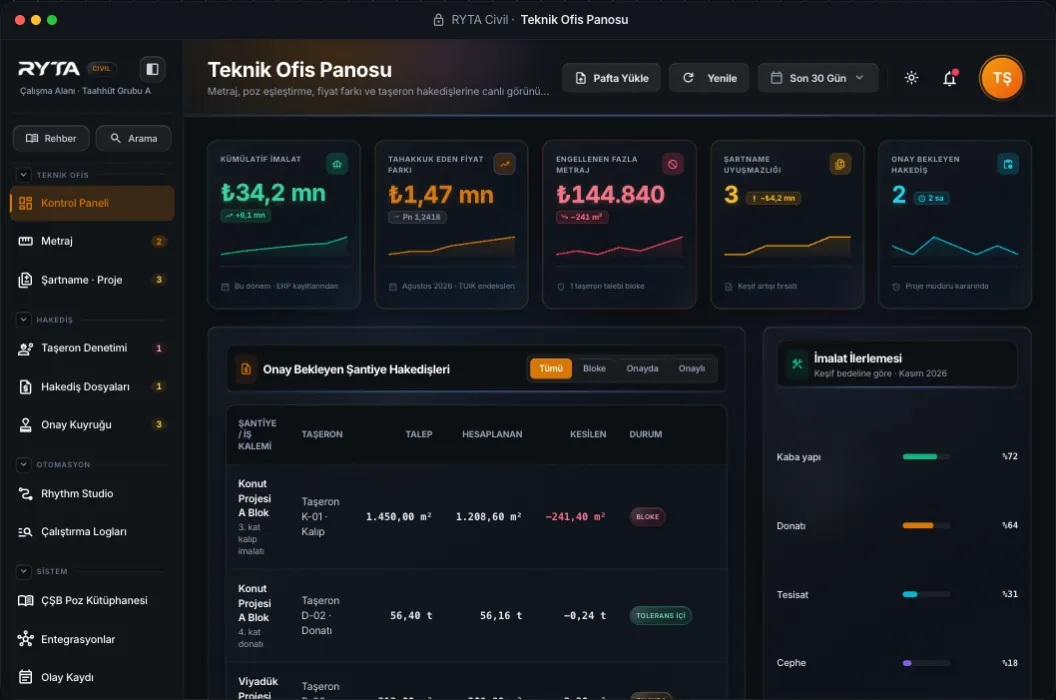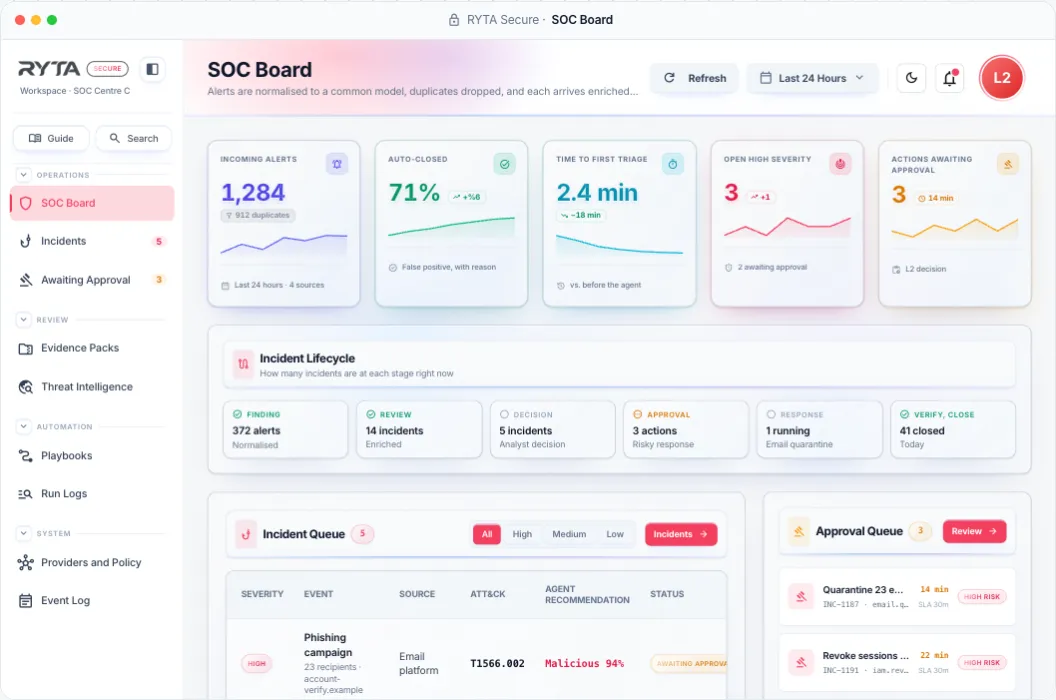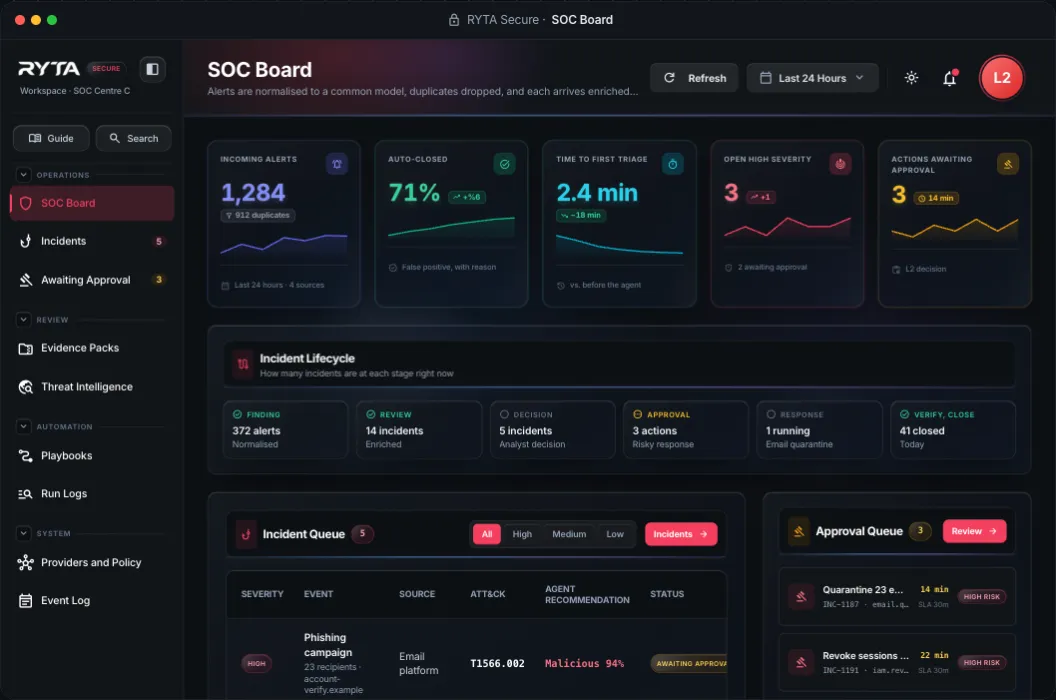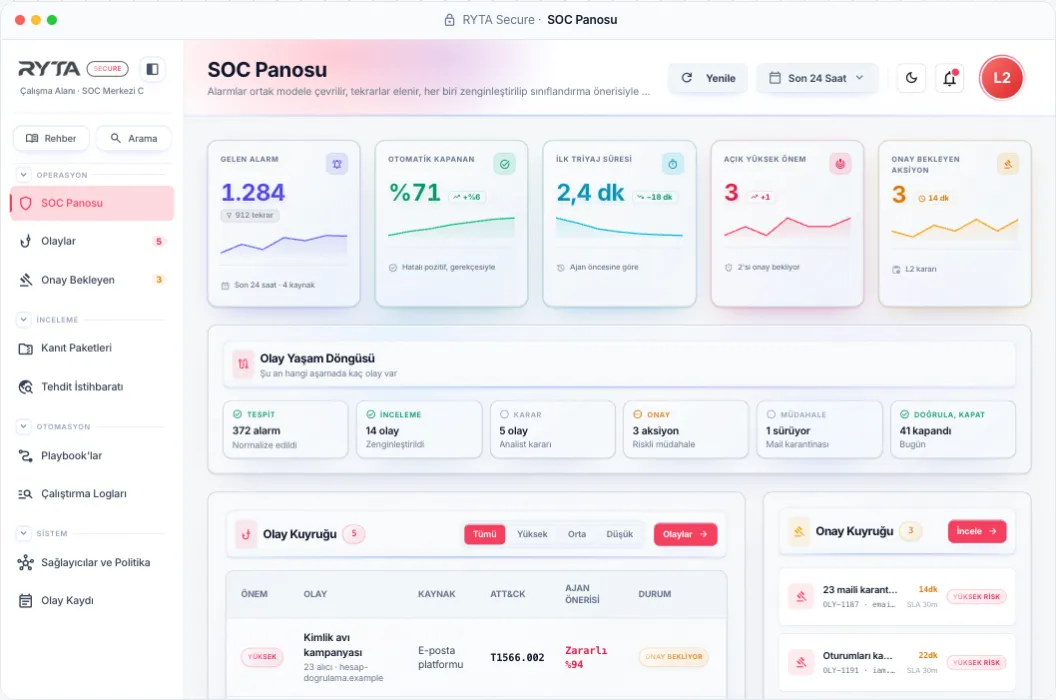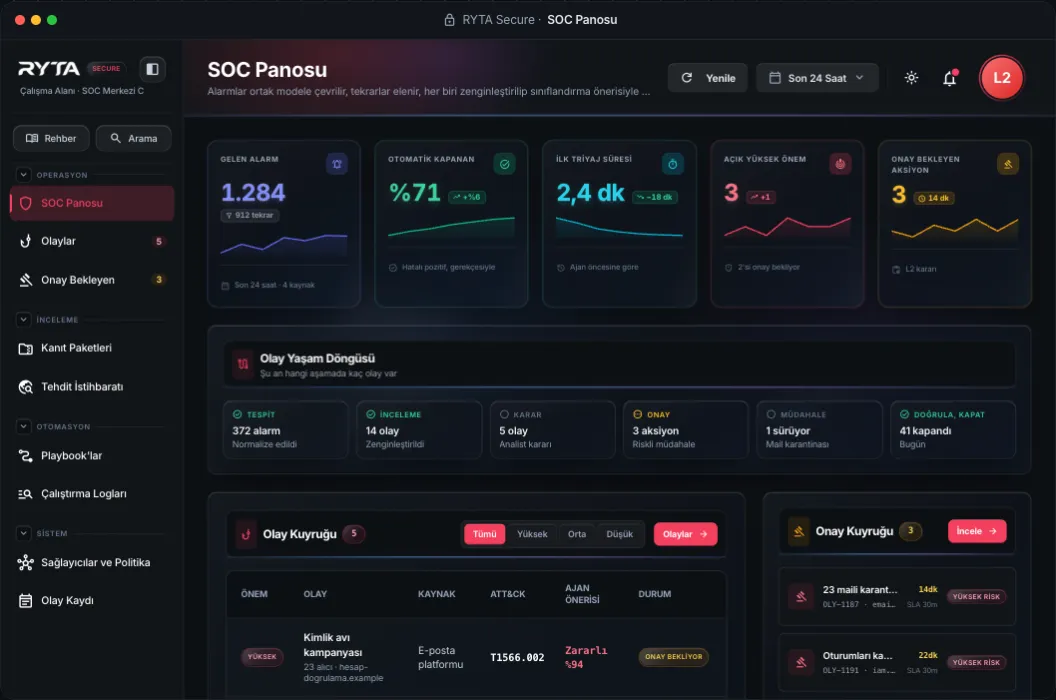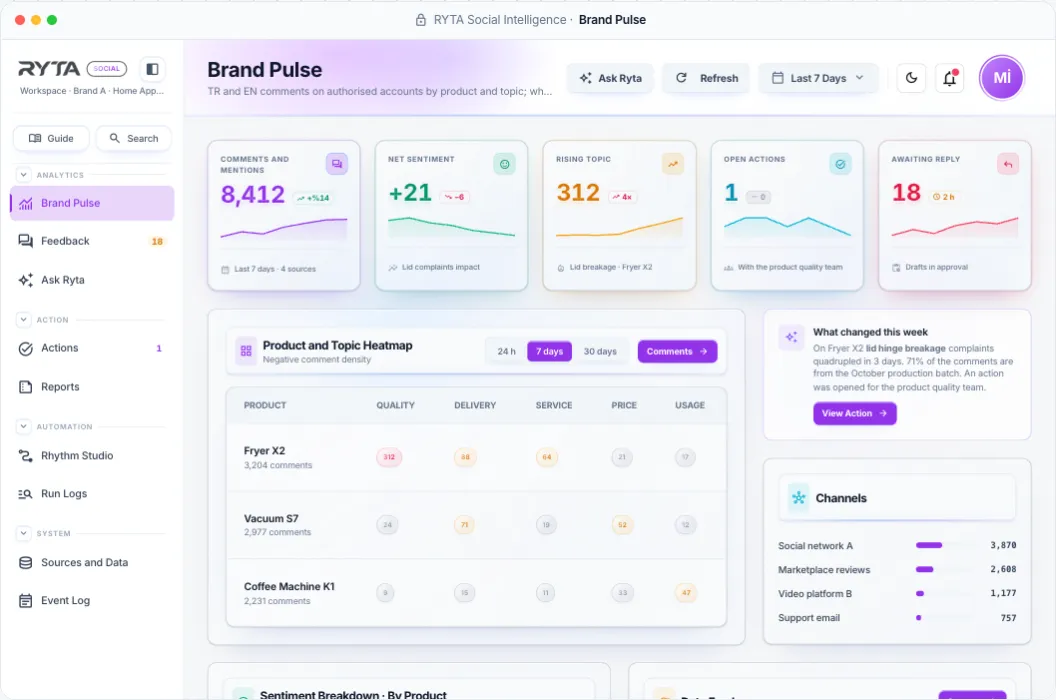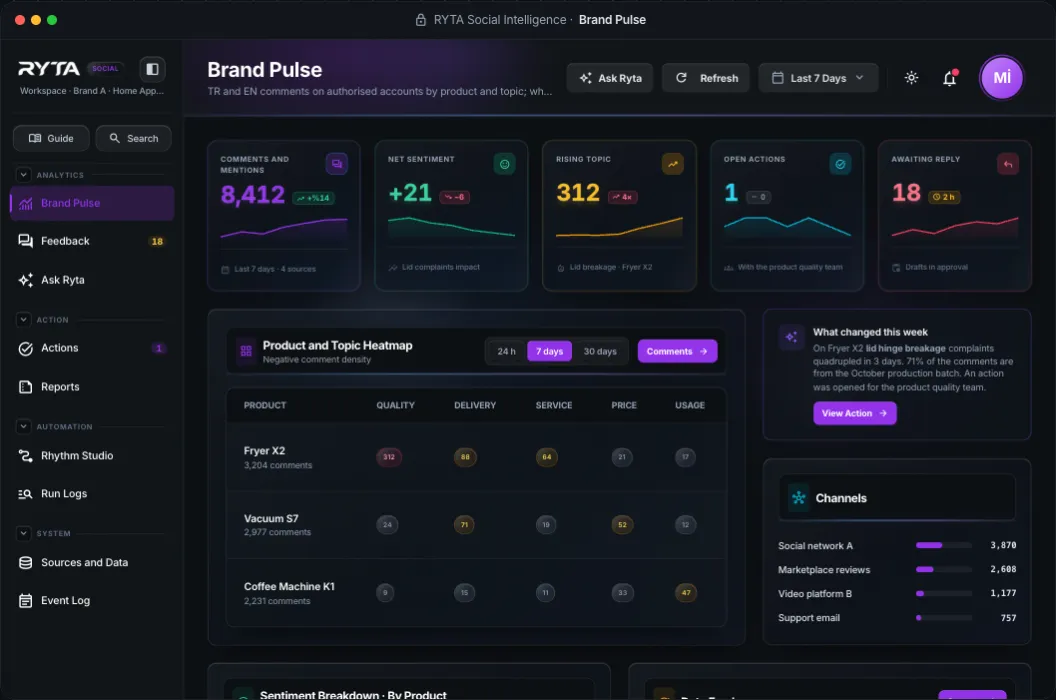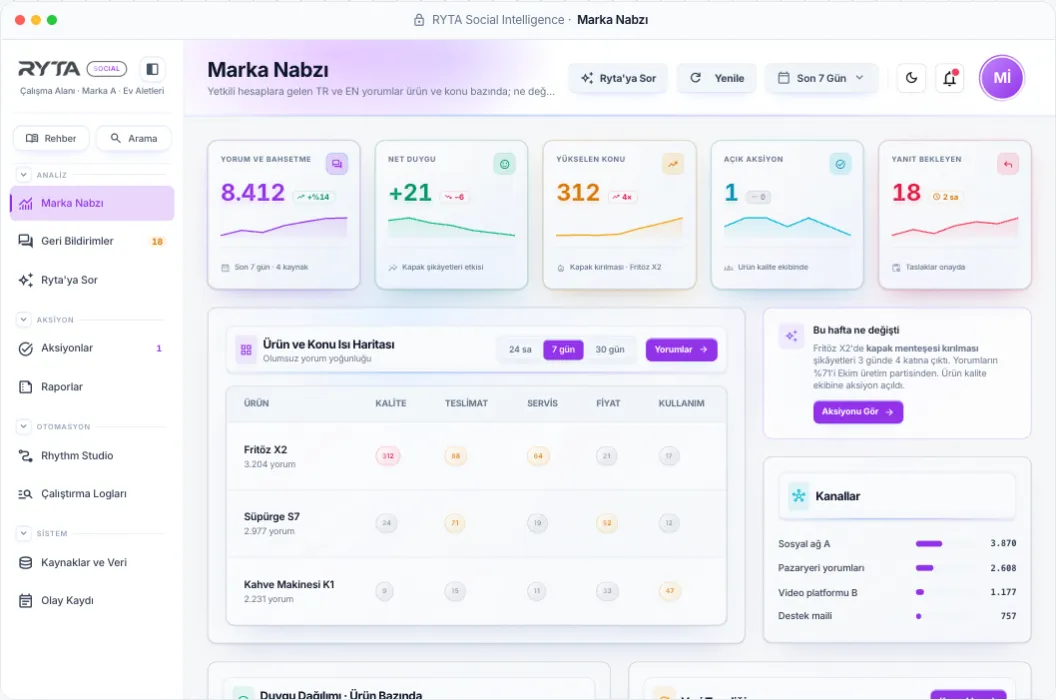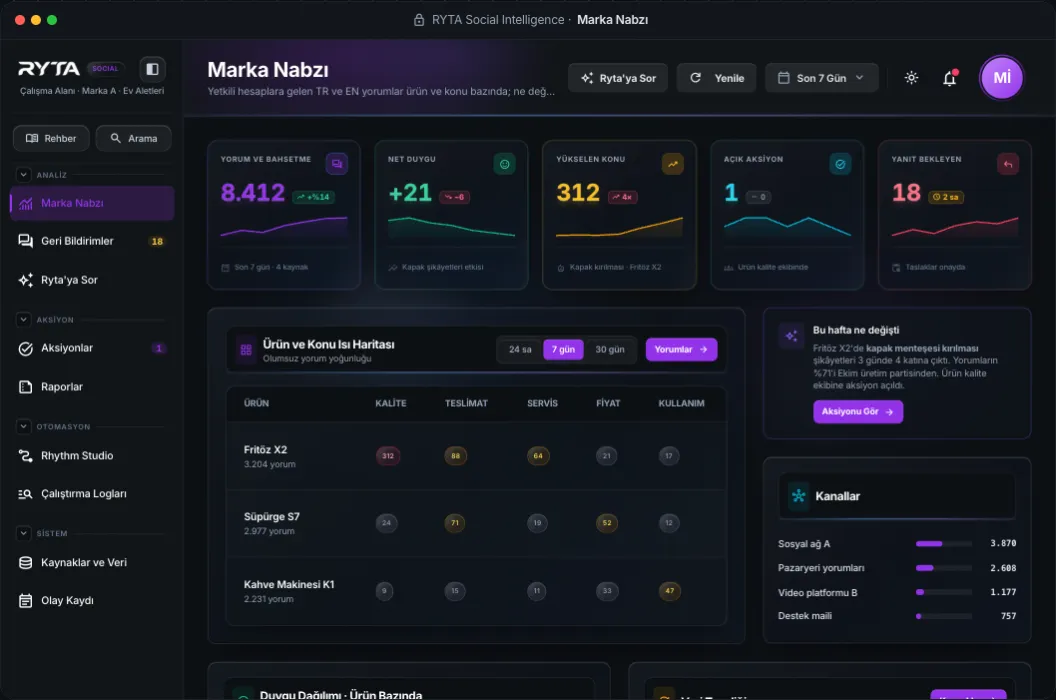

Every tool.
One rhythm.

Your tools. Your plugins. Ryta AI. One place to bring them into rhythm.

Scroll to explore
graphic_eqProcess automation platform

Bring rhythm to
automation.

Bring scattered work into one clear flow. Connect your systems, shape each step visually and let Ryta AI help. Your team stays in control, with every run in view.

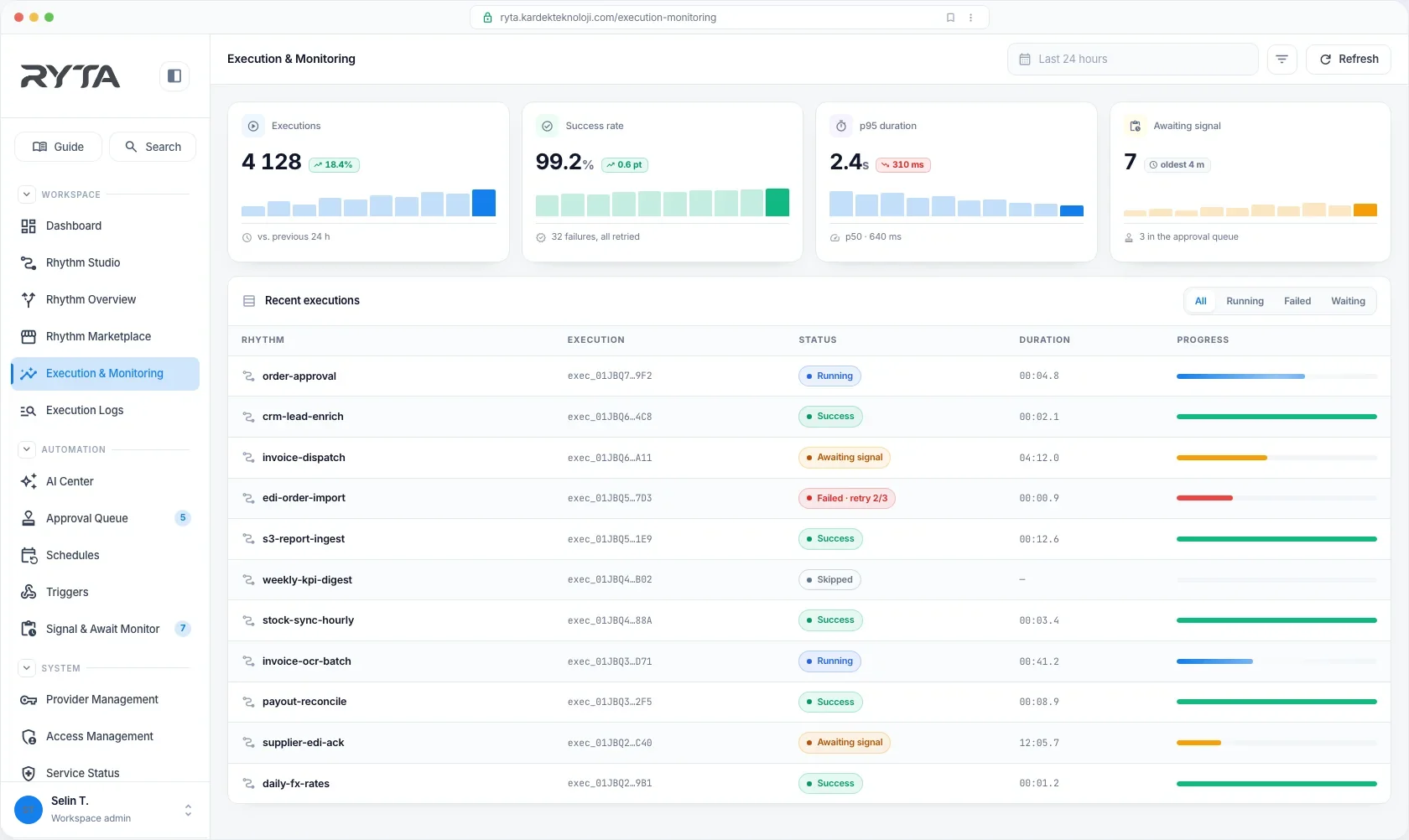
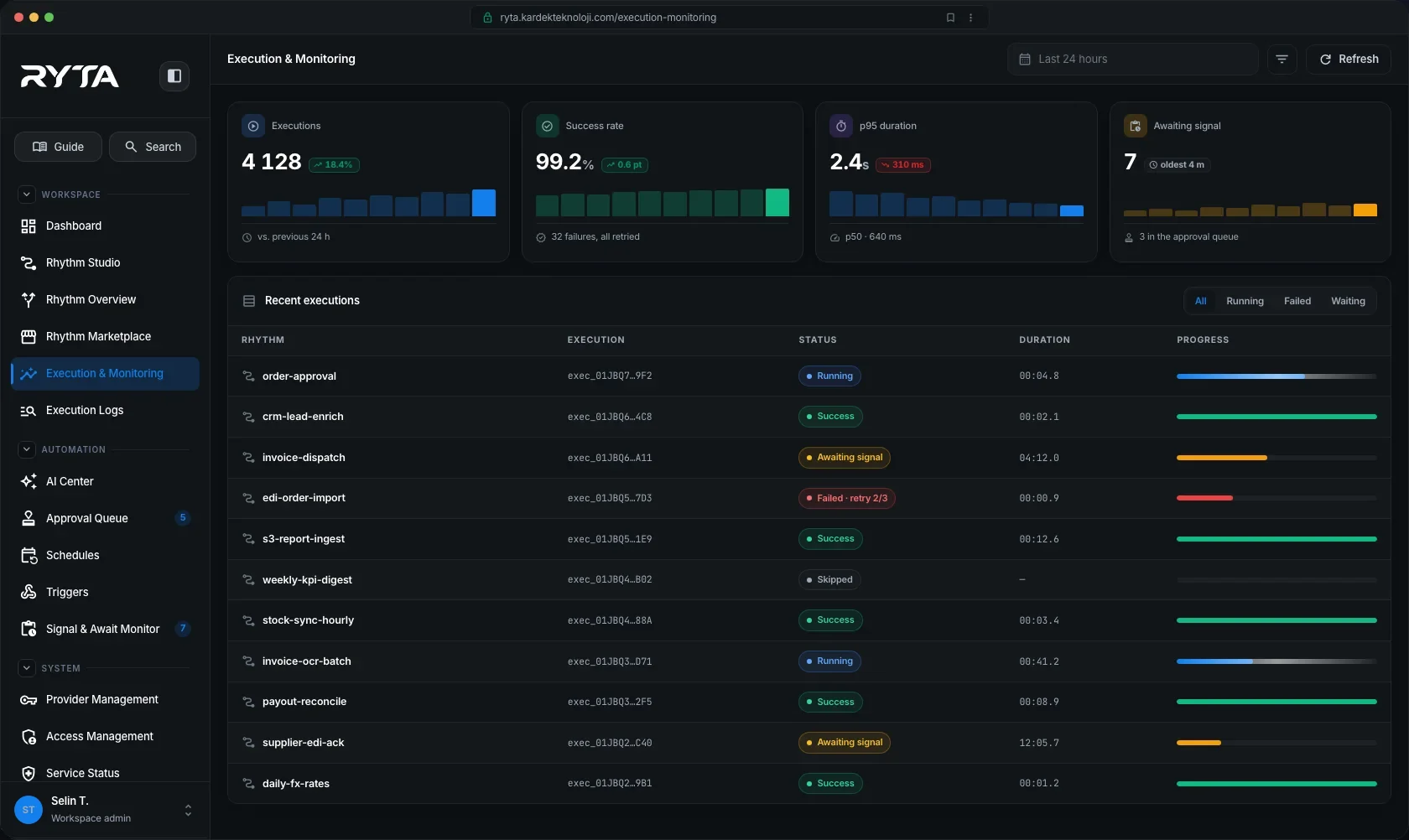
Runs today12 480trending_up18% vs. yesterday
Awaiting signal7scheduleoldest 4 min
Success rate · 7d99.2%
conversion_pathRhythm Studio

See the flow.
Feel the rhythm.

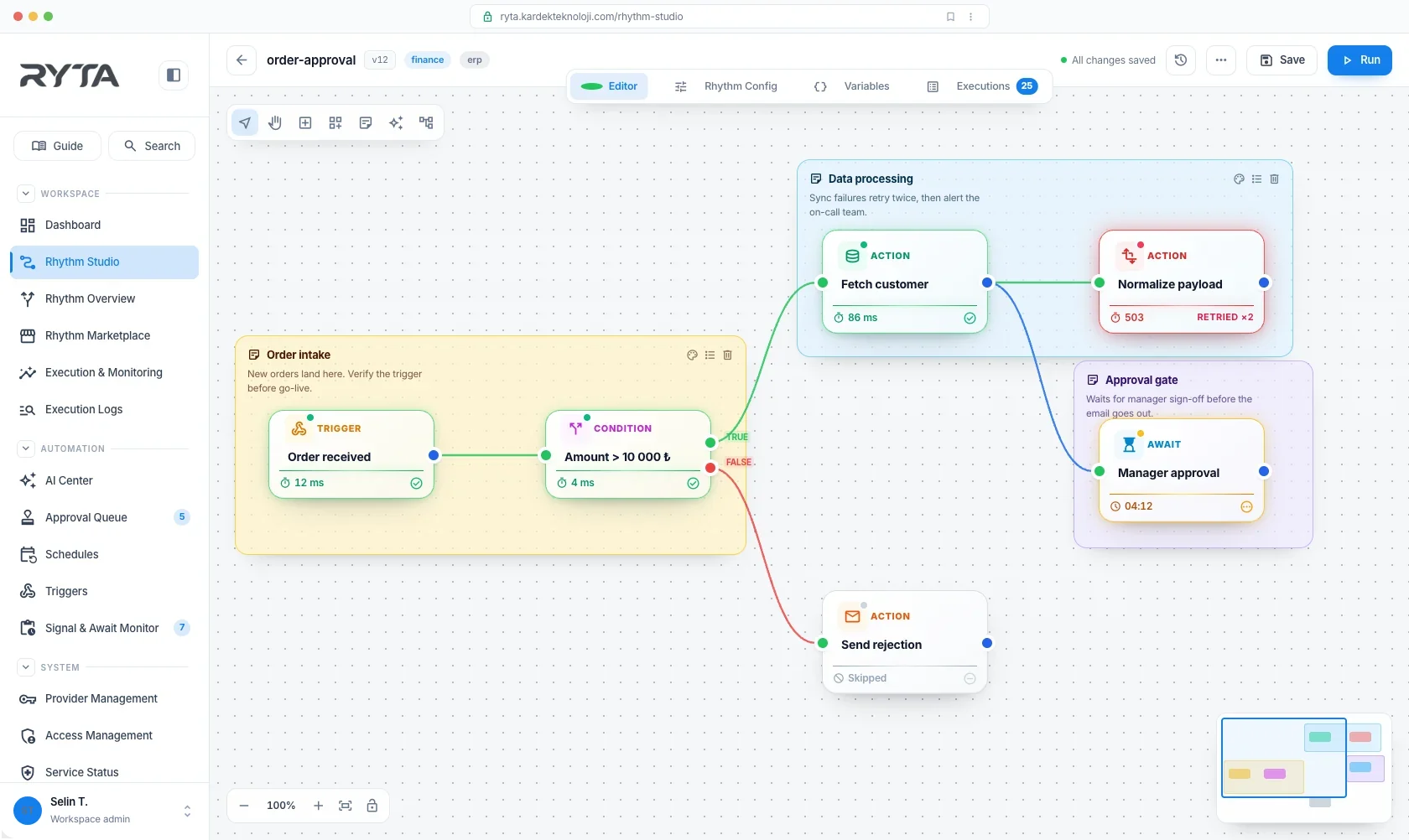
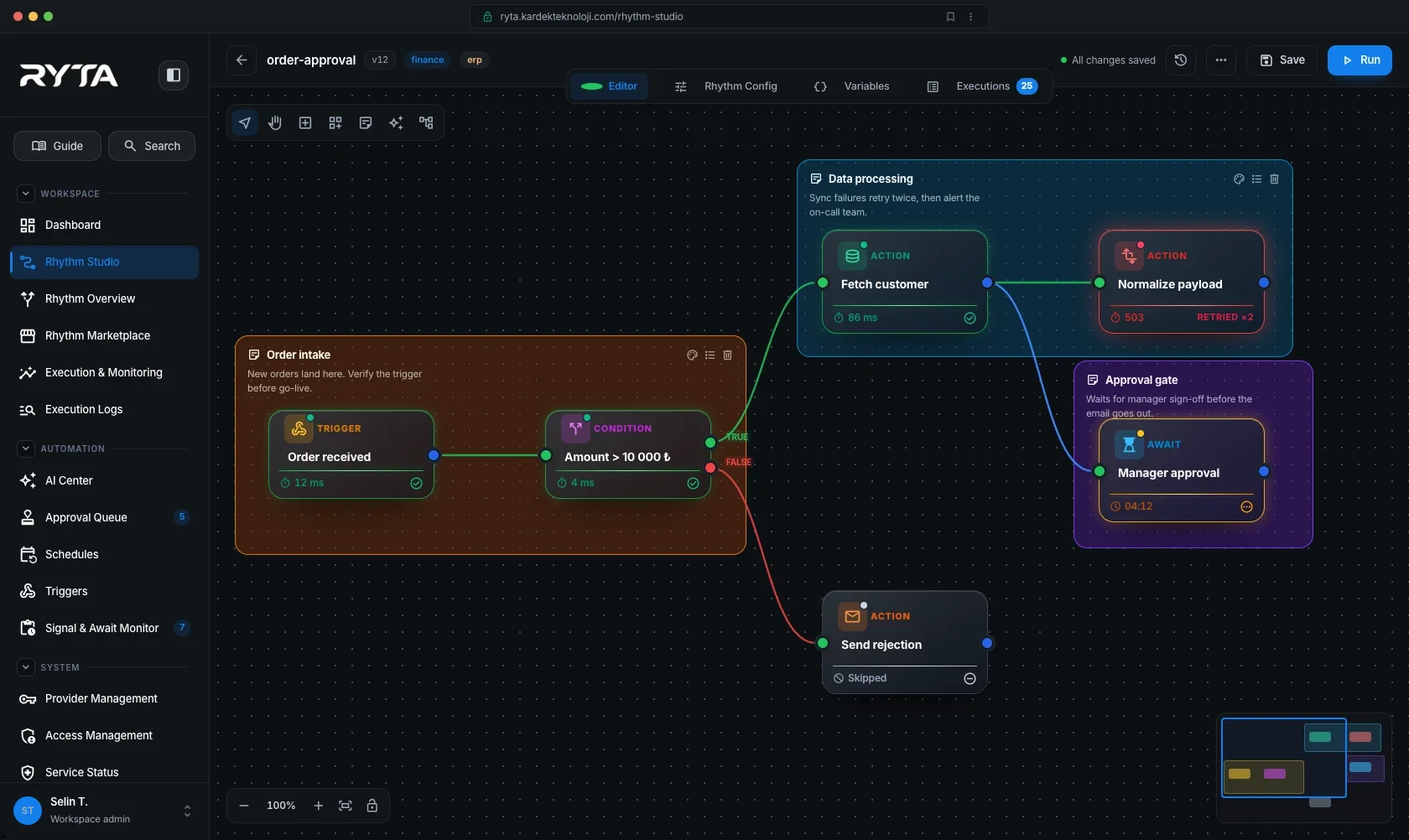
Follow an order from first request to final approval. Design the flow, run it, ask Ryta AI for a draft and see how every step connects.

lockryta.kardekteknoloji.com/rhythm-studiobookmark_bordermore_vert
arrow_back
order-approval v12 finance erp
All changes saved history more_horiz saveSave play_arrowRun
Editor tuneRhythm Config data_objectVariables list_altExecutions24
sticky_note_2Order intake paletteformat_list_bulleteddelete

New orders land here. Verify the trigger before go-live.

sticky_note_2Data processing paletteformat_list_bulleteddelete

Sync failures retry twice, then alert the on-call team.

sticky_note_2Approval gate

Waits for manager sign-off before the email goes out.

webhook Trigger
Order received
timer12 ms check_circle

TRUE FALSE
call_split Condition
Amount > 10 000 ₺
timer4 ms check_circle
database Action
Fetch customer
timer86 ms check_circle
transform Action
Normalize payload
timer503 retried ×2
hourglass_top Await
Manager approval
schedule04:12 pending
mail Action
Send rejection
blockSkipped remove_circle
near_me back_hand add_box dashboard_customize sticky_note_2 auto_awesome account_tree
remove 100% add fit_screen lock_open

01 / 05 · ONE RHYTHM, END TO END

touch_appThe screen is live: press Run and Approve, pick an AI prompt, install a plugin.

graphic_eqWhy RYTA

Drawing a workflow takes an afternoon. Keeping it alive takes everything else: the retries, the waits, the approvals, the audit and the 3 a.m. incident. RYTA is built for everything else.

monitor_heartExecution & Monitoring

Every run in sight.
Your finger on the pulse.

Know what is running, what is waiting and what needs you. Follow each step as it happens, with retries and approvals always in sight.

  • streamLive run feed. New runs arrive without a refresh, each with its status and duration.
  • replayRetried on its own. A failing step tries again before anyone has to step in.
  • pending_actionsWaiting, not lost. Runs held for an approval or a signal stay visible until they continue.
widgets51Ready-made building blocksTriggers, AI, data, flow and approvals
space_dashboard26Screens in one consoleDesign, run, approve and watch in one place
translate2Languages · Turkish & EnglishConsole, guide and tool catalog
bolt<1sLive status updatesNo refresh, no waiting for a report
play_circleRYTA in 60 seconds

Design with clarity. Run with confidence.

From your first idea to daily operations: design, run, approve and work with Ryta AI. See the rhythm come together in the console.
  • Never loses progress
  • Retries & resume
  • Human approvals
  • AI as a step
  • Waits & reminders
  • Your own building blocks
  • Version history
  • Live monitoring
  • Full audit trail
  • Role-based access
  • Turkish & English
  • Runs in your cloud
0:00 / 1:00
    joinFrom scattered to steady

    Scattered tasks in. One rhythm out.

    Everyday work, brought into rhythm. Explore flows built with ready-made tools, follow the steps and watch them work together.

    visibilityProduct tour

    Your operations, in harmony

    A clear view. A timely decision. Explore the dashboard, approvals, schedules and access controls your team uses to keep work moving.

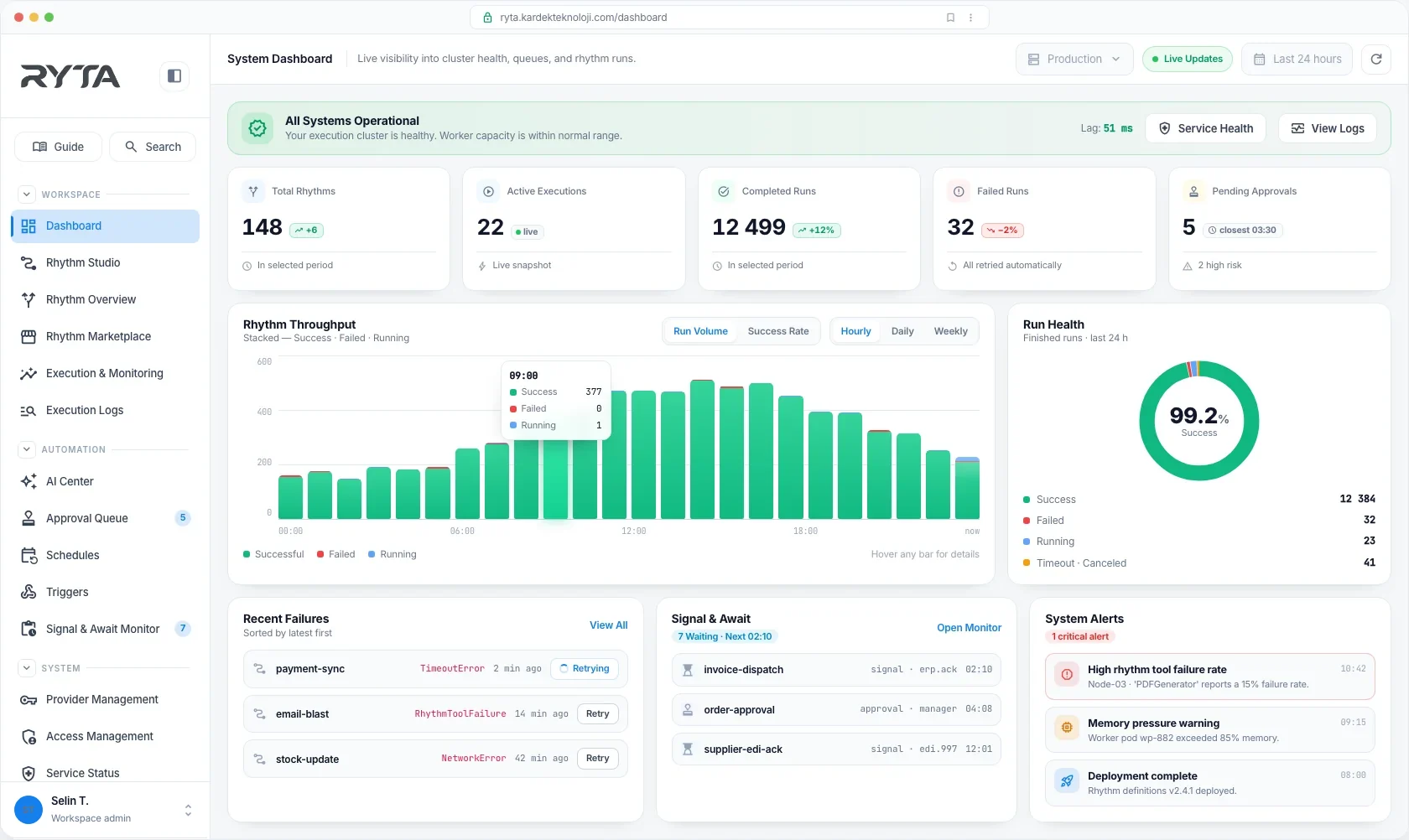
    lockryta.kardekteknoloji.com/dashboardbookmark_bordermore_vert
    System DashboardLive visibility into cluster health, queues, and rhythm runs.
    dnsProductionexpand_more Live Updates calendar_monthLast 24 hours refresh
    verified
    All Systems OperationalYour execution cluster is healthy. Worker capacity is within normal range.
    Lag: 42 ms health_and_safetyService Health monitor_heartView Logs
    alt_routeTotal Rhythms
    148trending_up+6
    scheduleIn selected period
    play_circleActive Executions
    23live
    boltLive snapshot
    task_altCompleted Runs
    12 480trending_up+12%
    scheduleIn selected period
    errorFailed Runs
    32trending_down−2%
    replayAll retried automatically
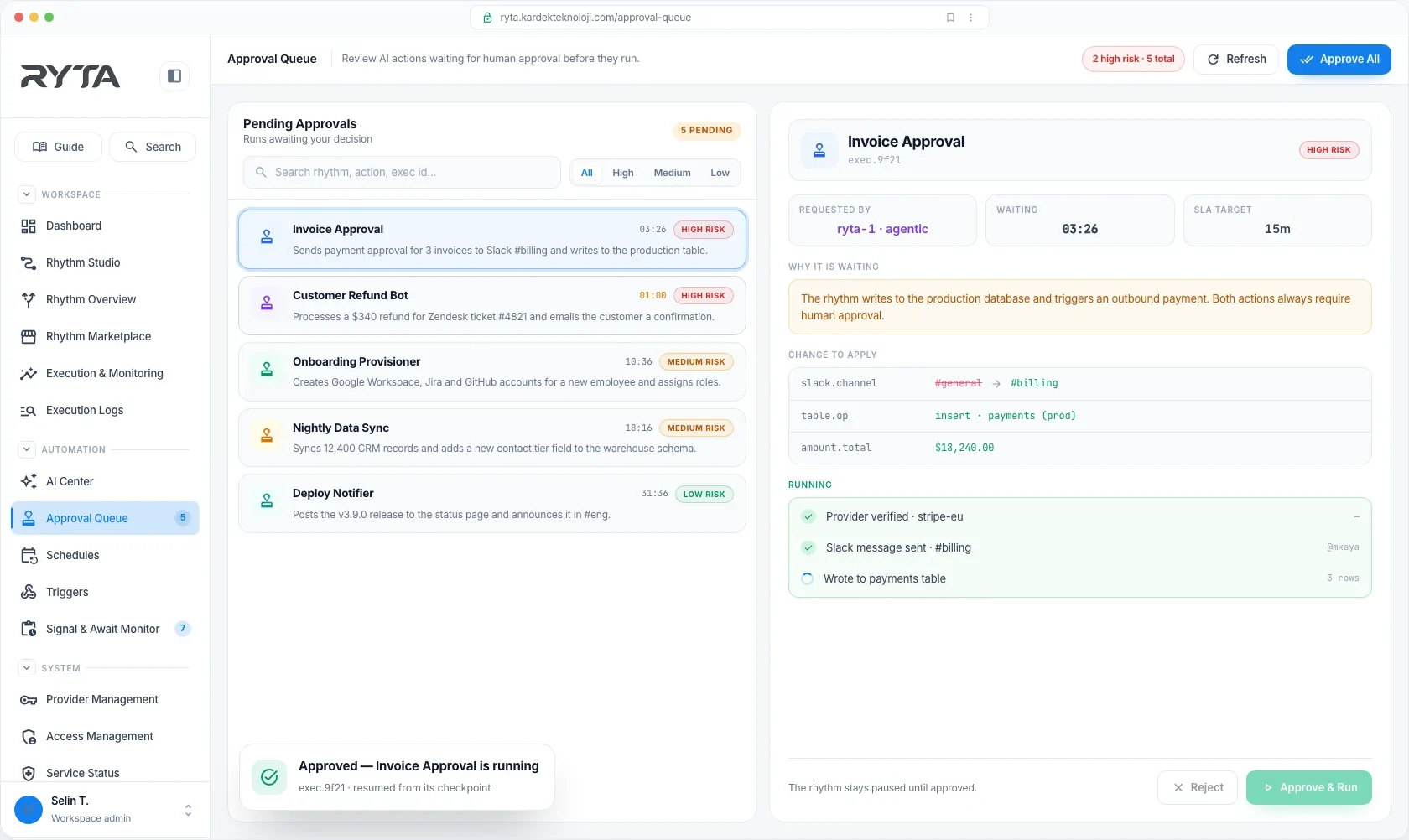
    approvalPending Approvals
    5scheduleclosest 03:30
    warning2 high risk
    Rhythm ThroughputStacked: Success · Failed · Running
    Run VolumeSuccess Rate HourlyDailyWeekly
    6004002000
    14:00Success 512Failed 3Running 11
    00:0006:0012:0018:00now
    SuccessfulFailedRunningHover any bar for details
    Run HealthFinished runs · last 24 h
    99.2%Success
    • Success12 384
    • Failed32
    • Running23
    • Timeout · Canceled41
    Recent FailuresSorted by latest first
    View All
    conversion_pathpayment-syncTimeoutError2 min agoRetry
    conversion_pathemail-blastRhythmToolFailure14 min agoRetry
    conversion_pathstock-updateNetworkError42 min agoRetry
    Signal & Await7 Waiting · Next 02:14
    Open Monitor
    hourglass_topinvoice-dispatchsignal · erp.ack02:14
    approvalorder-approvalapproval · manager04:12
    hourglass_topsupplier-edi-acksignal · edi.99712:05
    System Alerts1 critical alert
    reportHigh rhythm tool failure rateNode-03 · 'PDFGenerator' reports a 15% failure rate.10:42
    memoryMemory pressure warningWorker pod wp-882 exceeded 85% memory.09:15
    rocket_launchDeployment completeRhythm definitions v2.4.1 deployed.08:00

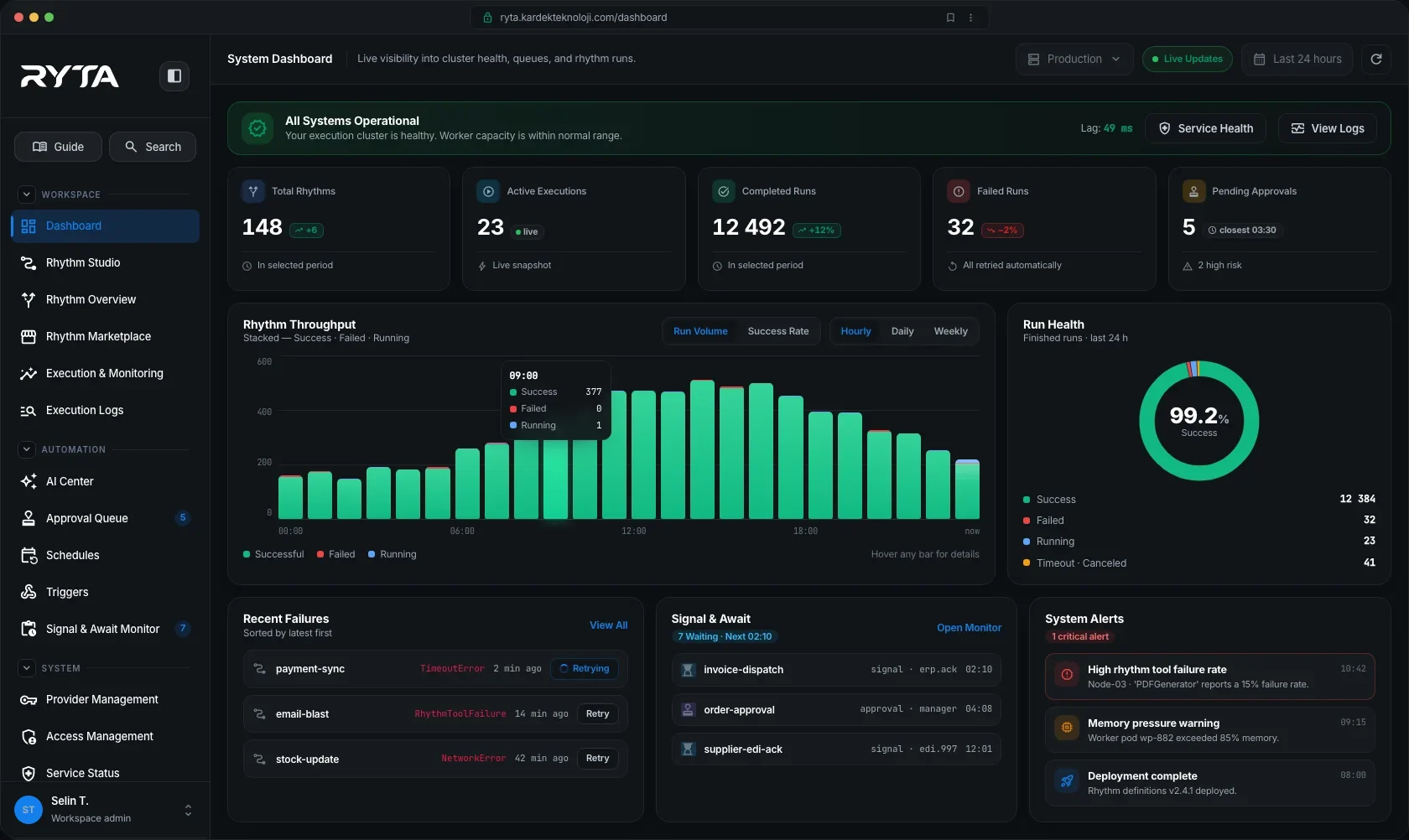
    monitor_heartOne screen for everything. Volume, success rate, errors, waits and alerts, updated live. replayAct where you look. Retry a failed run or open its details straight from the dashboard.

    appsConsole atlas

    Every process in view, every decision within reach

    Find your way from overview to action. Choose a console screen and discover the work it brings within reach.

    widgetsRhythm Tool library

    Build your rhythm, one powerful step at a time

    Start with the right trigger. Connect data, decisions, Ryta AI and human approvals. Build with RYTA’s tools and grow the library with your own plugins.

    auto_awesomeEveryday details

    Less friction. More flow.

    Stay with your work. Shortcuts, clear alerts and personal settings keep the console in step with you.

    touch_appTry It
    Ctrl+K
    searchGo to… dashboardDashboard↵ conversion_pathRhythm Studio↵ manage_searchExecution Logs↵

    Everything, one shortcut away.

    Your next destination is a shortcut away. Open the command palette with Ctrl + K, choose with ↑ ↓ and go with ↵.

    touch_appTry It
    ERRORerp.push timeoutexec.7f3a
    receipt_longRun trace · exec.7f3a Email Trigger12ms Ryta AI0.9s erp.pushtimeout

    From a log line to the run.

    Spot the error. Open its story. Jump from a log line straight to the run and trace what happened.

    touch_appTry It
    light_modedark_mode

    Light, dark, your accent.

    Make room for your way of working. Set the theme, accent colour, density and motion in Appearance.

    touch_appTry It
    executesuccesstoggle
    volume_up

    Hear what happened.

    Give each action a familiar cue. Choose sounds for execution and success, adjust the volume or enjoy the quiet.

    touch_appTry It
    ENTR
    dashboardDashboardKontrol Paneli approvalApproval QueueOnay Kuyruğu event_repeatSchedulesZamanlamalar

    Turkish and English, end to end.

    Work in the language that feels natural. Move between Turkish and English across the console, guide and tool catalog.

    touch_appTry It notificationsIn-app mailEmail tagSlack bedtime22:00–08:00event_noteDaily digest

    Only the alerts you want.

    Stay informed on your terms. Choose the events, channels and quiet hours; get updates as they happen or in a daily digest.

    widgetsPlatform

    Go live with confidence.
    Keep your rhythm.

    A good flow keeps working beyond its first run. RYTA brings retries, approvals, access and monitoring together, so your team can move forward with confidence.

    STUDIO
    conversion_path

    Rhythm Studio

    See the process take shape. Place each step on the canvas, connect decisions and branches, and keep the whole flow easy to follow.

    check_smallVisual designer
    RESILIENCE
    history

    Never loses progress

    Keep the progress you have made. Completed steps are saved, so an interrupted process can continue from where it stopped.

    check_smallResilient by design
    EXTEND
    extension

    Your own building blocks

    Make your systems part of the rhythm. Add your own tools as plugins and bring them into the shared library.

    check_smallExtensible library
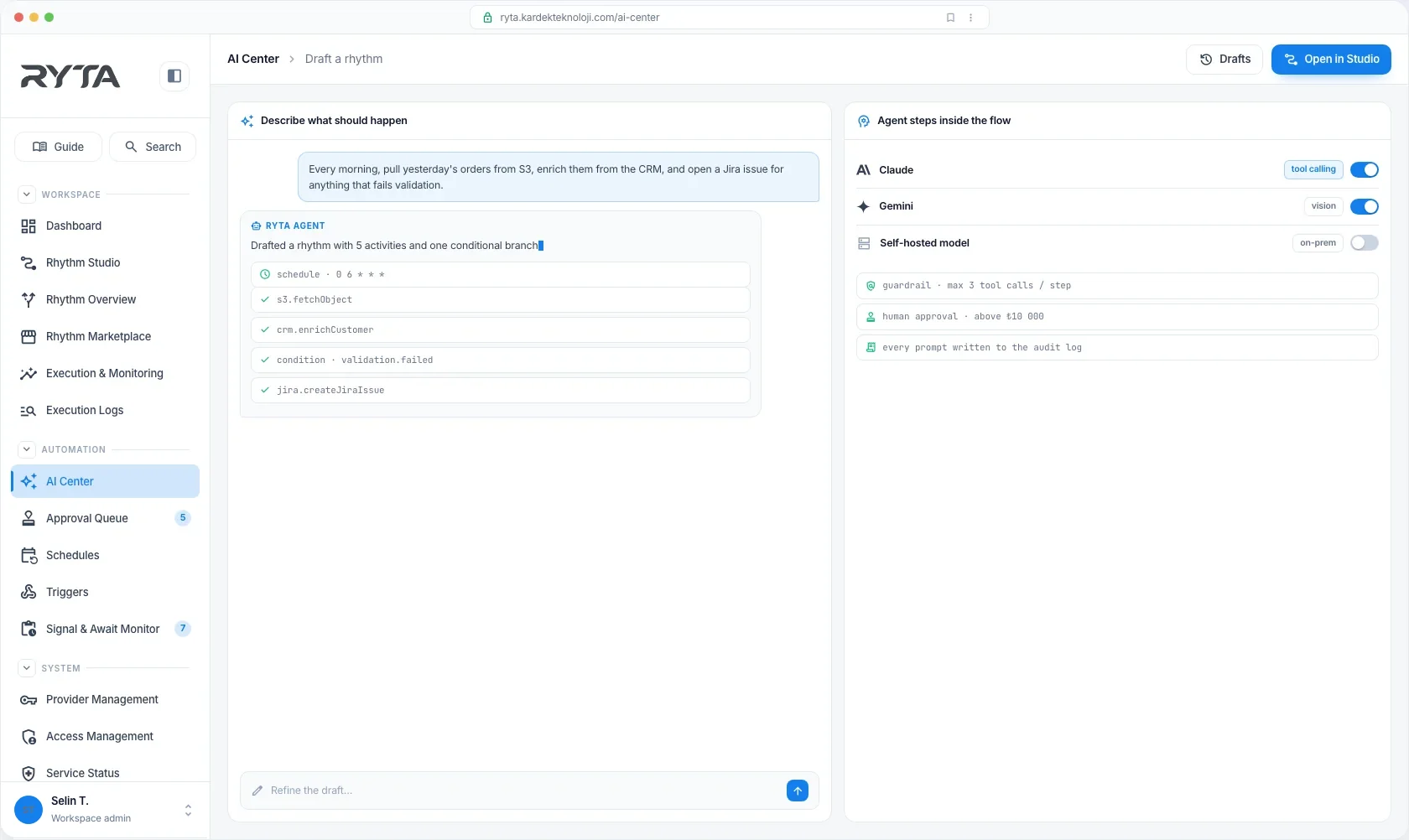
    AI
    auto_awesome

    AI Center

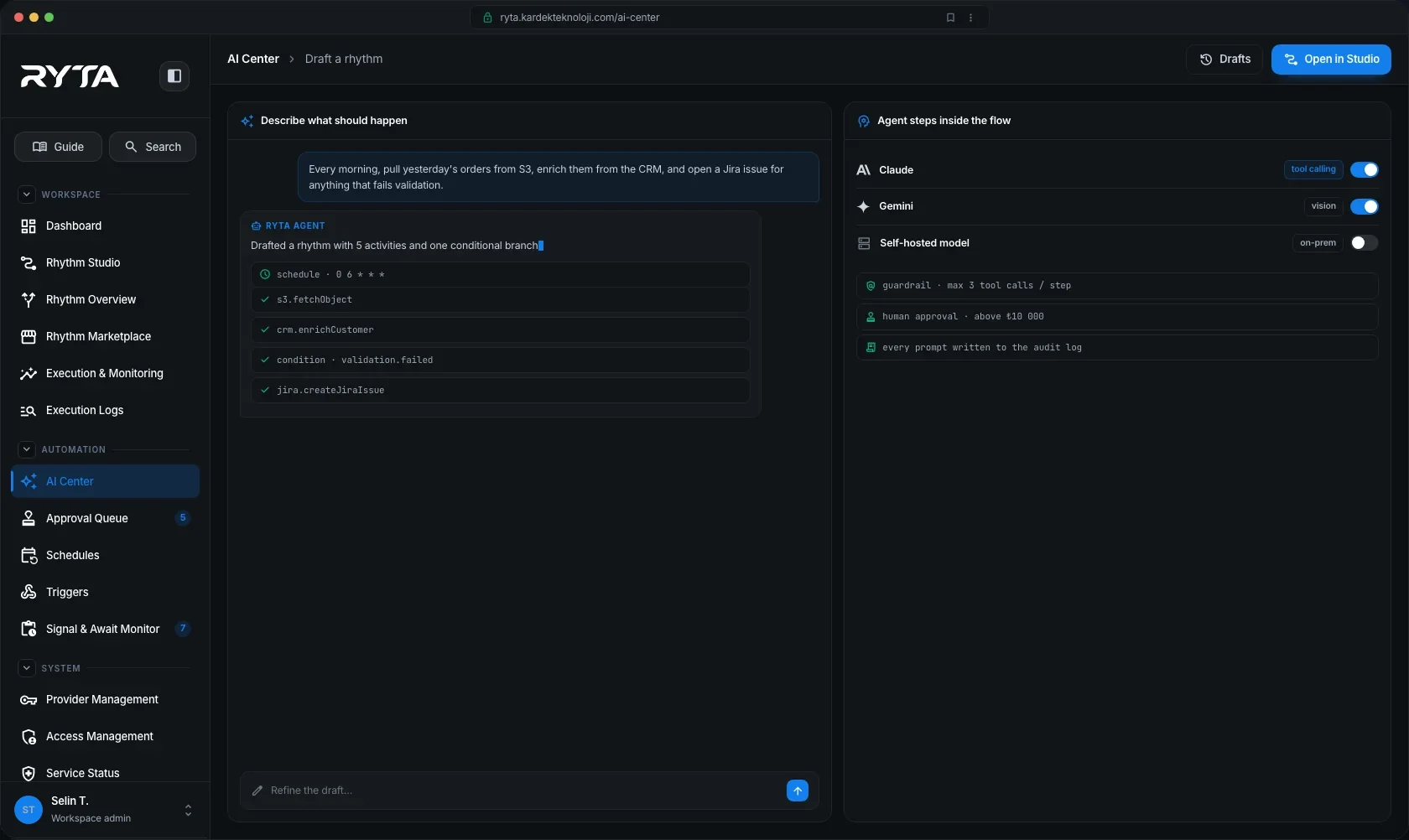
    Start with an idea. Shape it with Ryta AI. Review the draft, set its boundaries and keep important decisions with your team.

    check_smallAI with guardrails
    START
    event_repeat

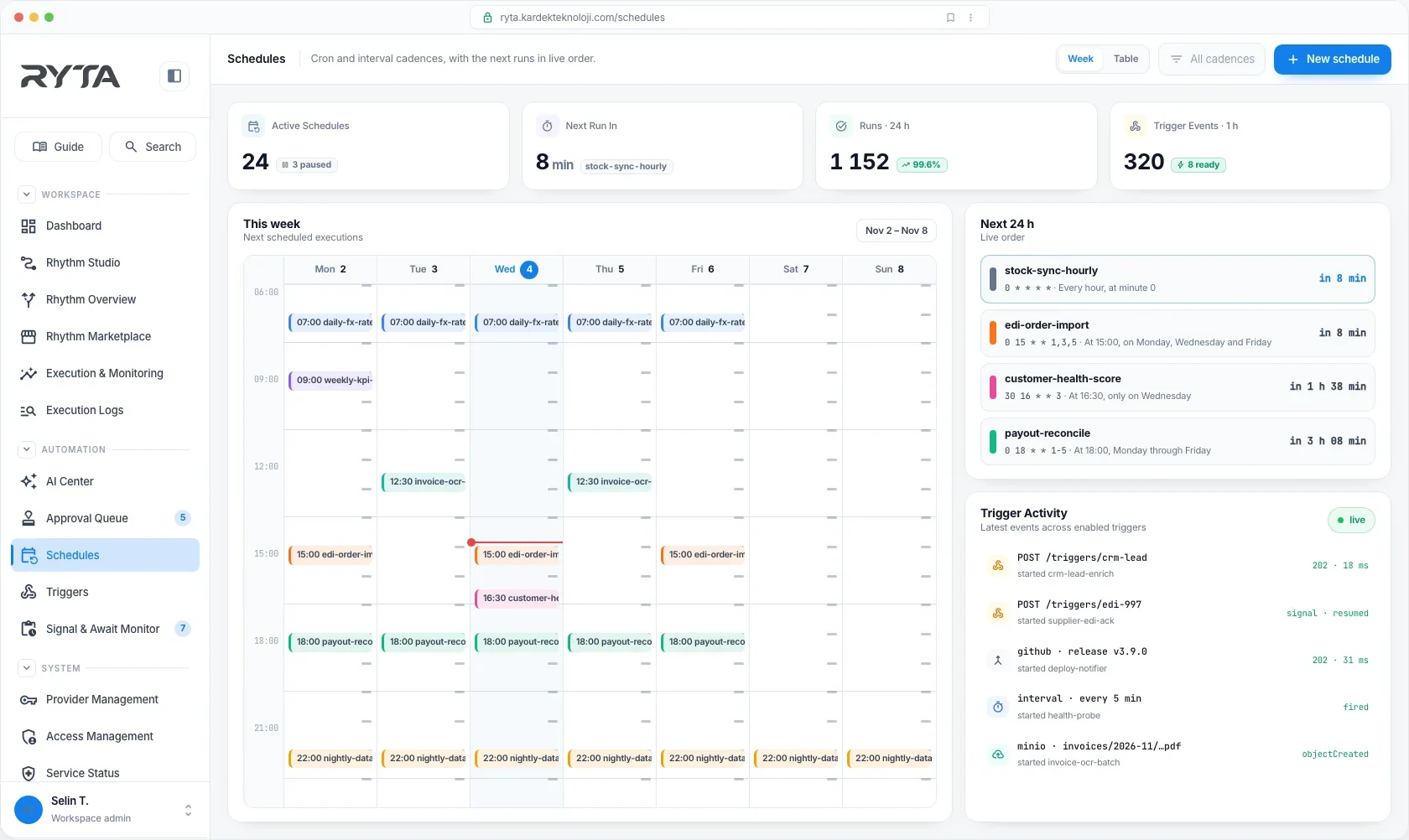
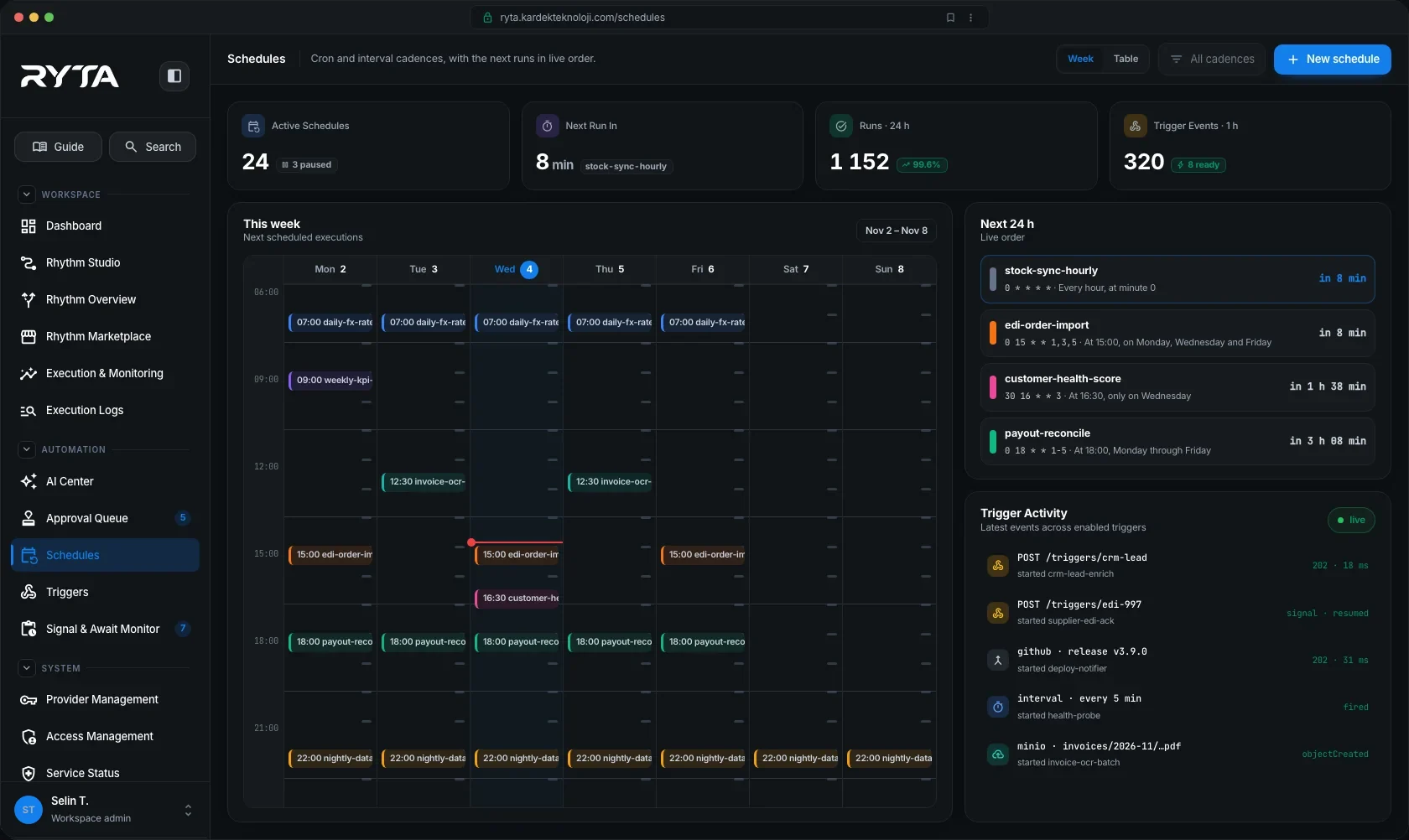
    Schedules & triggers

    Let the right moment start the work. A schedule, form, email or system event can set your rhythm in motion.

    Every weekday06:00
    New order receivedstarts instantly
    check_smallTime · event · manual
    PEOPLE
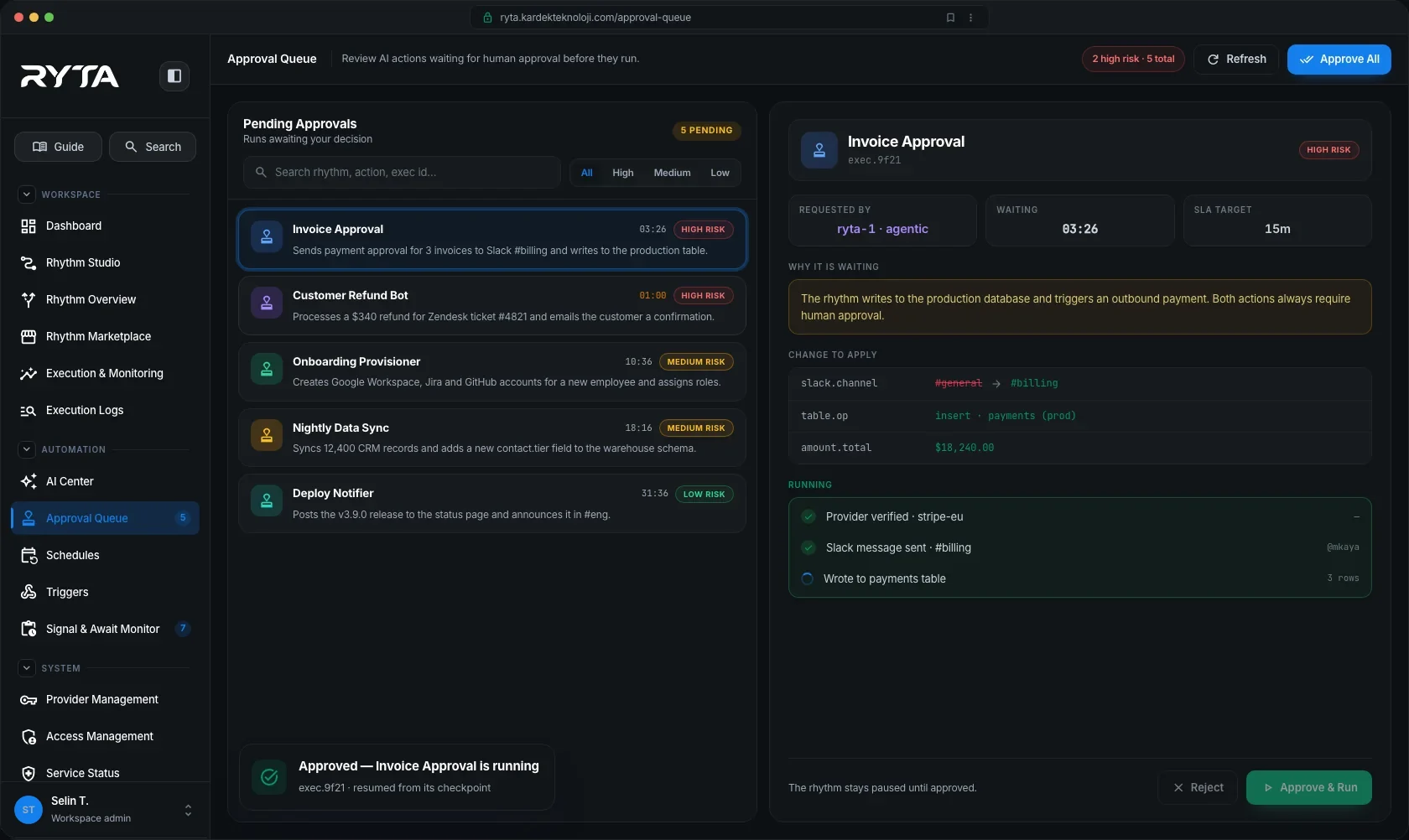
    approval

    Approvals & waits

    Give decisions the time they need. Pause for an approval or reply, see what is waiting and continue when the answer arrives.

    check_smallHuman in the loop
    VISIBILITY
    monitor_heart

    Live visibility

    See the work behind the outcome. Follow runs, steps and service health, with a clear record of what happened and when.

    check_smallMonitoring & history
    CONTROL
    admin_panel_settings

    Access & audit

    Clear access. Clear accountability. Define roles, use single sign-on and follow who changed each process and when.

    check_smallRoles · SSO · audit trail
    DEPLOY
    dns

    Runs where you do

    Your environment. Your choice. Run RYTA in your cloud or data centre, or let KardEk operate it for you.

    check_smallYour cloud or ours
    routeUse cases

    Rhythms teams
    run every day

    Orders move. Invoices find approval. Leads reach the right people. Explore how teams turn daily work into connected steps.

    conversion_path edi-order-import boltKafka · partner EDI check_circlestatus=SUCCESS · 00:04.9
    streamTrigger Order topic message partition 3
    descriptionAction Parse EDI envelope 41 segments
    alt_routeCondition Stock available? TRUE · 6 ms
    syncAction Push order to ERP 503 → retry ×2
    mailAction Ack supplier 201 Created
    Retried, never duplicatedKeep orders moving through a temporary outage. RYTA retries the ERP step while guarding against duplicate delivery.
    Picks up where it stoppedWhen the ERP returns, the flow picks up at the waiting step. Completed work stays completed.
    Nothing goes missingFollow the order’s full journey: incoming data, outgoing results and time spent at each step.
    hubProduct family

    One engine.
    A rhythm for every team.

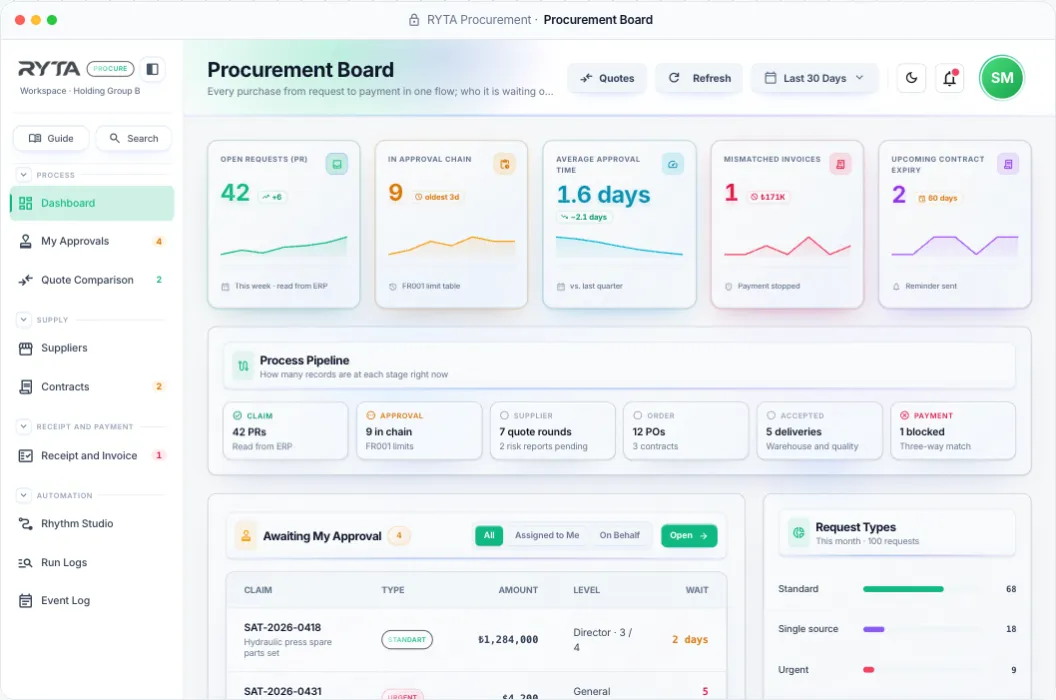
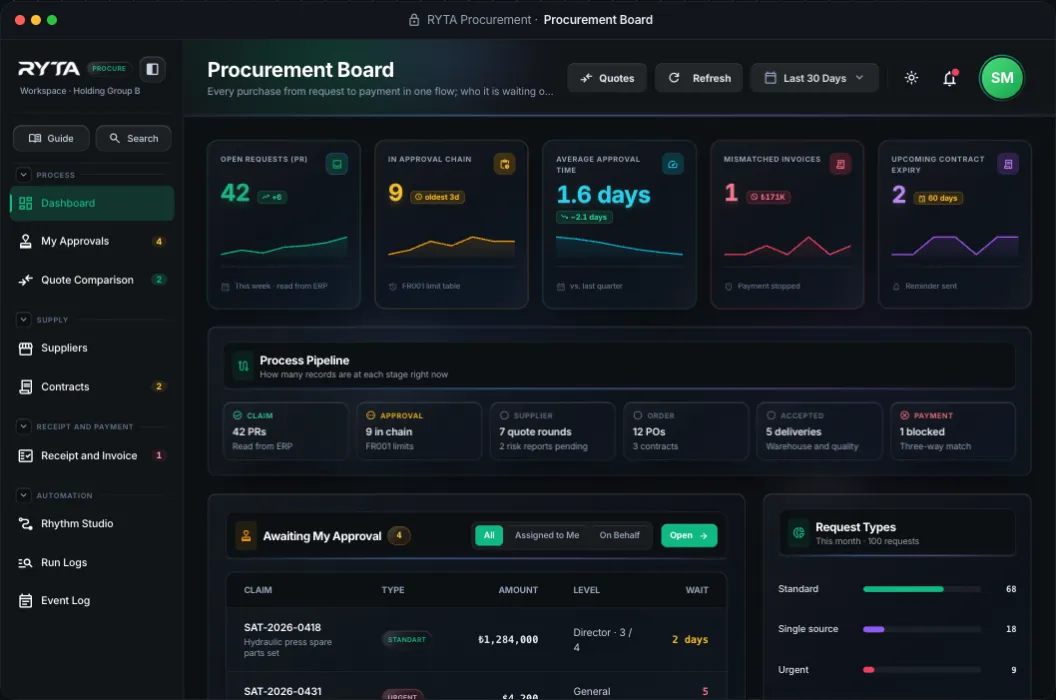
    Different teams. Different needs. One shared engine. Discover products with screens and rhythms shaped for their work, all connected by RYTA’s approvals, audit trail and console.

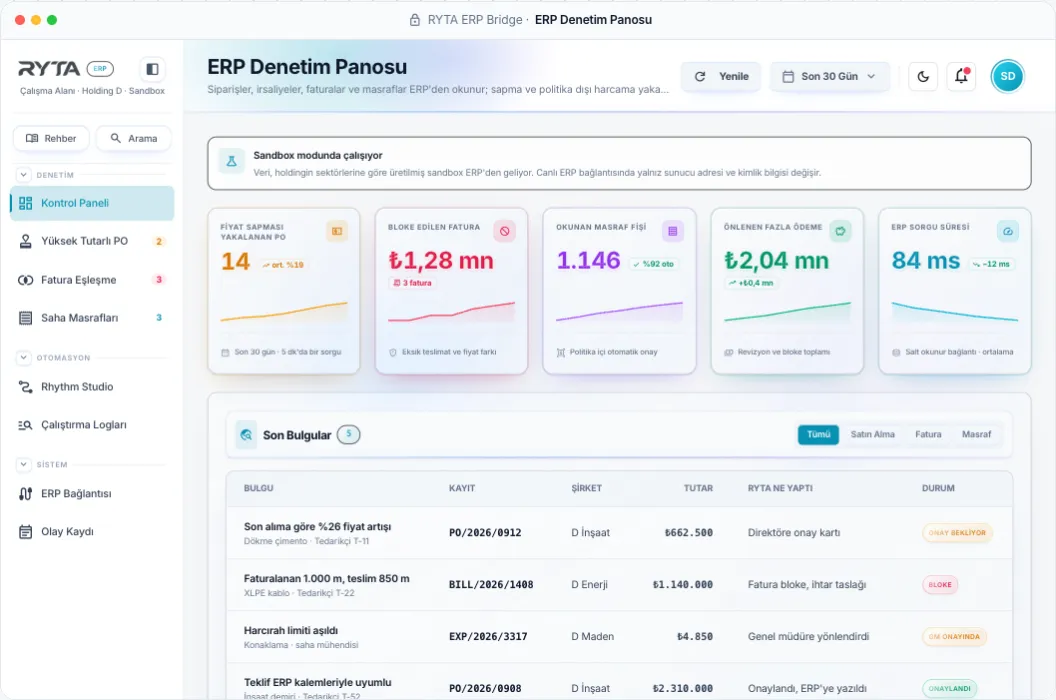
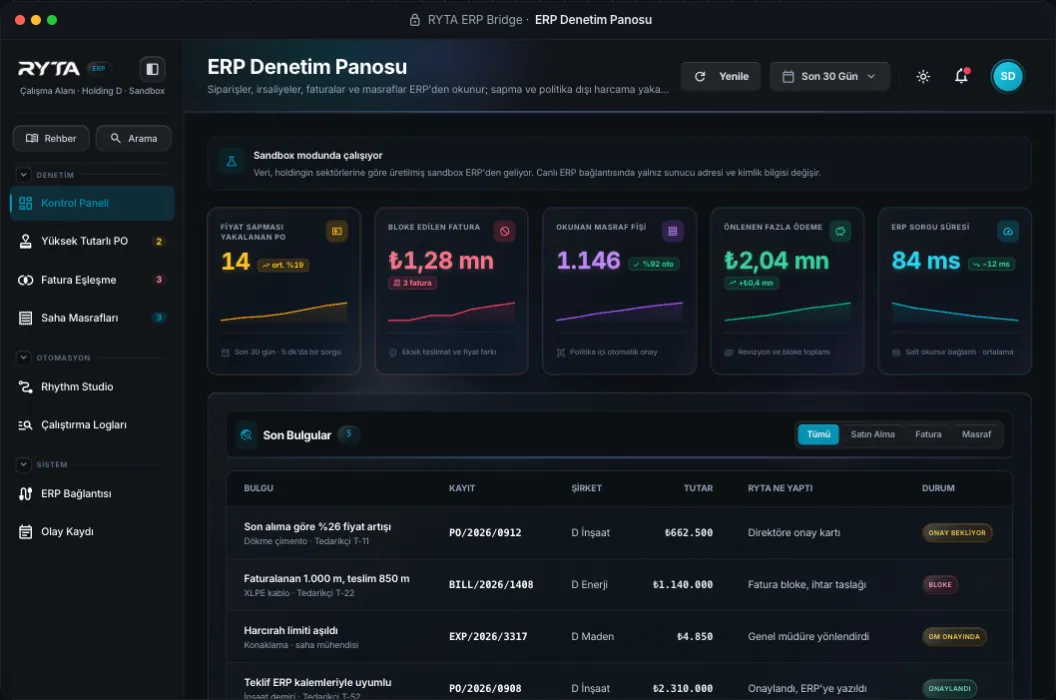
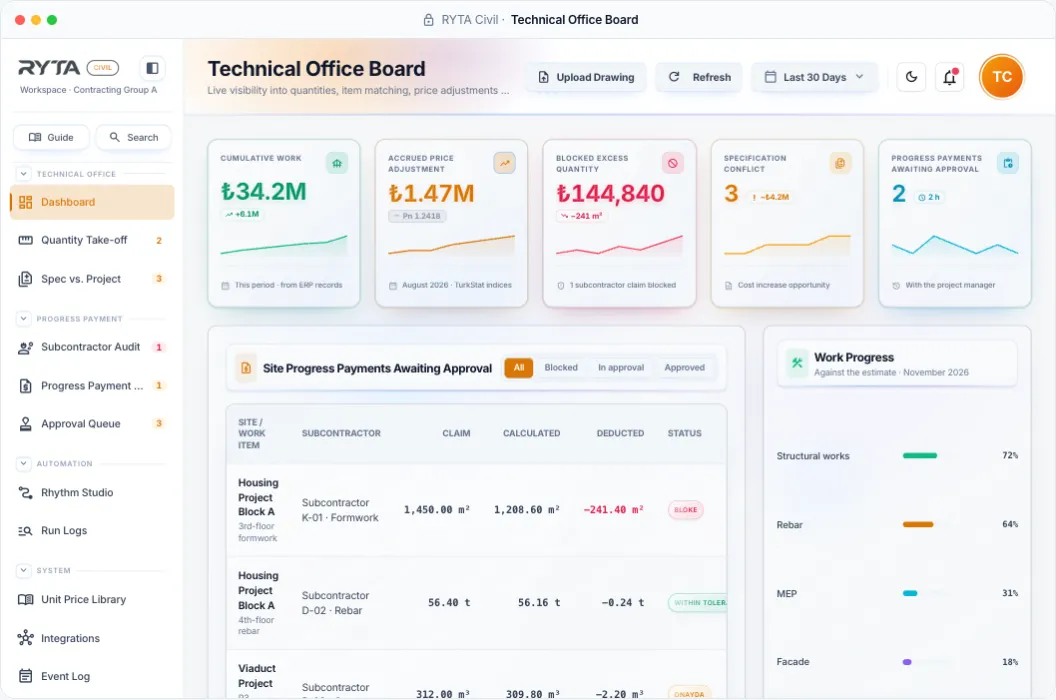
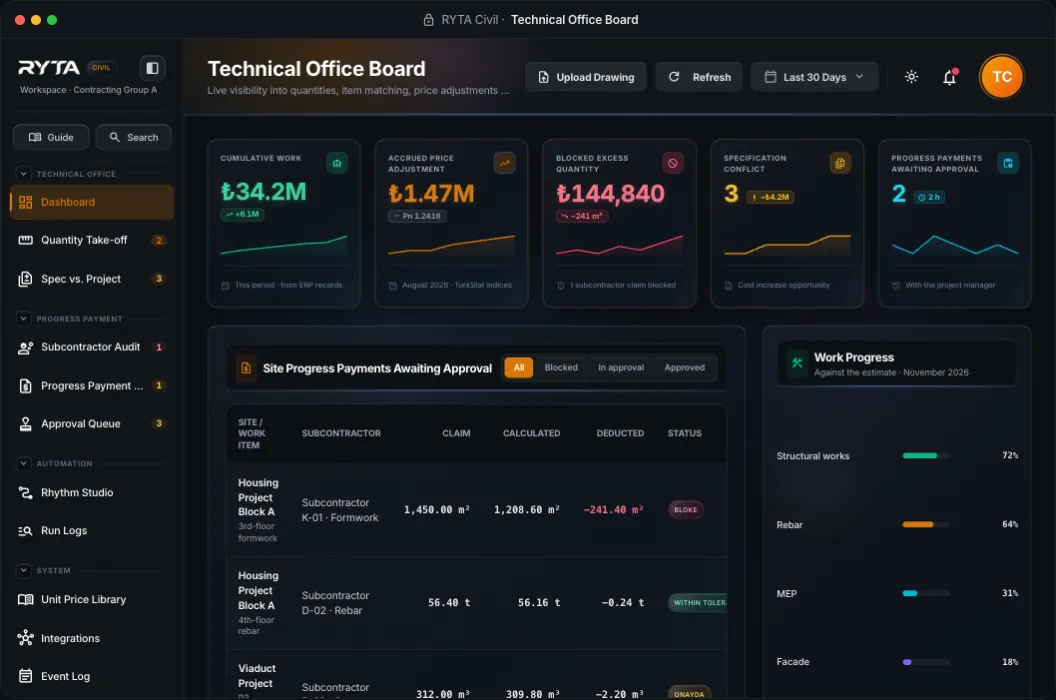
    RYTA EngineThe core every product runs on Durable runsHuman approvalsAudit trailAI stepsYour own pluginsTenants and access How the engine worksarrow_forward
    code_blocksFor IT teams

    Your systems.
    Your steps.

    Your next connection starts with a plugin. Choose the package, discover its tools and bring them into Rhythm Studio. Your systems become part of the flow.

    01

    Choose your plugin

    Start with the system you know. Pick the plugin that connects its work to yours.

    02

    Review and install

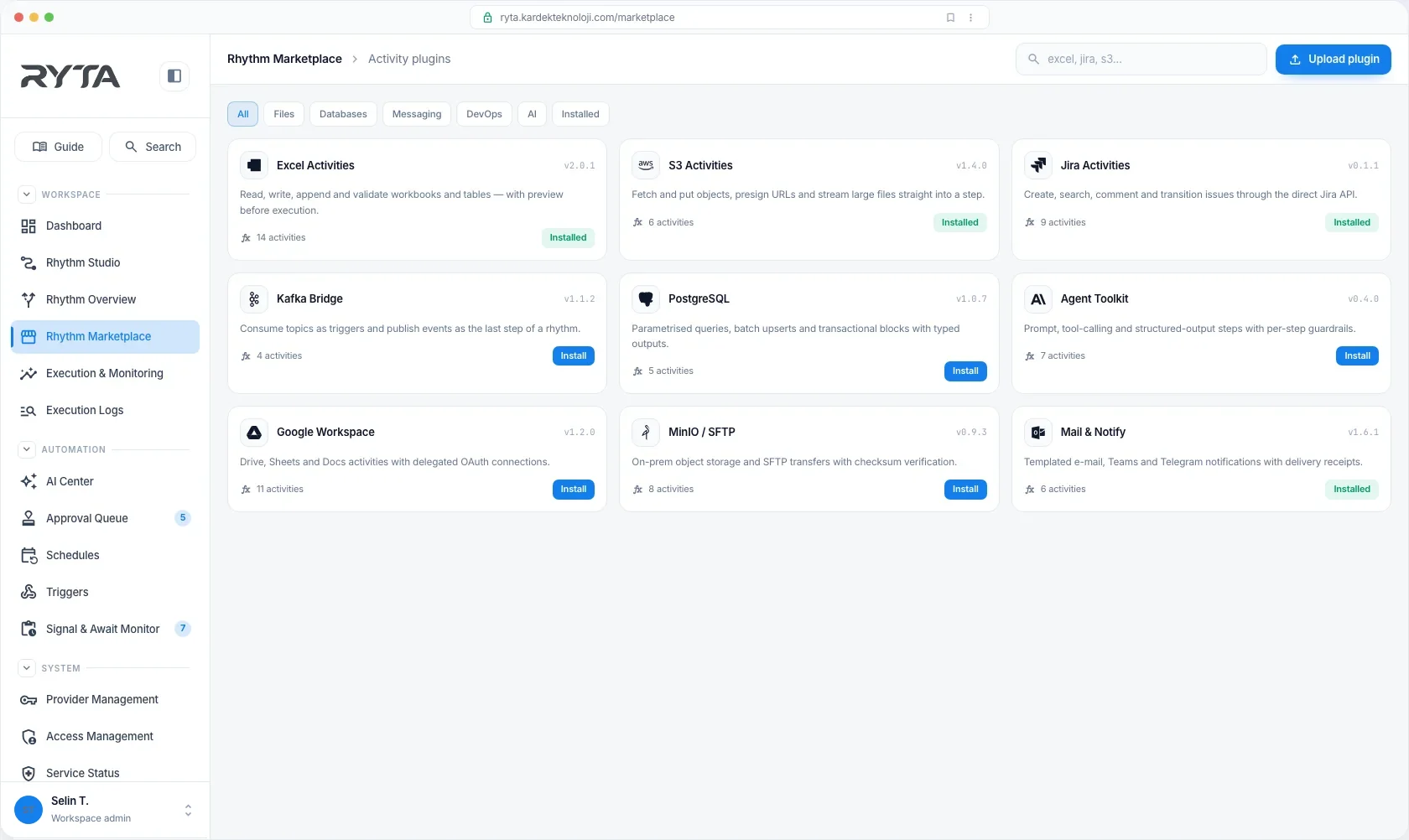
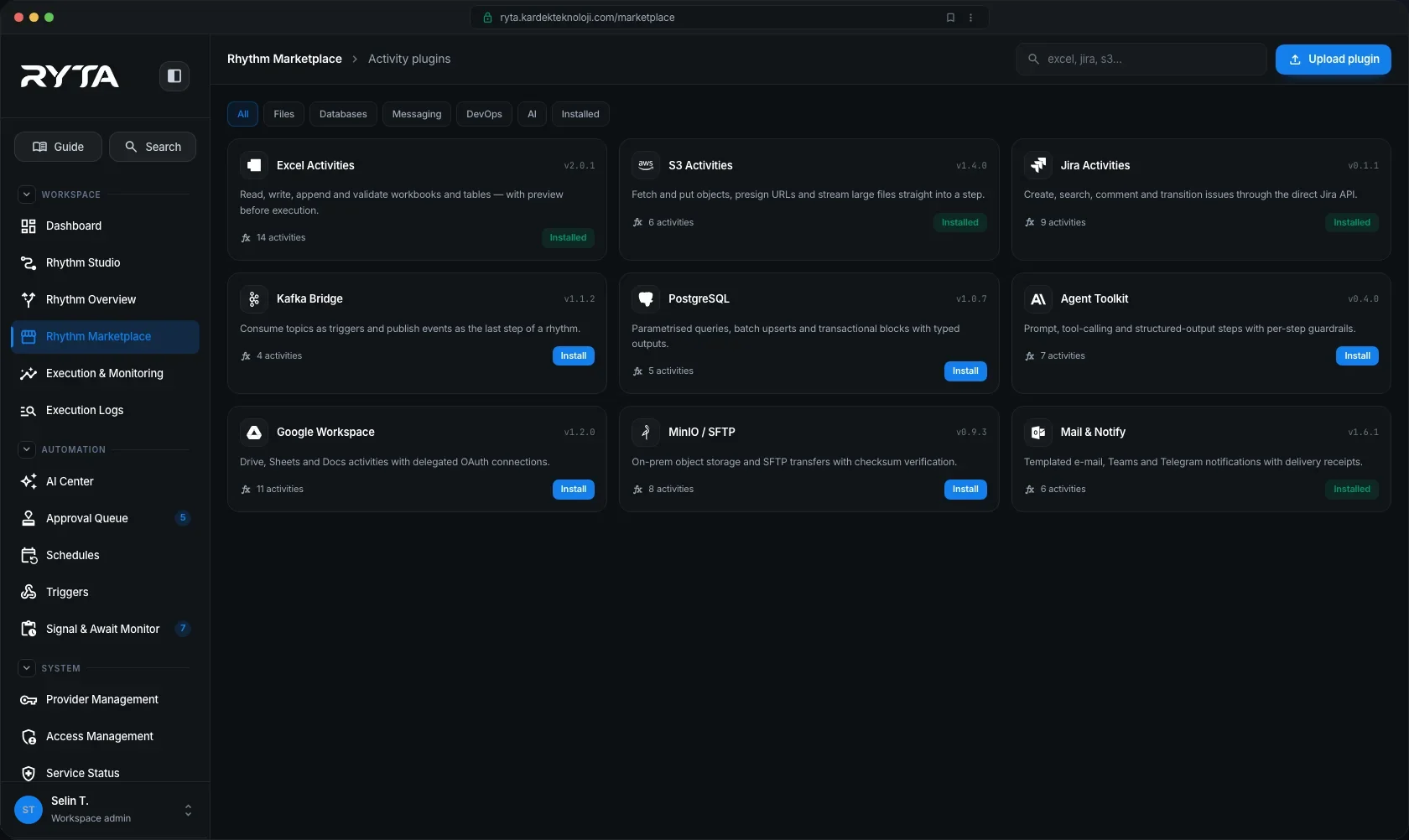
    Know what you are adding. Check the version and tools, then install the package in your workspace.

    03

    Bring it into your rhythm

    From package to process. Find the tools in Rhythm Studio, connect them and shape your next step.

    extensionRYTA Console
    WorkspacePlugin Registry
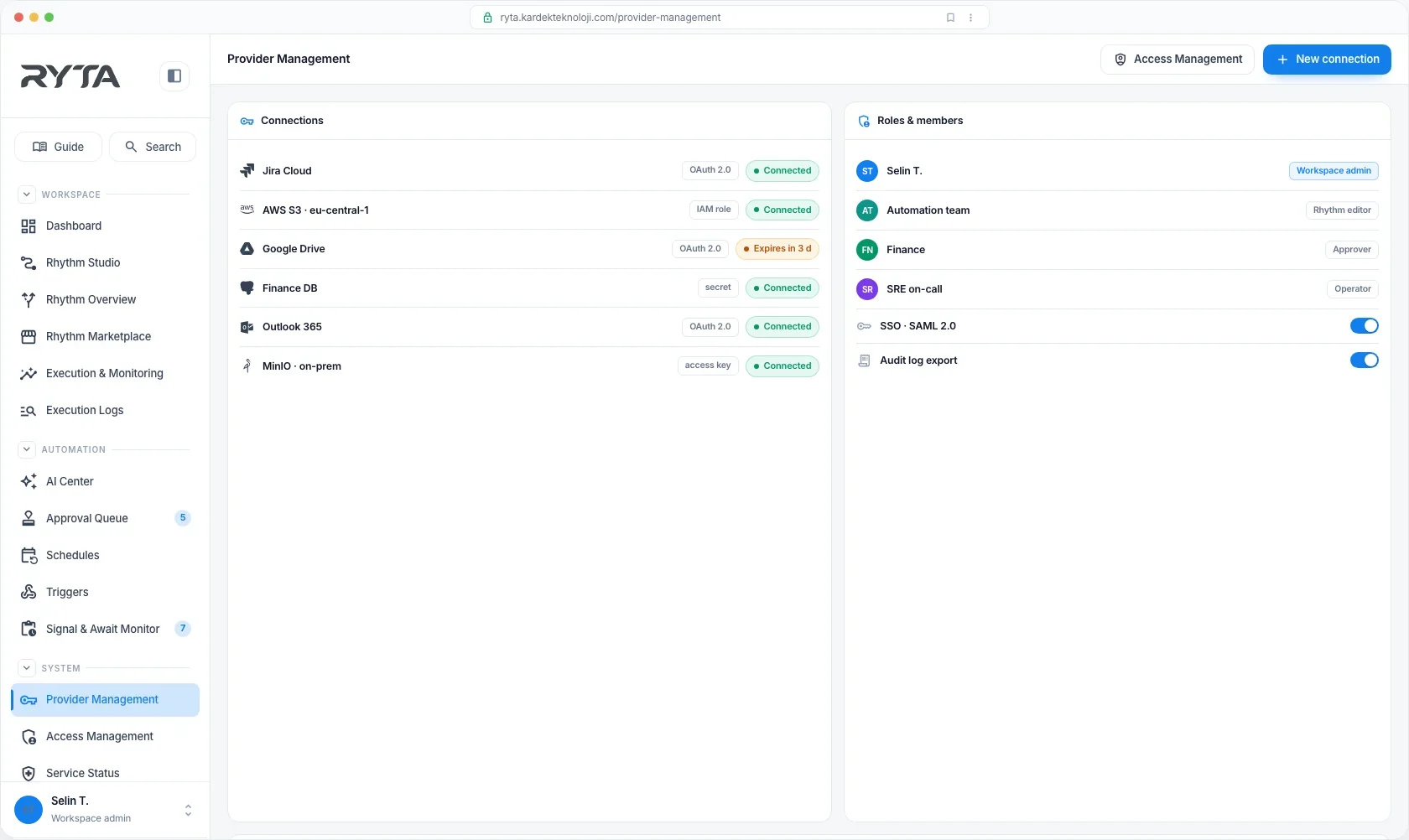
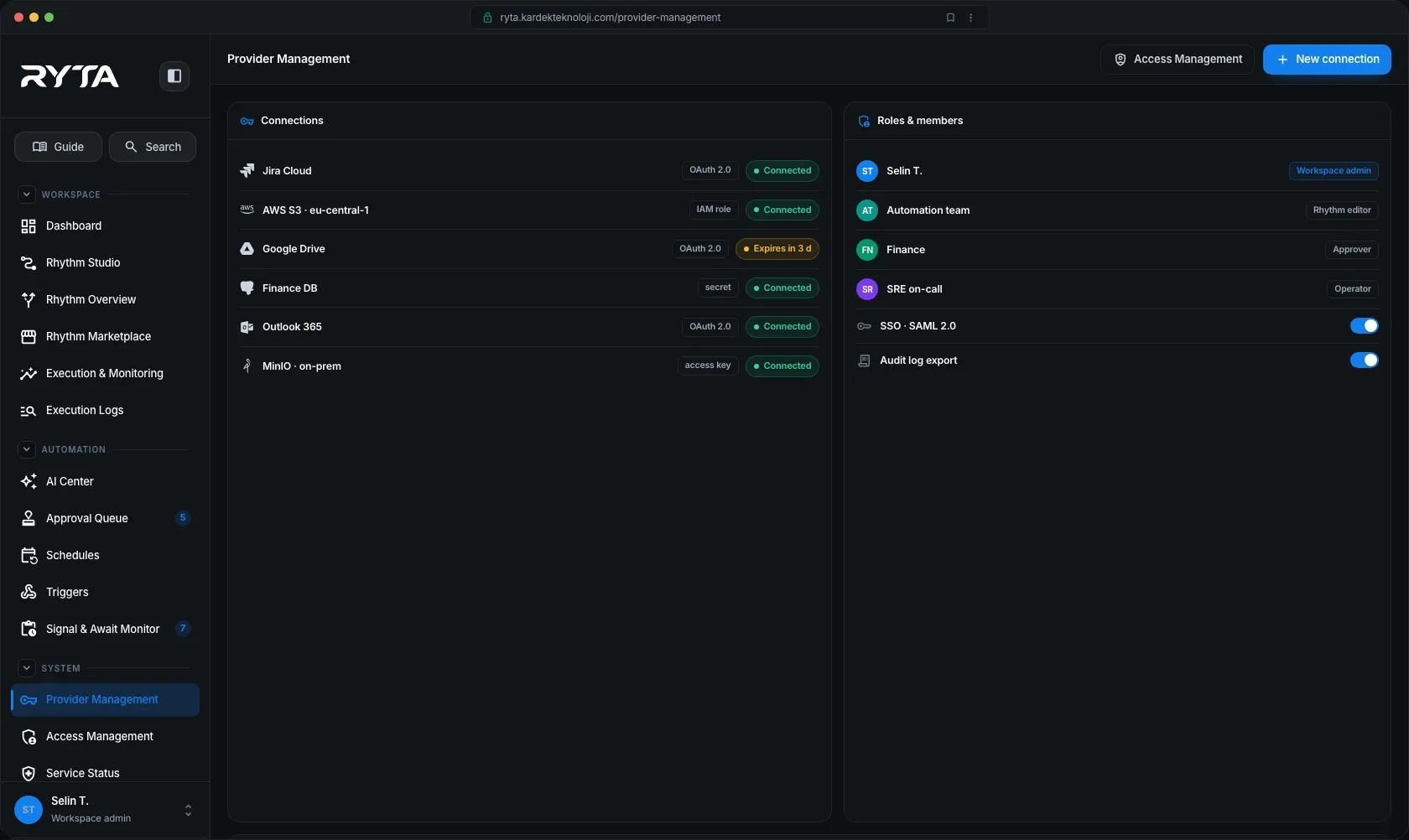
    hubIntegrations

    Your tools, connected. Your work, in sync.

    Bring the tools you trust into the same flow. Connect cloud platforms, databases, office apps, messaging and AI. Need another connection? Let’s build it together.

    Apache Kafka PostgreSQL AWS Azure Google Cloud Kubernetes Docker Redis MongoDB Elasticsearch RabbitMQ MinIO
    Jira Excel Google Sheets Google Drive OneDrive Outlook GitLab GitHub Actions Claude Gemini Telegram Databricks
    verifiedIn production

    Our daily rhythm. Powered by RYTA.

    Our rhythm started at home. At KardEk, RYTA connects payment, invoicing, welcome emails and account access. The same engine that keeps our work moving is ready for yours.

    KardEk Technology · daily operations In production

    rhythm customer-onboarding · trigger payment.captured

    1. shopping_cart_checkoutPayment capturedOnline store
    2. receipt_longE-invoice issuedAccounting
    3. mailWelcome emailMessaging
    4. how_to_regCustomer record createdCustomer records
    5. lock_openAccount access grantedCustomer portal
    5systems, one automation platform
    0manual steps per new customer
    100%of hand-offs audited & replayable
    monitor_heartOperations

    When the unexpected happens,
    keep your rhythm.

    Confidence comes from knowing what to do next. See the alert, trace the cause and bring the process back into rhythm, with its history beside you.

    • check_circleEvery run is a story. What came in, what went out and how long each step took, kept together.
    • check_circleResume, don't restart. Continue a stopped process from its last good step.
    • check_circleNever twice by mistake. A retried process will not charge, post or import anything twice.
    • check_circleHealth at a glance. The status of every part of the platform on one screen, each with its own history.
    • check_circleVersioned rhythms. Compare versions, roll back, and see which version each run used.
    manage_searchexecution-logs · exec_01JBQ5…7D3 SUCCESS
    10:19:44.002  START    edi-order-import  v9  trigger=kafka
    10:19:44.061  OK       kafka.consume            partition=3 offset=88214
    10:19:44.190  OK       edi.parseEnvelope        segments=41
    10:19:44.402  RETRY    erp.pushOrder            attempt=1 · 503 upstream
    10:19:46.418  RETRY    erp.pushOrder            attempt=2 · backoff 2s
    10:19:50.451  FAIL     erp.pushOrder            attempt=3 · 503 upstream
    10:19:50.455  SIGNAL   approval.requested       queue=sre-oncall
    10:24:12.881  OK       approval.granted         by=emre.k
    10:24:12.902  RESUME   erp.pushOrder            from checkpoint #4
    10:24:13.640  OK       erp.pushOrder            201 Created
    10:24:13.641  END      status=SUCCESS  duration=00:04.9 (+4m21s held)
    edi-order-importrhythm 3attempts 4m 21sheld for approval 0duplicates
    helpFAQ

    A clear start.
    Answers that matter.

    Start with what matters to your team. Find the essentials here, then explore your own process with us.

    forumAsk the Team
    What happens to a process if a system goes down?add

    Your progress stays with the process. Completed steps are saved; when the system returns, the flow continues from where it stopped.

    Can we add steps for our own systems?add

    Yes. Package your own tools as plugins and bring them into Rhythm Studio. Your IT team can use familiar languages, and KardEk can help build the connections you need.

    Where does RYTA run?add

    In your own cloud or data centre, or operated for you by KardEk. Your data stays where you decide.

    Can an AI step act on its own?add

    You set the boundaries. Ryta AI uses the tools you allow; important actions wait for human approval.

    How do we get started?add

    Bring a real process. Together, we map its steps, connect the first system and show how RYTA keeps the work moving and visible.

    graphic_eqNext step

    Put your operations
    on a steady beat.

    Bring your process. Meet the team behind RYTA. From your first walkthrough to a pilot and beyond, KardEk Technology is your point of contact.

    1. forumWalkthroughBring one real process and we map it onto a rhythm together.
    2. sciencePilot in your cloudConnect the first systems and run it on your own data.
    3. rocket_launchGo live, supportedTraining, clear documentation and a team that knows the platform inside out.